
What it does
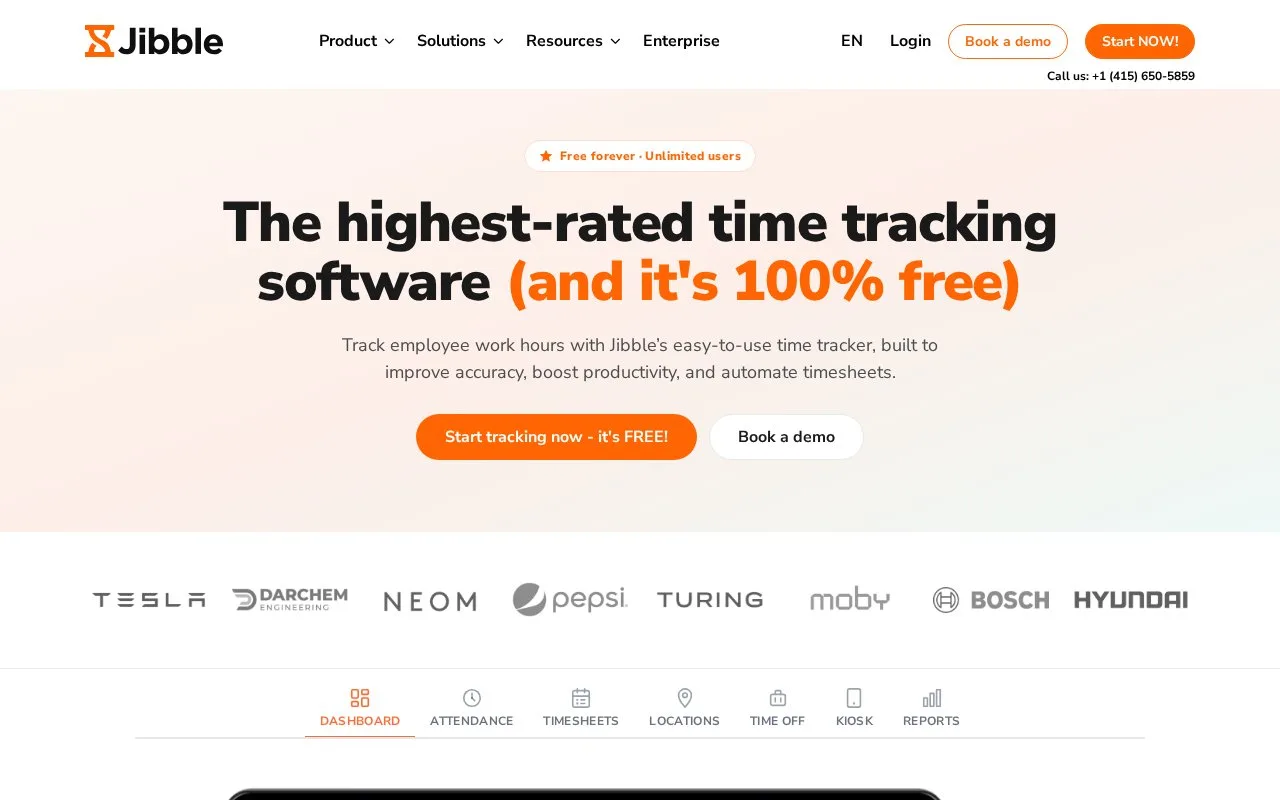
Jibble combines work-hour tracking with attendance, timesheets, project records, time-off management, approvals, reports, and exportable data. Its homepage describes a free service with unlimited users and features such as GPS clock-ins, geofencing, selfie capture, NFC or PIN verification, and an attendance dashboard.
A team can review attendance in a dashboard, track hours against projects, approve timesheets, and export reports as XLS or CSV. The product page also lists time-off requests, work schedules, role-based groups, and invoicing from tracked hours, making Jibble broader than a simple start-and-stop timer.
Jibble advertises its core time-tracking service as free forever with unlimited users. It also lists optional verification and location features, including selfie capture, geofencing, GPS stamps, and NFC or PIN checks. Organizations should assess whether those collection methods suit their policy before enabling them; no account, clock-in, or export was tested.
Strengths
- The vendor advertises free time tracking with unlimited users.
- Includes attendance, timesheets, project tracking, time-off, approvals, and reporting in one service.
- Reports can be downloaded as XLS or CSV, according to the product page.
Watch out for
- Optional selfie, GPS, and geofencing features involve identity or location data that teams should evaluate before use.
Best for
- Organizations that need both work-hour tracking and attendance workflows
- Teams that need project hours, timesheet approvals, and downloadable reports
Sources
- Jibble: FREE Time Tracking Software (Oct 25, 2026)
- Jibble: FREE Time Tracking Software (Oct 25, 2026)