
What it does
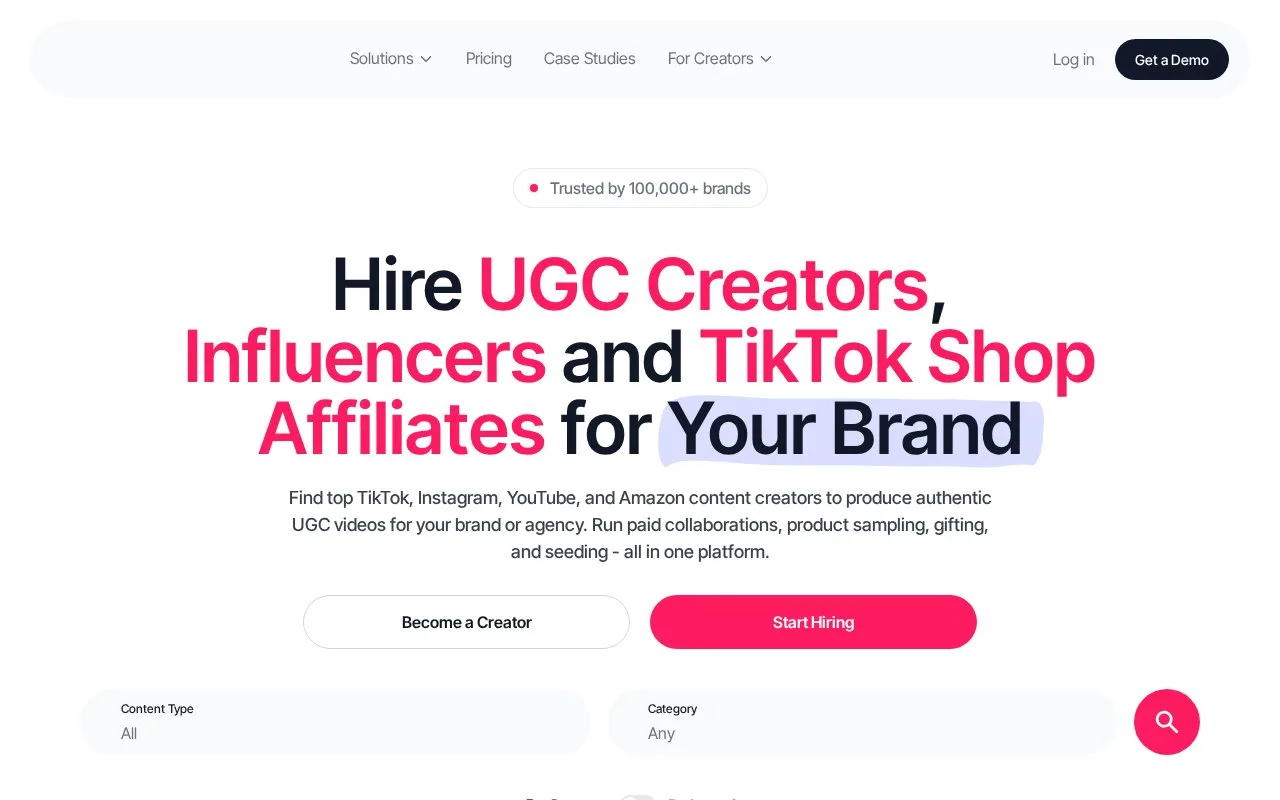
JoinBrands lets brands commission creator photos, videos and social posts through campaign jobs. Account access has a Free plan and optional subscriptions, while creator work and platform fees remain chargeable. Jobs hold the brief, shipping details, submissions and review decisions.
Choose Content Only when the brand will publish the asset, or Content + Posting when the creator should publish it too. In the campaign builder, select the content type, write the brief, add references and product delivery details, then inspect the price summary. Show Examples previews work matching the selected format.
After JoinBrands checks a submission, open the campaign's Jobs section and select Pick content. Approve it, request changes or reject it with a reason. A chat message does not register a rejection: use the review control. Revision feedback must relate to the original brief. Revised content becomes automatically approved if the brand leaves it unanswered for ten days.
| Brand plan | Platform fee | Revisions per job | Maximum resolution |
|---|---|---|---|
| Free | 15% | 1 | Full HD |
| Start-Up | 12% | 2 | 4K |
| Pro | 10% | 3 | 4K |
| Max | 8% | 10 | 4K |
Paid plans also supply monthly Roll Over Cash toward creator work. These credits accumulate while a paid subscription remains active, including after moving to a lower paid tier, but are lost on cancellation or a downgrade to Free.
A job conversation is different from starting a new Direct chat with an unassigned marketplace creator. Direct chats require a paid plan; reopening an existing chat or messaging a creator your company has already completed a job with does not consume a new-chat allowance.
Invited colleagues should register through their emailed invitation with an email address and password. Using Google or Apple signup for that invitation does not link the account to the brand team correctly.
Strengths
- The review screen separates approval, revision requests and rejection
- Campaign formats distinguish asset delivery from creator posting
Watch out for
- Free access still carries creator costs and a 15% platform fee
- Accumulated Roll Over Cash is lost on cancellation or downgrade to Free
- New Direct chats with marketplace creators require a paid plan
Best for
- Brands managing creator assets and optional social posting through individual jobs
Sources
- JoinBrands: Hire UGC creators, influencers & Tiktok shop affiliates instantly. (Oct 26, 2026)
- JoinBrands Pricing - UGC, Affiliate & Influencer Plans | Free to Start (Oct 26, 2026)
- JoinBrands brand subscription plans (Oct 27, 2026)
- JoinBrands getting started guide for brands (Oct 27, 2026)
- JoinBrands revision scope and automatic approval (Oct 27, 2026)
- JoinBrands direct chats with creators (Oct 27, 2026)
- JoinBrands collaborator account setup (Oct 27, 2026)