
What it does
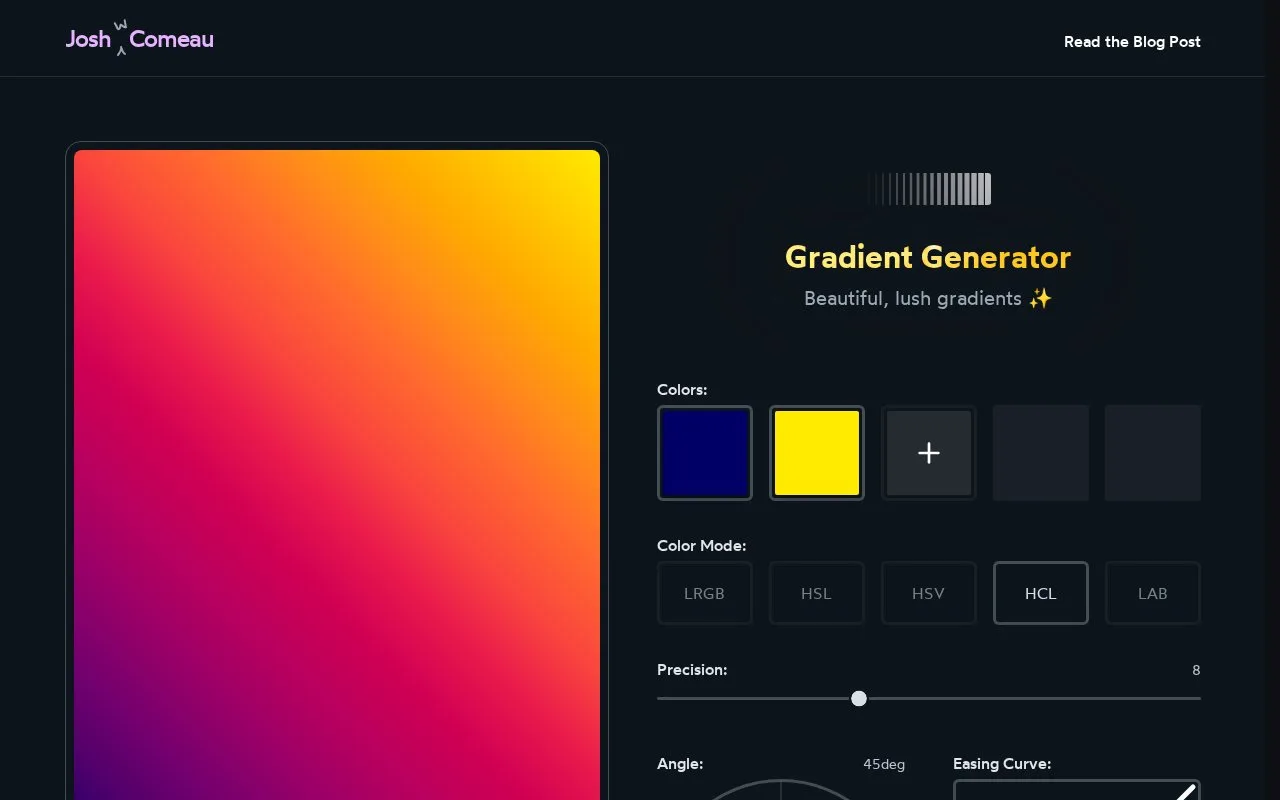
Josh W. Comeau’s browser generator lets you compare ways of blending colours, adjust the transition and copy CSS for a linear gradient. An accompanying article explains why added colour stops can change the appearance of the blend.
Choose the colours, then compare the LRGB, HSL, HSV, HCL and LAB options. Angle controls the direction; Precision changes the intermediate stops, and the easing choices alter how the transition is distributed. The preview sits beside generated CSS, with Copy CSS and Copy URL actions.
The generator calculates extra stops along the chosen colour path. It then writes them into a CSS linear-gradient value, so the browser only blends between nearby stops. The article uses a blue-to-yellow example to show how different paths can avoid a dull middle. It also explains that HSL does not keep perceived lightness uniform.
Only linear gradients are generated directly. For a radial or conic gradient, the author suggests carrying the colour stops into that CSS shape manually.
The linked site terms grant personal, non-commercial access and limit copying of site content to that scope, unless separately agreed in writing or allowed by law. They cover the main site as well as the course platform.
Strengths
- The preview and CSS output stay together while changing the blend.
- Copy URL preserves a gradient as a shareable link.
Watch out for
- Radial and conic gradients require manual adaptation of the colour stops.
- The site’s published access and content-copying grant is personal and non-commercial.
Best for
- Front-end learners exploring colour transitions and multi-stop CSS.
Sources
- CSS Gradient Generator (Oct 28, 2026)
- Make Beautiful Gradients in CSS (with linear-gradient, radial-gradient, or conic-gradient) - Josh W. Comeau (Oct 28, 2026)
- Terms of Use - Josh W Comeau’s Course Platform (Oct 28, 2026)