What it does
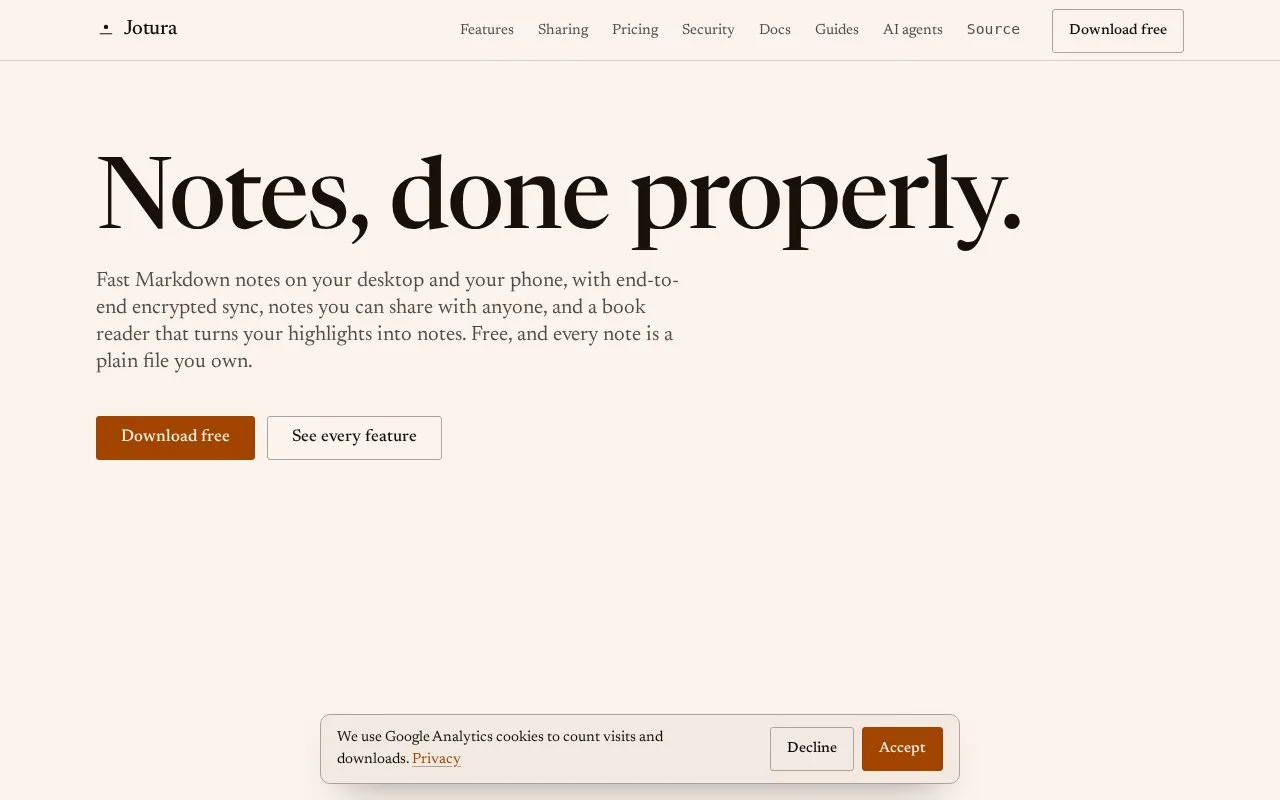
Jotura is a Markdown note-taking app for desktop and Android. Its free app keeps a local vault as ordinary Markdown files, works offline, and requires no account; the paid Sync service adds end-to-end encrypted synchronization, sharing, version history, and encrypted backup. The official pricing page lists Sync at £4 monthly or £40 annually, with local-currency checkout for some regions.
Keep a portable Markdown vault
The documented starting workflow is to open a vault and choose New note; Jotura creates a named note in the vault root or in the folder selected in the file tree. That makes it straightforward to keep a research note beside other files in an ordinary folder. The getting-started guide also describes a dashboard, quick-open, search, and a command palette.
The free app is useful even without an account: the pricing page says the editor, local Markdown vault, and full-text search are included for free. Sync is a separate £4/month or £40/year subscription; the page lists encrypted sync, sharing, three years of version history, and encrypted backup. The homepage also describes a phone book reader that turns highlights into notes. No app, sync, or encryption behavior was tested, and the official download list checked here showed Mac, Windows, Linux, and Android rather than an iOS app.
Strengths
- The free app stores notes as ordinary local Markdown files and works offline without an account.
- The documented note-creation flow supports creating notes at the vault root or inside a selected folder.
- Paid Sync adds sharing, version history, and encrypted backup for users who need cross-device continuity.
Watch out for
- Cross-device sync and sharing require the separate paid Sync service.
Best for
- Keeping a searchable Markdown vault that remains usable without a subscription
- Reading and annotating books on Android while keeping highlights with other notes
Sources
- Getting started | Jotura Docs (Oct 25, 2026)
- Pricing | Jotura (Oct 25, 2026)
- Jotura | Official Product Homepage (Oct 25, 2026)