
What it does
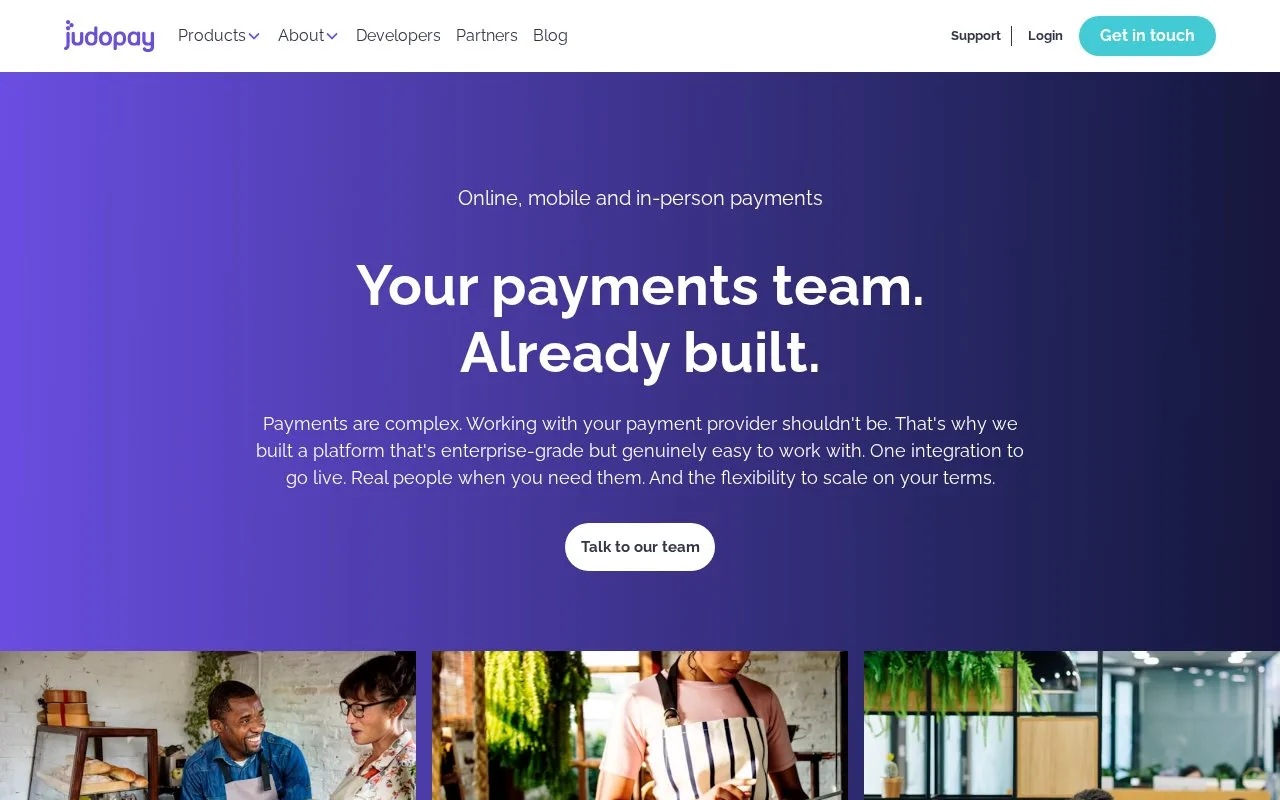
Judopay provides payment integration for online, mobile-app and in-person sales. It offers full-service merchant arrangements or a gateway connection to an existing acquiring bank. UK businesses can apply, and other markets depend on the acquiring route; live processing is paid and requires business and identity checks.
Choose the acquiring arrangement
| Option | What it covers | Pricing basis |
|---|---|---|
| Gateway only | Keep the existing bank relationship and connect Judopay’s payment technology | Quoted fixed fee per transaction |
| All-in-one | Merchant account alongside the gateway | Quoted blended pricing or interchange and scheme costs plus provider charges |
| Custom pricing | Tailored gateway or full-service setup | A business-specific quote |
Judopay can onboard merchants in the European Economic Area through its partner-acquiring arrangement. Gateway access elsewhere depends on a connection to the required acquirer. The application asks for the legal business name, directors, website, collection methods and proof of identity and residential or business address; further documents may be requested.
Send and track a payment link
In the portal, choose PayByLink and Create Link. Select the Location, then enter a unique consumer reference, your payment reference, amount, currency and future expiry date. Choose Create, then copy the URL or download its QR code to share. Use Filter in the PayByLink list to view the relevant location and Active, Paid, Expired or Cancelled links.
The pricing offer advertises next-day settlement for All-in-one. Your full-service funding terms are set in the acquirer contract and reflect the business type, advance payments and fulfillment lead times. Gateway-only customers should use their bank’s funding schedule.
Strengths
- History exports transaction results to CSV.
- The Declines Dashboard groups unsuccessful payments by acquiring-bank response code.
- Payment links can also be created through the programming interface (API).
Watch out for
- A link takes only one payment and expires after three failed attempts.
- A portal-created link’s expiry must be in the future and within one year.
- Currencies that do not use two decimal places need support assistance for the portal payment-link form.
Best for
- UK and eligible European businesses connecting customer collection channels
- Merchants retaining an existing acquiring bank while changing gateway technology
- Customer-service teams requesting and checking remote bill payments
Sources
- Judopay: Merchant payment channels (Oct 27, 2026)
- Judopay: Gateway, full-service and custom pricing (Oct 27, 2026)
- Judopay: Merchant account application requirements (Oct 27, 2026)
- Judopay: UK and other-market onboarding (Oct 27, 2026)
- Judopay: Create a PayByLink in the portal (Oct 27, 2026)
- Judopay: Payment-link expiry and attempt limits (Oct 27, 2026)
- Judopay: Filter and view payment links (Oct 27, 2026)
- Judopay: Full-service and gateway payout terms (Oct 27, 2026)
- Judopay Portal: Main menu and reporting functions (Oct 27, 2026)
- Judopay: Payment-link integration options (Oct 27, 2026)