
- SI Score
- 74/100
- Pricing
- Freemium
- Free plan
- Not confirmed
- Sign-up required
- Not confirmed
Ask SI about Kapwing
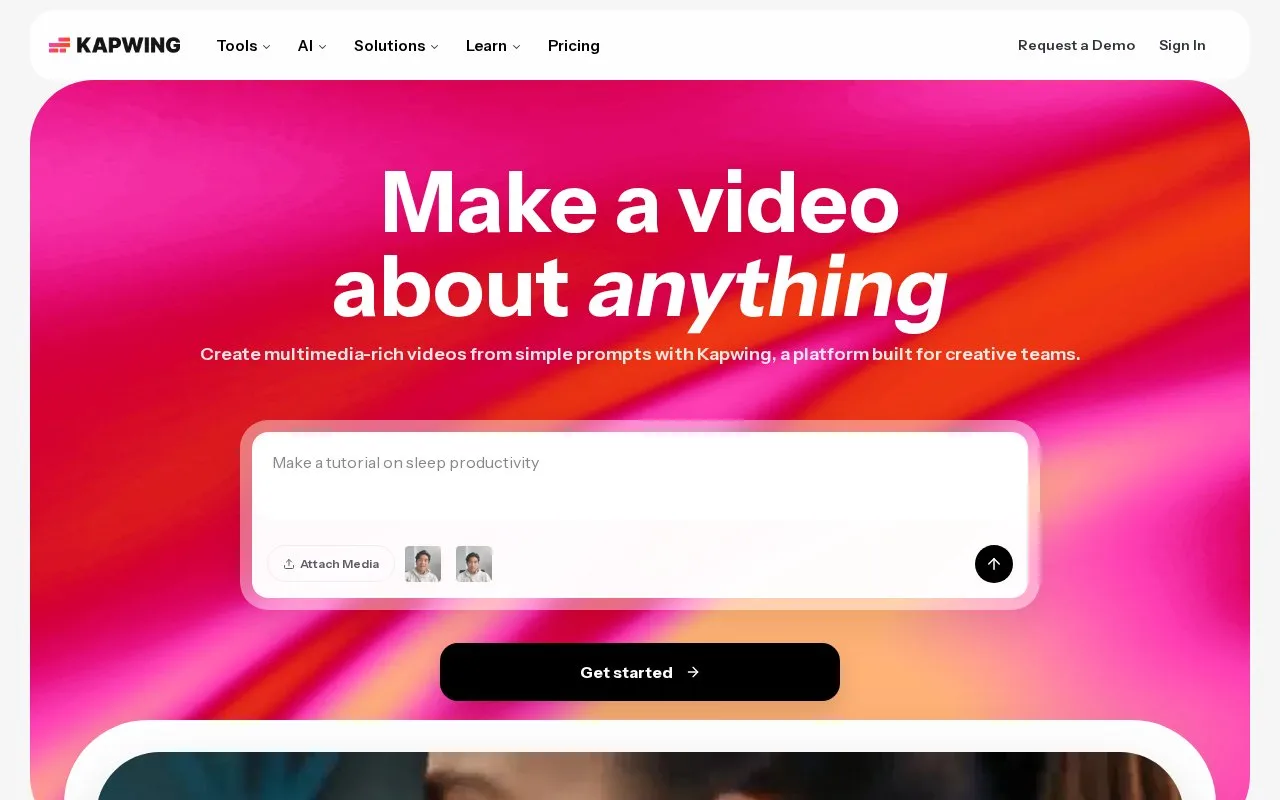
Answers use saved listing facts and recorded sources.Homepage screenshot
What it does
Kapwing is a browser-based video platform for creating and editing video content. It offers a drag-and-drop timeline editor, auto subtitles, audio editing, text to speech, dubbing, and AI tools such as a video generator and script generator. It is used by marketing teams, internal comms teams, content creators, and educators.
Kapwing runs in the browser, so there is nothing to install. The homepage lists a video editor with a drag-and-drop timeline, an auto subtitle generator, an audio editor, text to speech, dubbing, and a repurpose studio. AI tools include a video generator that turns a text prompt into a project with layers, timing, and sound, plus a script generator and smart cut. The pricing page shows a free tier with 10 credits, exports with a watermark, videos up to 4 minutes, 720p quality, and 5 GB of storage. The Pro plan costs $16 per month and lists 1,000 credits per month and no Kapwing watermark. The homepage says Kapwing is used by over 30 million creators. The site does not state whether an API or open source code is available, so those remain unknown. A visitor can start editing from the homepage, but the page also shows a sign in link, so account requirements are not fully clear from the text alone.
- Browser-based editing with no installation
- AI video generator, script generator, and smart cut tools
- Auto subtitles, text to speech, dubbing, and translation
- Free plan with 10 credits and 5 GB of storage
- Free plan exports include a watermark
- Free plan videos are limited to 4 minutes and 720p
- No API or open source information is provided on the homepage or pricing page