
What it does
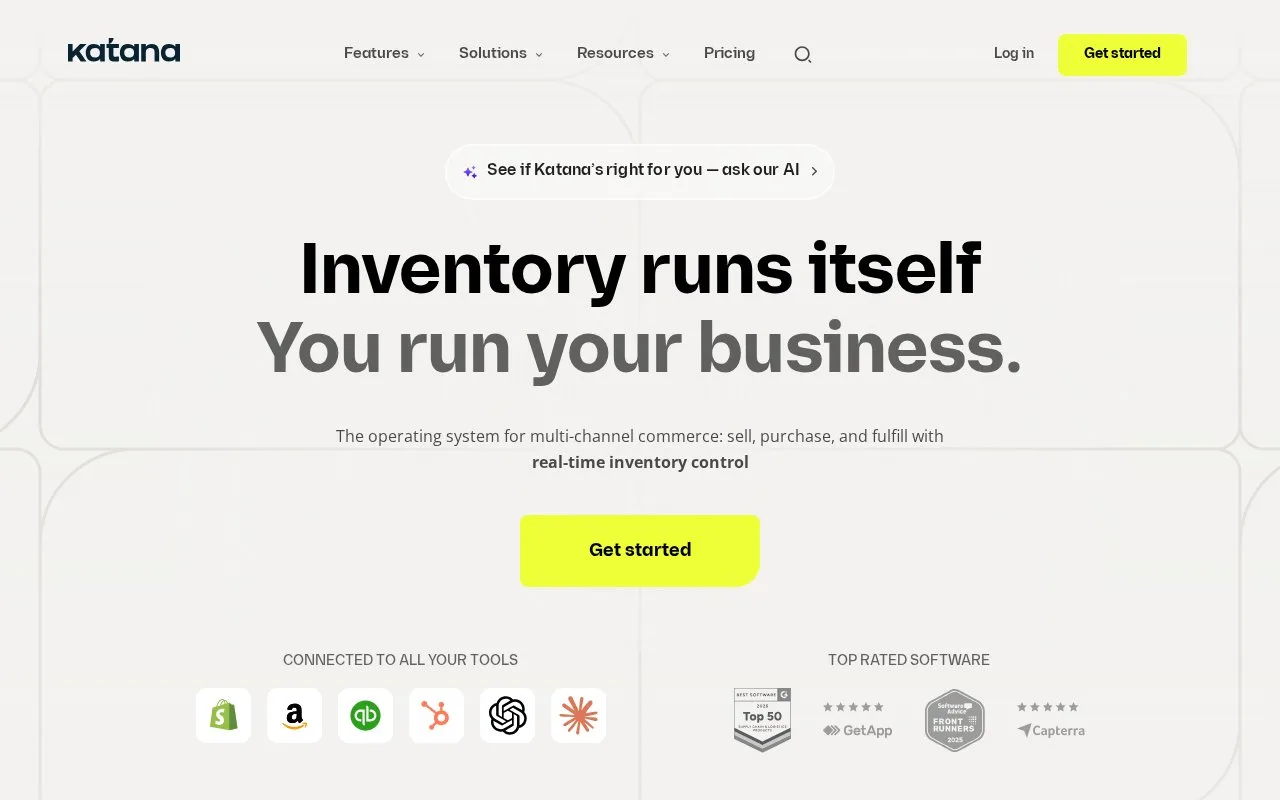
Katana manages customer orders, inventory, purchasing and manufacturing. Its Sell, Make, Buy and Stock screens connect demand with finished goods and materials.
Start in Sell to distinguish an unavailable finished product from a production or materials delay. Make shows manufacturing orders and ingredient availability; drag orders within its schedule to change priority. Make-to-order work belongs to a particular sales order, while make-to-stock work does not.
In Stock, check the variant's on-hand, committed and expected quantities before promising a delivery. Buy tracks incoming purchase orders. Goods expected from a supplier are not yet available stock.
Free and Advantage
Free supports up to 30 SKUs, with unlimited users and locations. The first 15 days allow an unlimited catalog; afterward, reduce it to 30 or arrange an upgrade. Although integration capacity is described as unlimited, Shopify is currently the only ecommerce connection available on Free.
Advantage is a custom annual contract covering the agreed implementation and ongoing services. It removes the SKU ceiling. Define the required connections and custom work in that scope.
Each user needs a Katana account and individual credentials. Free accounts inactive for three months or longer may be suspended or deleted.
Strengths
- Sales demand can be checked against materials and production
- Free permits unlimited users and inventory locations
Watch out for
- Free ecommerce integration is limited to Shopify
- Free catalogs must fit 30 SKUs after the first 15 days
Best for
- Product businesses connecting customer orders with purchasing or light manufacturing
Sources
- Cloud Inventory Management Software for Total Visibility — Katana (Oct 26, 2026)
- Understanding Katana screens (Oct 27, 2026)
- Katana pricing (Oct 27, 2026)
- Katana Terms of Service (Oct 27, 2026)