
What it does
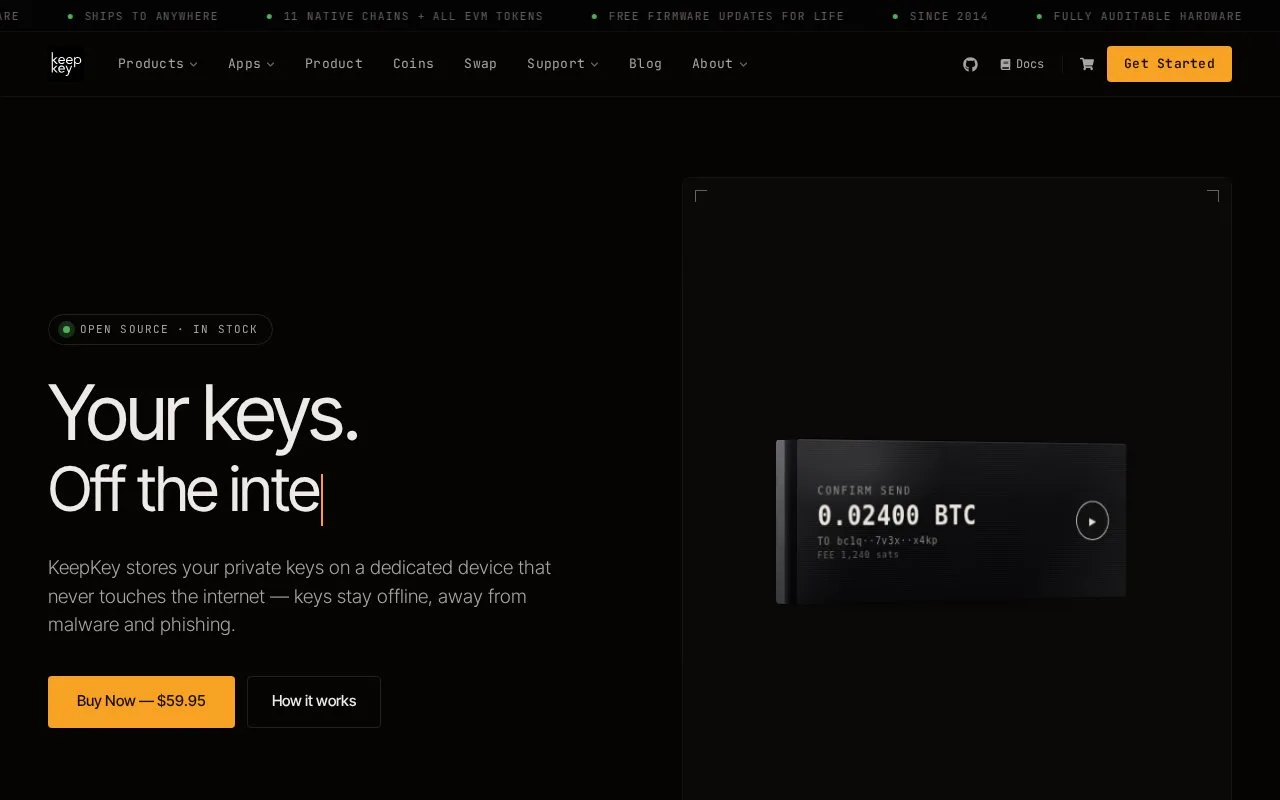
KeepKey provides a USB hardware signer with an OLED transaction display and companion desktop and browser software. The Classic device costs USD 59.95, and the companion apps are free to use with it. Wallet setup does not require registration.
KeepKey displays recipient, amount and fee information on the device before approval. The computer prepares the request, while the hardware supplies a separate confirmation step. That distinction also applies when a browser application connects through the KeepKey extension.
Start with KeepKey Desktop
Download the desktop version for Windows, macOS or Linux and connect the device by USB. Follow the setup wizard for any bootloader and firmware updates, with the bootloader updated first. Set the PIN, create the wallet and record its recovery phrase using the device prompts.
KeepKey Desktop, formerly called Vault, supports Windows 10 or later, macOS 13 or later and 64-bit Linux. The Chrome extension needs Desktop running; installing the extension alone is not the complete hardware connection.
For a supported swap, open Swap in Desktop, choose assets and an amount, then review the route, fees, slippage and expected output. Approve on the hardware and follow the transaction in Activity. Outside protocols and network charges remain relevant even though the companion software has no app subscription.
A replacement device can restore a supported 12- or 24-word wallet and its original optional passphrase. Incorrect PIN attempts introduce delays rather than automatically wiping the wallet. Asset support also needs to be checked by interface: transparent Zcash is supported, while shielded Orchard functionality is still described as pre-alpha.
Strengths
- Transaction records can be exported as PDF files
- Incorrect PIN attempts slow further entry instead of triggering an automatic wipe
Watch out for
- The browser extension depends on the desktop application
- Network and swap-provider costs are separate from the hardware price
- Shielded Zcash support is not yet a general-release feature
Best for
- Desktop users who want a separate hardware approval screen
- People reviewing supported swap routes before signing on a USB device
Sources
- KeepKey hardware and applications (Oct 27, 2026)
- KeepKey Classic product and current features (Oct 27, 2026)
- KeepKey Desktop setup and system requirements (Oct 27, 2026)
- KeepKey recovery, PIN and browser FAQ (Oct 27, 2026)