
What it does
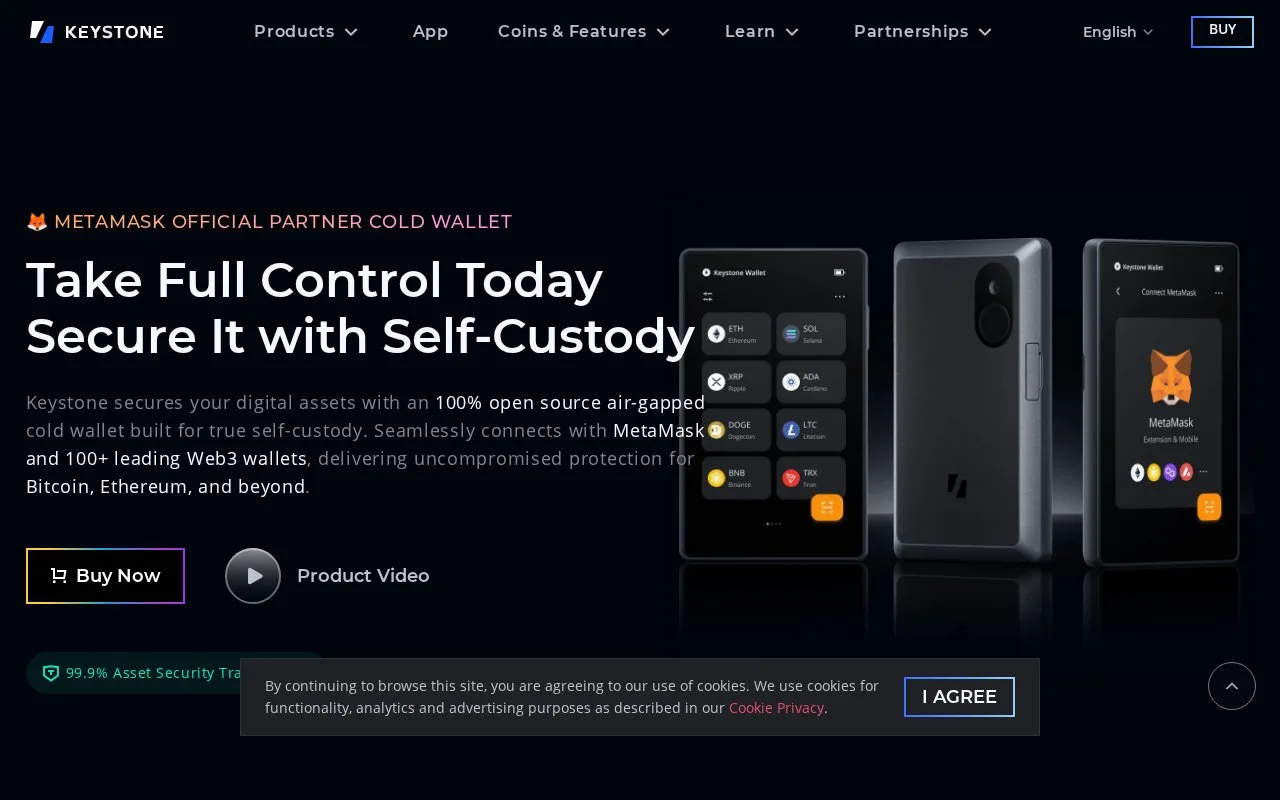
Keystone sells hardware signers for compatible wallet applications. Its 3 Pro can pair with the Nexus mobile app or supported third-party wallets while keeping signing keys on the purchased device.
The software wallet and Keystone device have different roles: the application prepares a request, while the hardware displays the transaction for signing. Begin with the integration guide for the exact wallet and blockchain you intend to use. MetaMask, BlueWallet and other listed integrations do not imply identical support for every asset or function.
The base Keystone 3 Pro costs USD149 with one-year coverage. It is currently offered as a pre-order, with an estimated dispatch window of four to six weeks. Taxes and import charges are additional, and shipping terms depend on the destination. Purchasing requires an adult buyer with legal capacity; using the initialized signer does not require a Keystone login.
During setup, verify the device through Keystone's verification page, choose a device password and select Create New Wallet. Record the generated recovery words and complete the word-order check. Moving recovery words previously exposed to a phone into the hardware does not undo that exposure.
Nexus provides a concrete example of the QR signing process. On the 3 Pro, open its three-dot menu and select Keystone Nexus. In the phone app, choose Start protecting your assets, then Scan to connect, and scan the device's code. Select the assets to display.
For a payment, choose an asset in Nexus, select Send and enter the recipient and amount. The app produces a transaction QR code. Scan it with Keystone, inspect the details on the device and approve only if they match your intention. Scan the resulting device code back into Nexus to finish. Nexus's swap function separately asks for location permission on first use.
Keystone publishes firmware, hardware schematics and build-verification material. Its transparency page also identifies vendor restrictions on some microcontroller libraries, a useful qualification to the broader open-source claims.
Strengths
- Dedicated screen for checking a transaction before signing
- Nexus exchanges transaction requests and signatures through QR codes
- Publishes firmware and hardware inspection material
Watch out for
- The current base 3 Pro order is a pre-order
- Recovery words still need careful offline storage
- Third-party wallet compatibility and vendor-library access have limits
Best for
- People seeking a separate signer for supported wallet applications
- Comparing QR-based hardware signing with a phone-only wallet
Sources
- Keystone 3 Pro product and price (Oct 27, 2026)
- Keystone device setup (Oct 27, 2026)
- Keystone Nexus mobile connection and transactions (Oct 27, 2026)
- Keystone software and hardware transparency (Oct 27, 2026)
- Keystone sales terms (Oct 27, 2026)