
What it does
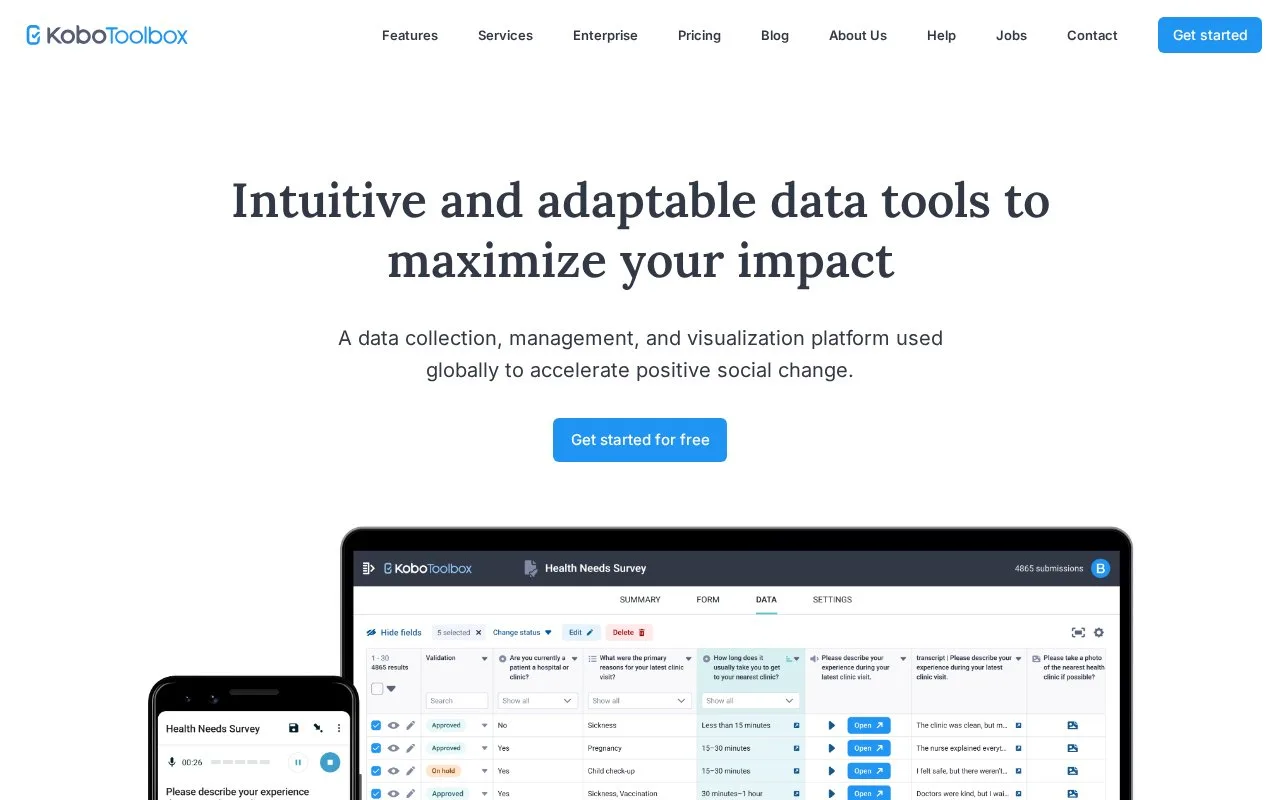
KoboToolbox builds forms for browser and Android field collection, with project data review and exports. Authors can use the visual builder, templates or XLSForm spreadsheets. Eligible nonprofit users have free Community hosting, with paid upgrades and add-ons for larger projects.
Choose a Global or EU server when creating an account, then activate it through the emailed link. Collaborators must use the same server: accounts and project sharing do not cross between the two. KoboToolbox says its EU service stores data in the European Union.
In NEW, choose Build from scratch, enter project details and add questions. Each question's settings control requirements, appearance and skip logic. Preview, save and close the draft, then select DEPLOY on the FORM page. Copy the collection link or configure the Android KoboCollect app. For a public browser form, enable submissions without a username and password. Collected records appear under DATA for review and download.
Community hosting is free for eligible nonprofit, government and educational users; for-profit users should arrange paid access. It includes 1 GB of media storage. Individual uploads can be up to 10 MB, with 100 MB total per submission. The Plans area of account settings offers paid upgrades, and Add-ons offers extra storage and processing allowances.
What happens at the limit?
When an account exceeds storage or submission limits, its owned projects cannot receive or edit submissions. Existing data remains available for viewing and export. Offline submissions stay on the collection device until uploads can resume. After more than 90 days over the storage limit, KoboToolbox begins removing the oldest media attachments, while retaining the submission records.
The maintained KPI form-management application uses AGPL v3. API credentials are available in Account Settings > Security for connecting custom software.
Strengths
- A project can collect through browser links or the Android app.
- Offline entries remain on the device if an account limit prevents upload.
Watch out for
- Collaborators need accounts on the same public server.
- Long-running storage overages can lead to deletion of media attachments.
Best for
- Research and nonprofit field teams combining questionnaires, photos and other collected media
Sources
- Quickstart guide (Oct 27, 2026)
- Creating a KoboToolbox account (Oct 27, 2026)
- Account settings (Oct 27, 2026)
- Managing account usage limits (Oct 27, 2026)
- Media questions in KoboToolbox (Oct 27, 2026)
- About KoboToolbox (Oct 27, 2026)
- KoboToolbox pricing (Oct 25, 2026)
- KPI AGPL v3 licence (Oct 25, 2026)
- KoboToolbox (Oct 25, 2026)