
What it does
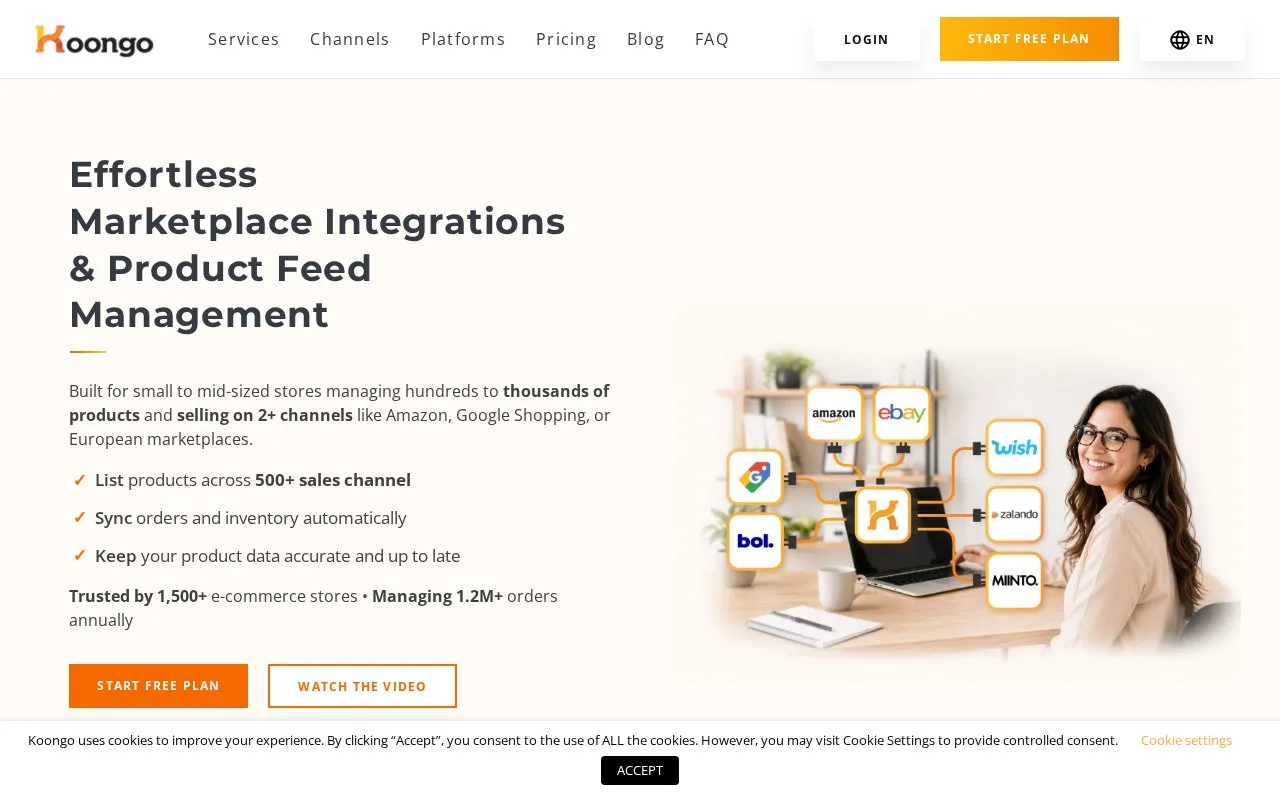
Koongo connects ecommerce stores with marketplaces, comparison sites and advertising destinations. It provides feed templates, attribute and pricing rules, inventory updates and marketplace order imports through a guided setup.
Choose the connection according to what the destination needs. A shopping feed prepares product data for advertising or comparison sites. A marketplace connection can also bring orders back into the store.
Create a Koongo account, then use Add New on the dashboard to connect your store. Under Marketplaces & Ads, + Add New opens the marketplace wizard. Choose whether to create items, update listings or sync orders. For a feed-based destination, use + Add New under Channels and select the required channel.
Channel rules can adjust prices, filter products or transform attributes. Update intervals vary by plan and integration; Koongo describes five-, 15- and 60-minute schedules. A slow schedule matters when several channels share limited stock.
Start with the free allowance
The permanent Free plan includes one store, 100 items, one feed, one marketplace, one advertising channel and up to 10 orders a month. Paid plans have a seven-day trial without a card and do not charge automatically at its end.
Paid order processing is a separate usage charge, including on plans described as supporting unlimited orders. Check both catalog capacity and expected order volume when choosing a plan.
Strengths
- Feed-only destinations and marketplace order connections can share the platform
- Per-channel prices, filters and attribute rules support different requirements
Watch out for
- Sync frequency varies by plan and integration
- Paid order processing adds a separate usage charge
Best for
- Online stores connecting product feeds and marketplace orders through guided setup
Sources
- Koongo: Marketplace Integrations and Product Feed Management (Oct 27, 2026)
- Koongo pricing (Oct 27, 2026)
- How do I start/connect with Koongo? (Oct 27, 2026)