
What it does
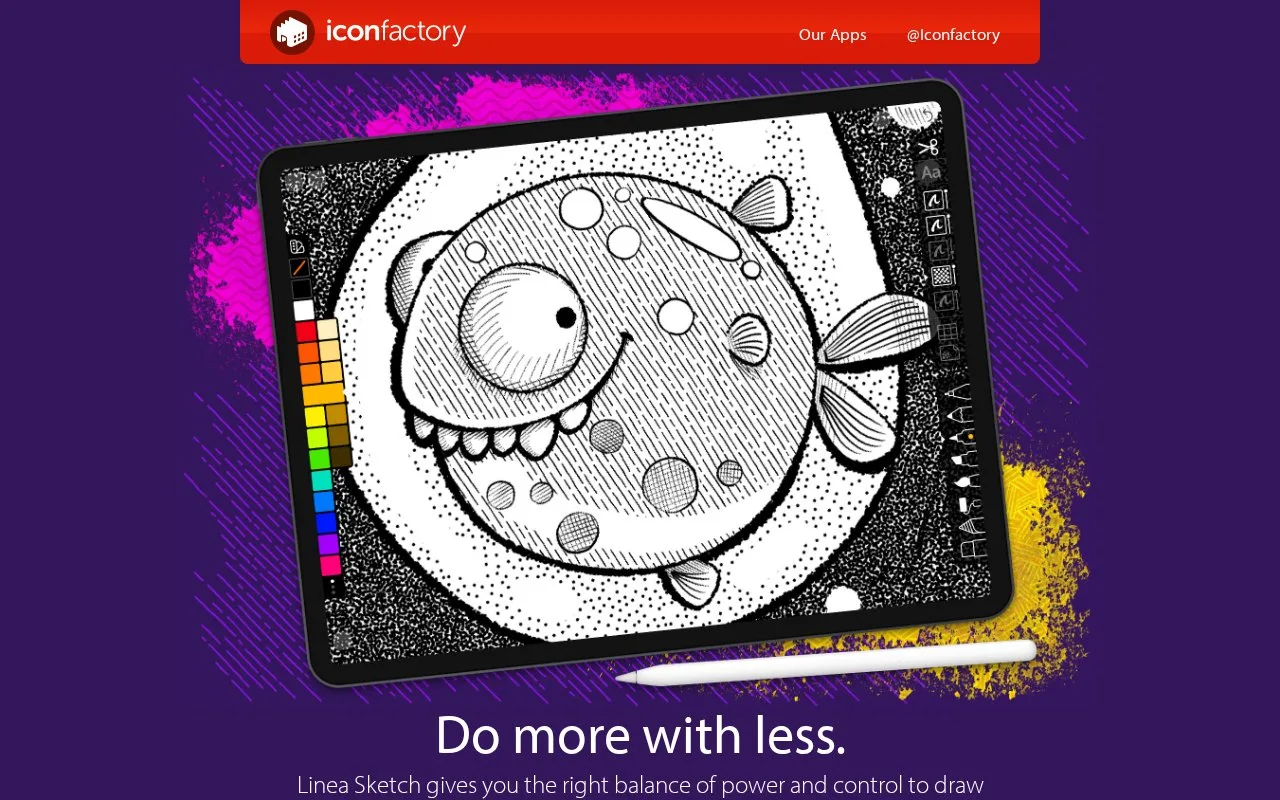
Linea Sketch is an iPhone and iPad sketchbook with five layers, shape correction, lasso transforms and process recording. Its tools support compact drawings and annotated ideas.
Hold briefly after drawing a rough shape and ZipShape regularises it. Handles adjust the resulting geometry, while the lasso moves or transforms content across one or several layers.
For an outlined illustration, place flood fills on the layer beneath the lines. This keeps colour edits separate and reduces edge fringing. Transparency Masking then limits further colour or shading to existing painted pixels. Five layers remain the document's working limit.
Export individual work as PNG, JPEG, PSD or PDF. A project's Actions menu can collect its sketches into a multipage PDF; process recording offers a short timelapse or full-length video. Linea Link provides a Mac handoff to other editors.
Basic features remain free with subscription reminders. Premium adds tools including text annotations and the watercolour brush, available by subscription or a one-time purchase. A two-week trial covers those premium tools.
Strengths
- Layer-aware fills keep outlines separate from colour
- Project export assembles several sketches into one PDF
Watch out for
- Documents are limited to five layers
- Text annotations and the watercolour brush require Premium
Best for
- Compact illustration studies and annotated concepts
Sources
- Linea Sketch features and Linea Link (Oct 27, 2026)
- Linea tips and workflow instructions (Oct 27, 2026)
- Linea Purchase Policy (Oct 27, 2026)
- Linea Sketch developer listing (Oct 27, 2026)