
What it does
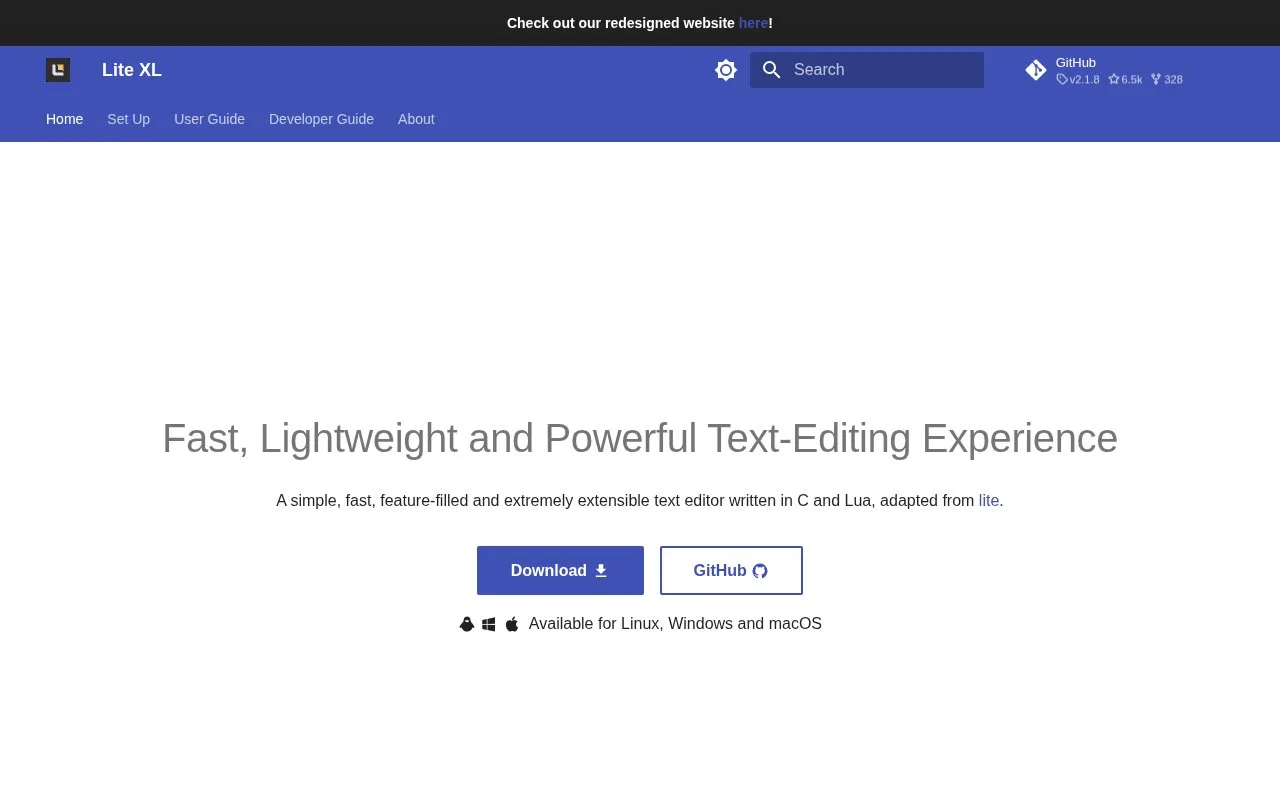
Lite XL is a lightweight desktop editor for opening and changing source files, with multiple selections, autocomplete, and split panes built in. Its small core is intentionally extensible: project documentation describes separate plugins for language-server features, terminals, source control, builds, and debugging. That makes it useful for someone who wants a fast editor and is comfortable assembling the programming tools they need rather than starting with a large, bundled IDE.
Lite XL starts as a text editor; the IDE workflow is assembled from plugins. The project site offers Windows, macOS, and Linux releases, and the setup guide explains both a minimal base package and an addons package with more plugins and syntax highlighting. That same guide says the two-package arrangement is being phased out, so check the current release page before choosing a package. On Linux, the documented AppImage route requires FUSE.
Open a project folder and use the editor's built-in panes, autocomplete, and multiple selections for a focused edit. If you want navigation and diagnostics, the official IDE setup guide lists the LSP and lint plugins; the LSP plugin needs a language server as well. For a more complete coding setup, the guide also lists a terminal, source-control integration, build integration, and debugger plugins. It documents the build plugin for make and the debugger plugin for GDB, so teams using another build or debug backend should check compatibility before relying on those integrations.
The editor's Lua-based user and project modules can hold preferences, key bindings, or project-specific commands. The core editor is MIT-licensed; plugin and dependency terms can differ, so check the relevant notices when bundling extensions.
Strengths
- Split panes, autocomplete, multiple selections, and Lua-based customization are documented as core editing capabilities.
- Official setup guidance provides desktop releases for Windows, Linux, and macOS, including installer, AppImage, and disk-image options.
- The IDE setup guide names separate plugins for LSP completion, diagnostics, terminals, source control, builds, and GDB debugging.
Watch out for
- Several IDE conveniences are plugin-based rather than core features; the documented build and debugging plugins describe make and GDB integrations, so users of other toolchains should check compatibility.
Best for
- Developers who prefer a lightweight editor that they can extend with selected plugins
- Editing source on modest desktop hardware without adopting a full project-centric IDE
Sources
- Lite XL - Fast, Lightweight and Powerful Text-Editing Experience - Lite XL (Oct 25, 2026)
- Getting Started - Lite XL (Oct 25, 2026)
- IDE Setup - Lite XL (Oct 25, 2026)
- LICENSE at master · lite-xl/lite-xl · GitHub (Oct 25, 2026)