
What it does
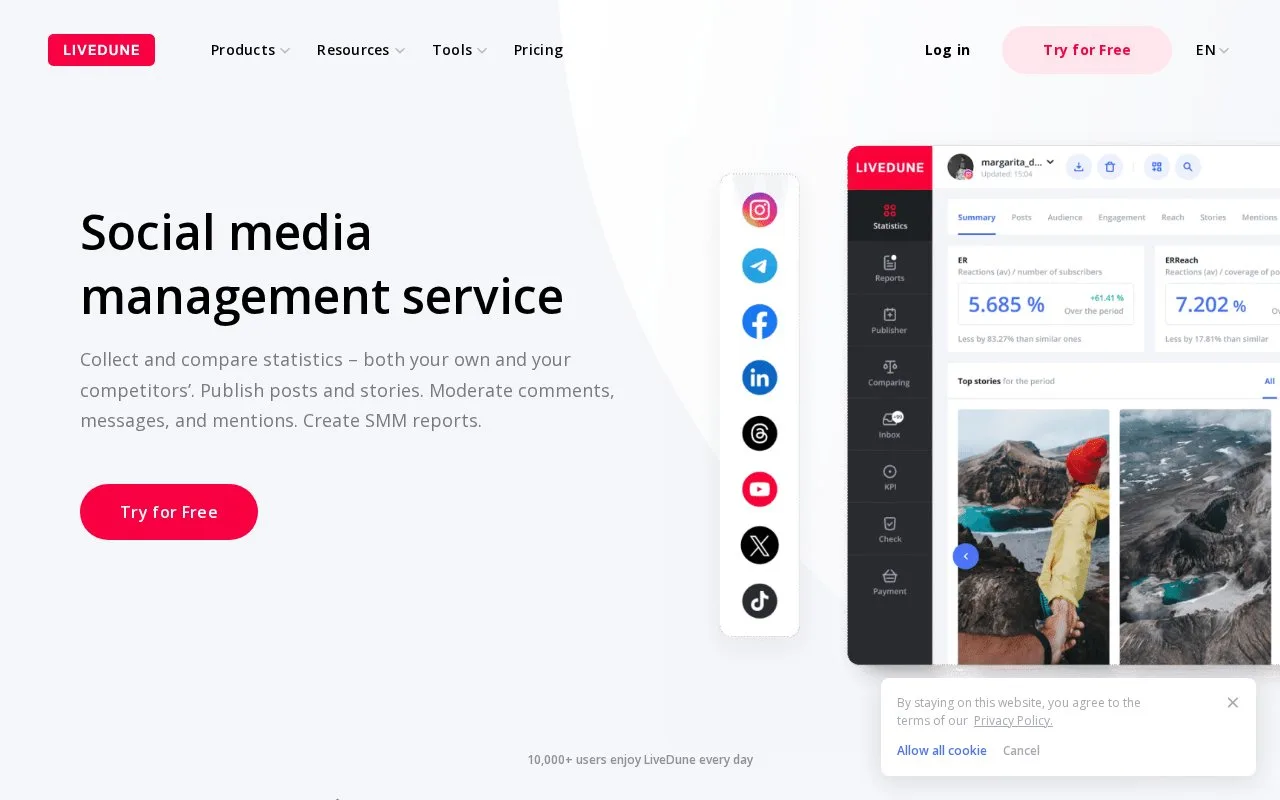
LiveDune combines social analytics, scheduled publishing, reports and comment or message management. Teams can grant colleagues access to selected accounts and modules. An account is required, with paid monthly or annual plans and a seven-day introductory period.
Connect LiveDune monitoring before the period you need to review. In the Inbox module, choose Add Account and select the relevant Dashboard accounts. Only comments and messages received after connection enter monitoring, so it cannot reconstruct an earlier campaign's conversation history.
In the comment view, reply, add a tag or close an item. Filters separate new, in-progress, closed and deleted comments; clicking a comment's timestamp opens it on the social network. Response statistics can be limited to working hours with Specify time, using the time zone in your profile.
Telegram notifications can send different accounts to different chats and allow replies from the notification workflow. Comment exports cover your own connected accounts and are unavailable during the trial.
Publishing has a separate calendar with drafts and previews. Add social accounts to Dashboard first; Telegram is configured inside Publisher. Team members can receive access to publishing without receiving access to inbox monitoring, which suits a content freelancer working alongside a customer-service team.
Subscriptions separate account capacity, users and historical analytics:
| Package | Account and history scope |
|---|---|
| Blogger | Five accounts and one year of analytics history |
| Corporate | Ten accounts and three years of analytics history |
| Agency | Confirm the selected account allowance before purchase |
Review the introductory offer's charge and automatic-payment terms during registration.
Strengths
- Account-specific Telegram routing separates response workloads
- Permissions can give a content collaborator publishing access without inbox access
Watch out for
- Monitoring does not retrieve conversations from before connection
- Trial access excludes comment export
Best for
- Social teams coordinating scheduled posts with incoming community responses
Sources
- LiveDune social management (Oct 27, 2026)
- LiveDune subscriptions (Oct 27, 2026)
- LiveDune Publisher (Oct 27, 2026)
- LiveDune comment monitoring and export (Oct 27, 2026)
- Start using LiveDune Inbox (Oct 27, 2026)
- LiveDune comment handling and statistics (Oct 27, 2026)
- Share LiveDune access with a colleague (Oct 27, 2026)
- LiveDune registration and trial (Oct 27, 2026)