
What it does
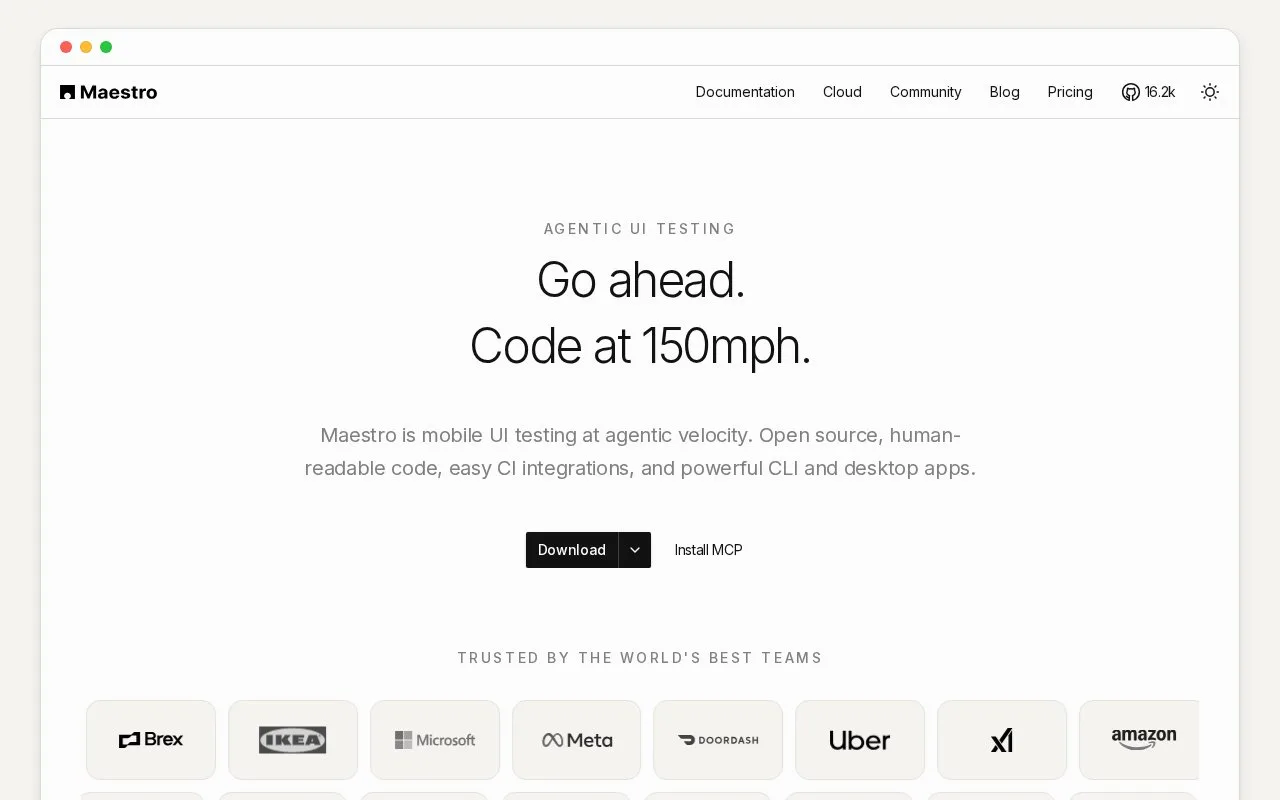
Maestro is a UI automation framework for mobile and web apps, with a local CLI and desktop Studio plus a hosted device-cloud option. Tests are declarative YAML flows that launch an app or browser, perform user-like actions, and assert visible results. Its framework-agnostic approach interacts with rendered interfaces, so a developer supplies the target app or URL, flow steps, and a compatible emulator, simulator, physical device, or cloud execution environment.
Maestro's first workflow is a YAML Flow describing a user journey: identify the app or web URL, launch it, tap or enter text, and assert that the expected screen content is visible. The official quickstart shows choosing an Android emulator or iOS simulator and creating a Flow for a sample Contacts app. For a project test, substitute your own app identifier or build and assertions that represent a meaningful user outcome. The Android guide says the app must already be installed on the target; the iOS guide uses an app bundle on a simulator.
Because Maestro operates at the rendered UI layer, the same flow style can apply across native mobile frameworks and web pages without adding test instrumentation to the application. The CLI can run local tests on emulators, simulators, or physical devices, while Maestro Cloud adds managed devices and parallel execution. Local CLI and Studio use are listed as free and open source; hosted Cloud and Enterprise are paid offerings. Exact Cloud rates are not reproduced here because the pricing page's displayed amount does not specify its currency or regional applicability.
This is an end-to-end UI check, not a replacement for unit tests or server-side assertions. Stable results still depend on the user choosing a valid target and writing flows that reflect the app's visible behavior; iOS simulator execution requires Apple's Xcode tooling.
Strengths
- Flows use readable YAML actions and assertions against rendered UI, with mobile and web testing documented by the project.
- The CLI can run locally on emulators, simulators, or physical devices; Cloud adds managed devices and parallel runs.
- The official pricing page lists local Studio and CLI access as free/open source, alongside paid Cloud and Enterprise options.
Watch out for
- The user must provide an app or URL, a flow, and a running or hosted target device; Maestro does not provide the application under test.
- iOS simulator testing requires Xcode and its simulator tooling.
- Cloud costs scale with the concurrent device capacity used.
Best for
- Mobile QA teams writing reusable UI journeys across Android and iOS apps
- Web or app developers who want end-to-end checks expressed as readable YAML flows
- Teams that want to start locally and move selected flows to managed parallel device runs
Sources
- Maestro, End-to-End UI Testing for Mobile and Web (Oct 25, 2026)
- QuickStart | Maestro Docs (Oct 25, 2026)
- How to install Maestro CLI | Maestro CLI | Maestro Docs (Oct 25, 2026)
- Android | Maestro Docs (Oct 25, 2026)
- iOS | Maestro Docs (Oct 25, 2026)
- Web Browsers | Maestro Docs (Oct 25, 2026)
- Maestro Pricing (Oct 25, 2026)
- Maestro LICENSE (Oct 25, 2026)