
What it does
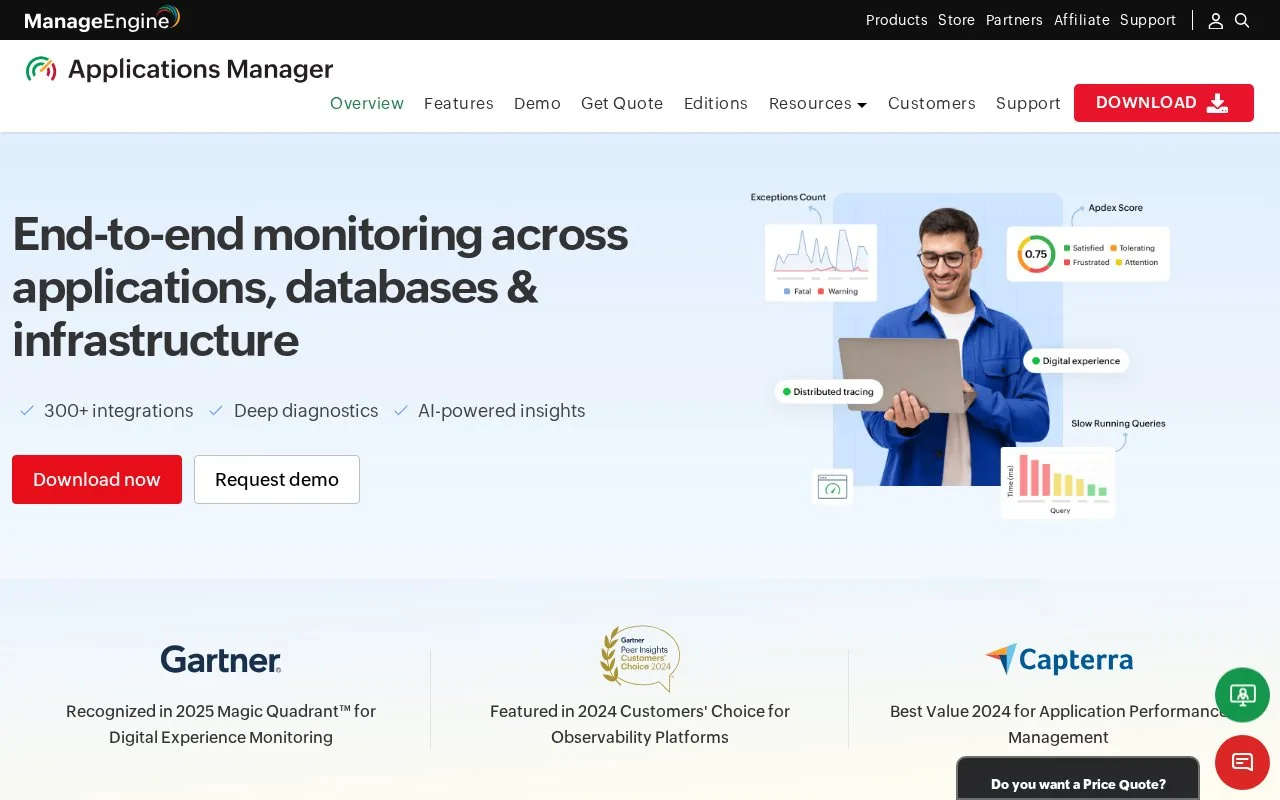
ManageEngine Applications Manager is a monitoring product that runs on infrastructure managed by the organization and presents results through a web client. It covers application performance, databases, servers, containers, cloud resources, logs, websites, synthetic transactions, and real-user behavior. Teams can use agent-based collection for deeper host data or agentless protocols such as WMI, SNMP, SSH, and Telnet where those fit their environment. It is intended for IT and application teams that need a broad view across on-premises and cloud systems rather than a dedicated network-device monitor alone.
Start with one server or service
Applications Manager is installed on Windows or Linux and opens a browser-based client. To add a server, the user guide says to choose New Monitor, select Add New Monitor, and pick a server type. The operator then supplies the host name or IP address, selects a monitoring mode such as WMI, SNMP, SSH, or Telnet, enters or selects credentials, and sets the polling interval. The product discovers the host and begins collecting the metrics available through that mode.
For an application slowdown, the broader platform can add application traces, database drill-downs, logs, and website transaction checks around the infrastructure monitor. The guide also documents an AddMonitor REST API for creating monitor objects, which can help teams automate inventory onboarding. The API uses an administrator-generated key, so it belongs in a protected automation environment. These are documented setup paths, not steps performed for this listing.
The free edition is limited to five applications or servers. Larger deployments use Professional or Enterprise licensing; the official price page offers annual subscriptions and perpetual licenses, with monitor counts affecting the license. Plan server capacity as the number and polling rate of monitored objects grows, and give monitoring credentials only the access the chosen collector requires.
Strengths
- Covers application performance, databases, servers, cloud services, containers, logs, and synthetic website transactions in one product.
- Supports both agent-based and agentless collection, including WMI, SNMP, SSH, and Telnet modes for server monitoring.
- Documents a REST API for adding monitors, allowing resource discovery to be integrated with provisioning workflows.
Watch out for
- The free edition is capped at five applications or servers; the paid editions are licensed according to monitor counts.
- The organization must deploy the monitoring server and configure host credentials, network reachability, and polling for the systems it tracks.
Best for
- IT and application teams monitoring mixed application, database, and server estates
- Organizations that need both agent-based collection and remote server checks
- Teams automating monitor creation through the documented REST interface
Sources
- IT infrastructure & Application Monitoring Tool - ManageEngine Applications Manager (Oct 26, 2026)
- How to Add/Discover server monitors - Applications Manager User Guide (Oct 26, 2026)
- Edition Comparison - Applications Manager User Guide (Oct 26, 2026)
- Pricing | ManageEngine Applications Manager (Oct 26, 2026)
- Add Monitor API - Applications Manager User Guide (Oct 26, 2026)
- Hardware and Software requirements - Applications Manager User Guide (Oct 26, 2026)
- Getting Started - Applications Manager User Guide (Oct 26, 2026)