
What it does
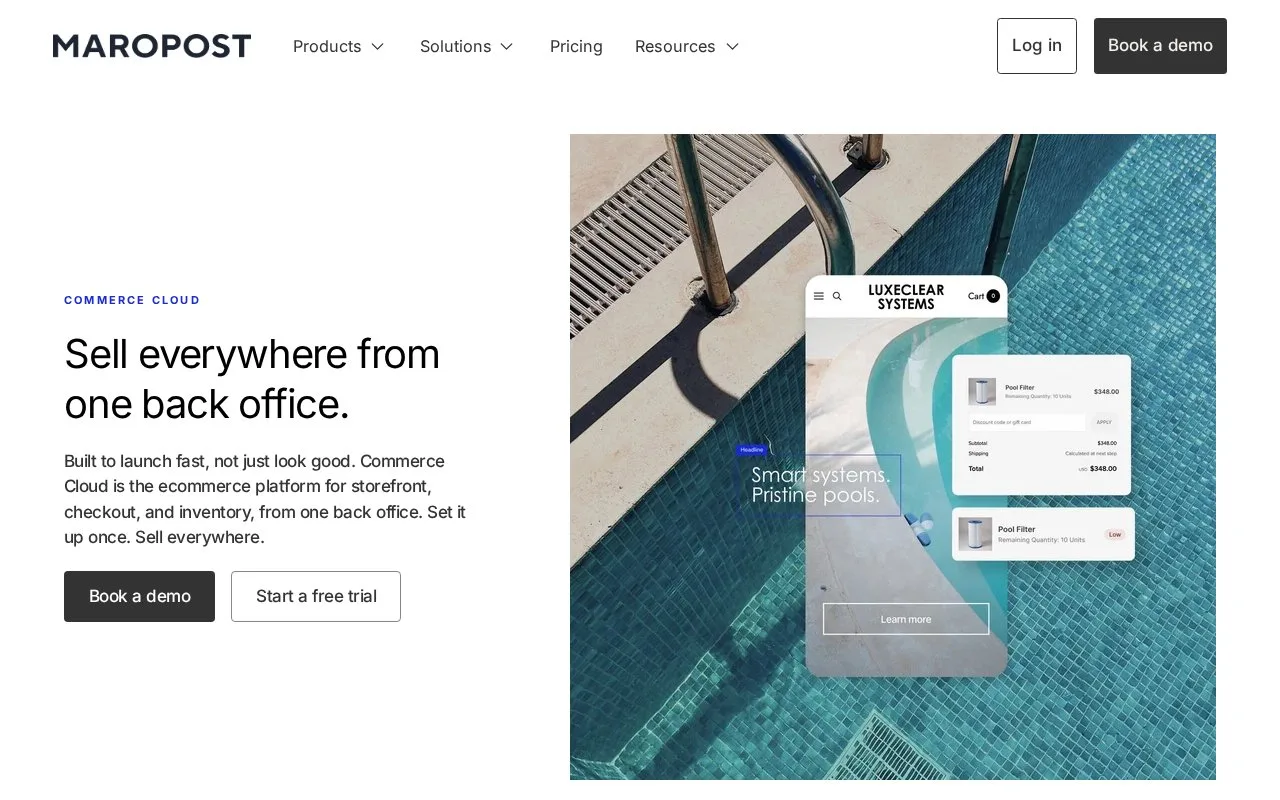
Maropost Commerce Cloud manages storefronts, inventory and fulfillment through a control panel also called Neto.
For multiple warehouses, open Stock Control > Locations/Warehouses and Add New Location. Assign a product's quantities under Products > View Products > its SKU > Stock Control, then save. Set a warehouse or product-level priority; shipping zones can alter the location used.
Available stock subtracts committed, unpicked orders from physical stock. With the Inventory add-on, change quantities through a stock adjustment or purchase order. Displaying each warehouse's stock on the storefront requires custom programming.
Each staff member needs a separate control-panel account. Under Settings & Tools > Staff Users, choose Add New, enter their details and select a permission group before Save & Close. Two people cannot use the same account concurrently.
Commerce Cloud billing
| Plan | Annual billing |
|---|---|
| Build | Same list price as monthly billing |
| Essentials | 20% lower monthly equivalent, paid yearly |
| Professional | 20% lower monthly equivalent, paid yearly |
| Enterprise | 20% lower monthly equivalent, paid yearly |
Each subscription includes a GMV allowance, meaning a set value of merchandise sold. Sales above it incur automatic percentage charges. Higher tiers increase that allowance and reduce the overage rate. Confirm the billing currency and sales-volume terms in your offer.
Strengths
- Warehouse priorities guide fulfillment
- Available stock excludes committed orders
Watch out for
- Warehouse-specific stock display requires custom programming
- GMV beyond the plan allowance incurs automatic overage charges
Best for
- Merchants managing orders across warehouses
Sources
- Maropost Ecommerce Platform | Commerce Cloud (Oct 26, 2026)
- Set up and Manage Multiple Warehouses (Oct 27, 2026)
- Maropost Commerce Cloud pricing (Oct 27, 2026)
- Add a Staff User Account (Oct 27, 2026)