
What it does
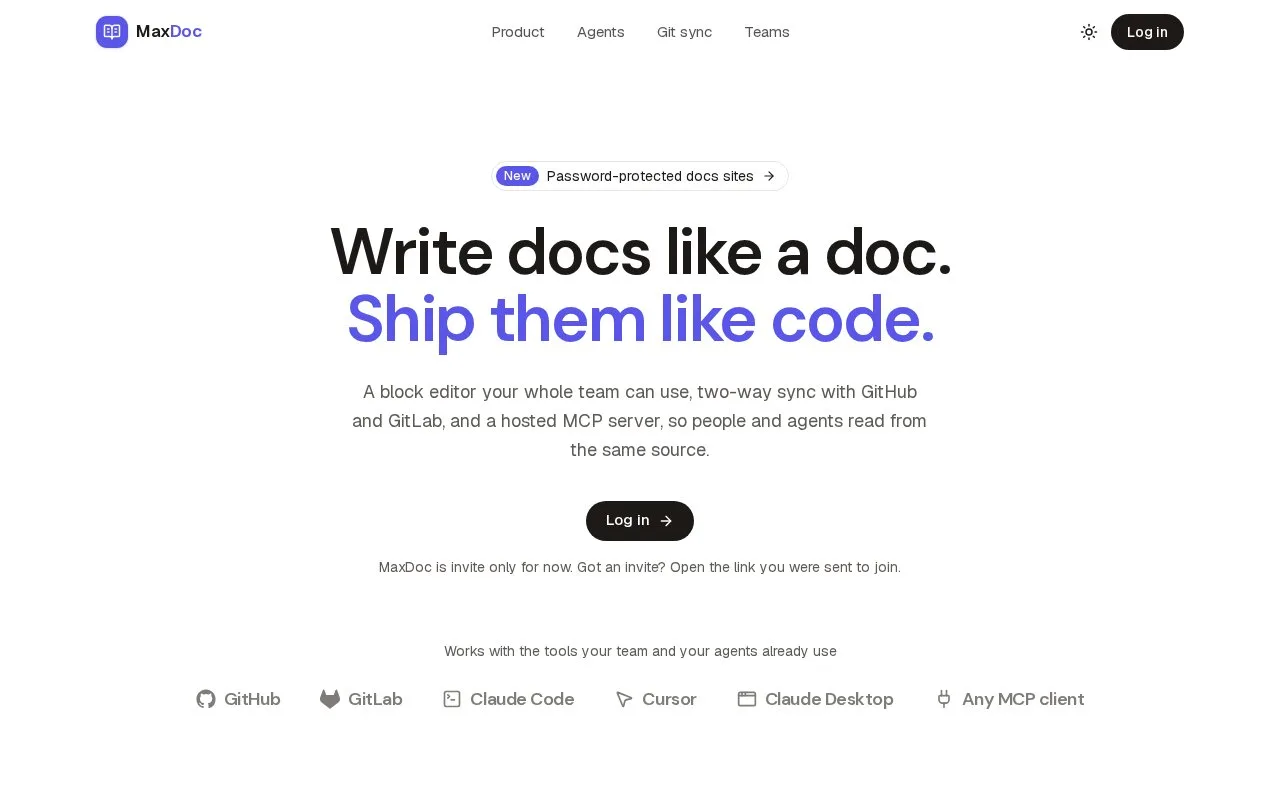
MaxDoc is a documentation platform that pairs a block-based visual editor with optional two-way Git synchronization. Its product page describes publishing branded documentation sites, an organization/project/page hierarchy, roles, search, and a built-in MCP server for agent access.
Let writers edit visually while keeping a Git option
MaxDoc describes a WYSIWYG editor for building pages with callouts, code, tables, and embeds, plus optional two-way sync with GitHub or GitLab. Teams can instead keep content native to MaxDoc, then publish a branded site with a hierarchy for organizations, projects, and pages. The page also lists granular roles, search, and a built-in MCP server.
The product's promise is to support both human editors and agents without requiring a repository, but teams should verify how the selected source mode and roles affect their governance needs. The site advertises free access for open-source projects and a free start; detailed pricing and limits were not reviewed. No Git connection, workspace, or published site was tested.
Strengths
- Offers a visual editor with optional two-way GitHub or GitLab sync.
- The vendor describes branded publishing, project hierarchy, roles, search, and MCP access.
Best for
- Product teams that want visual editing with the option to keep documentation synchronized to Git
Sources
- MaxDoc — Documentation that stays in sync with Git (Oct 25, 2026)