What it does
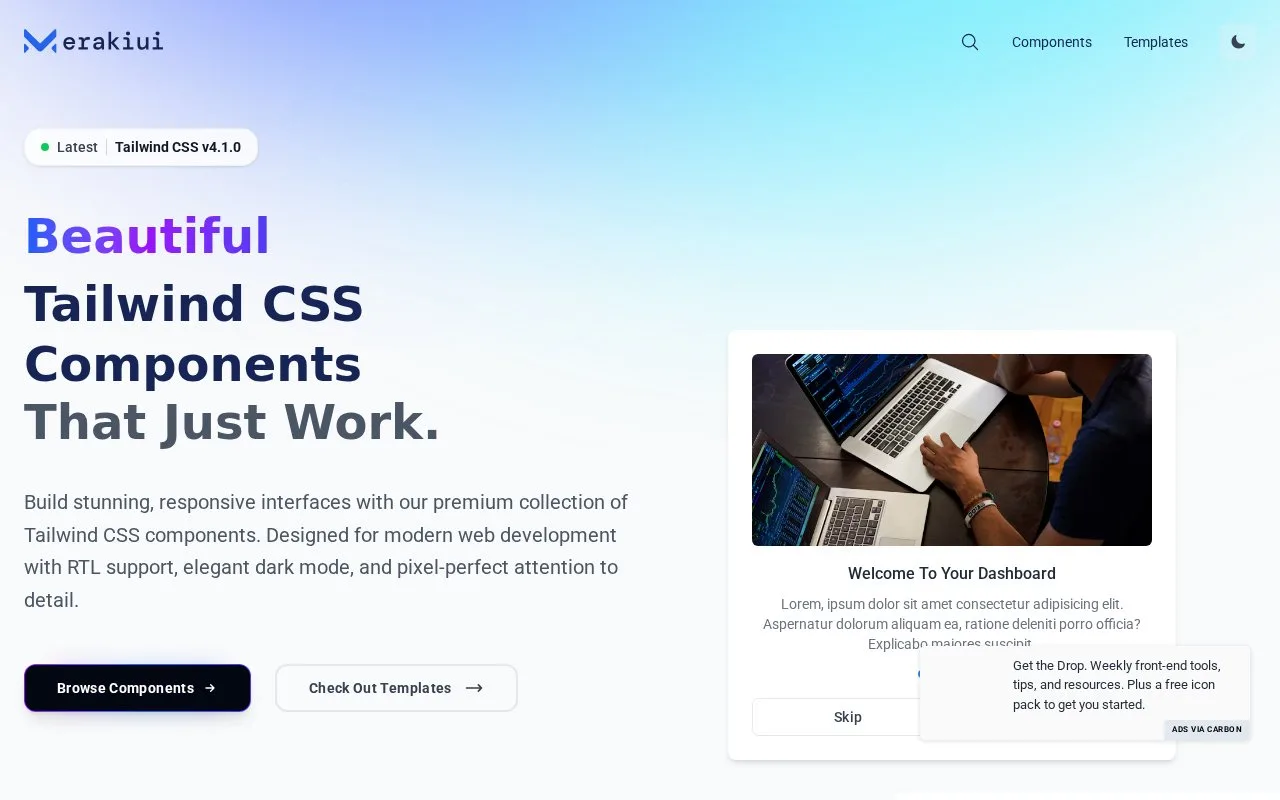
Meraki UI provides Tailwind CSS components and templates with right-to-left language support and dark-mode styling. Examples cover application controls, marketing sections, sign-in forms and overlays.
Meraki UI’s component pages make direction and theme choices visible before you copy a layout. On Modals, select an example such as Archive, Confirm or Invite, switch between LTR and RTL, and use Dark Mode or Full page Preview to inspect its appearance. Show Code and Copy code provide the HTML for your Tailwind project.
Each modal example is marked Requires JS. The copied visual structure therefore needs JavaScript to manage opening, closing and the intended action. This distinction is useful when choosing between a static section and a control that must respond to the user.
The core component collection is free under MIT, with public code access that needs no account. The template catalogue also promotes separately sold products: for example, Stellar’s download link goes to Cruip. Treat those template purchases and their licences separately from Meraki’s free component repository.
Strengths
- Right-to-left support is an explicit part of the component offering.
- The library includes both application controls and marketing layouts.
- Component examples expose direction, dark-mode and code-copy controls.
Watch out for
- Examples marked Requires JS need JavaScript to supply their interactive behavior.
Best for
- Tailwind teams designing interfaces for right-to-left languages
Sources
- Meraki UI Tailwind CSS Components (Oct 27, 2026)
- merakiuilabs/merakiui (Oct 27, 2026)
- Meraki UI Modals Components (Oct 27, 2026)
- Stellar | Meraki UI Tailwind CSS Templates (Oct 27, 2026)