
What it does
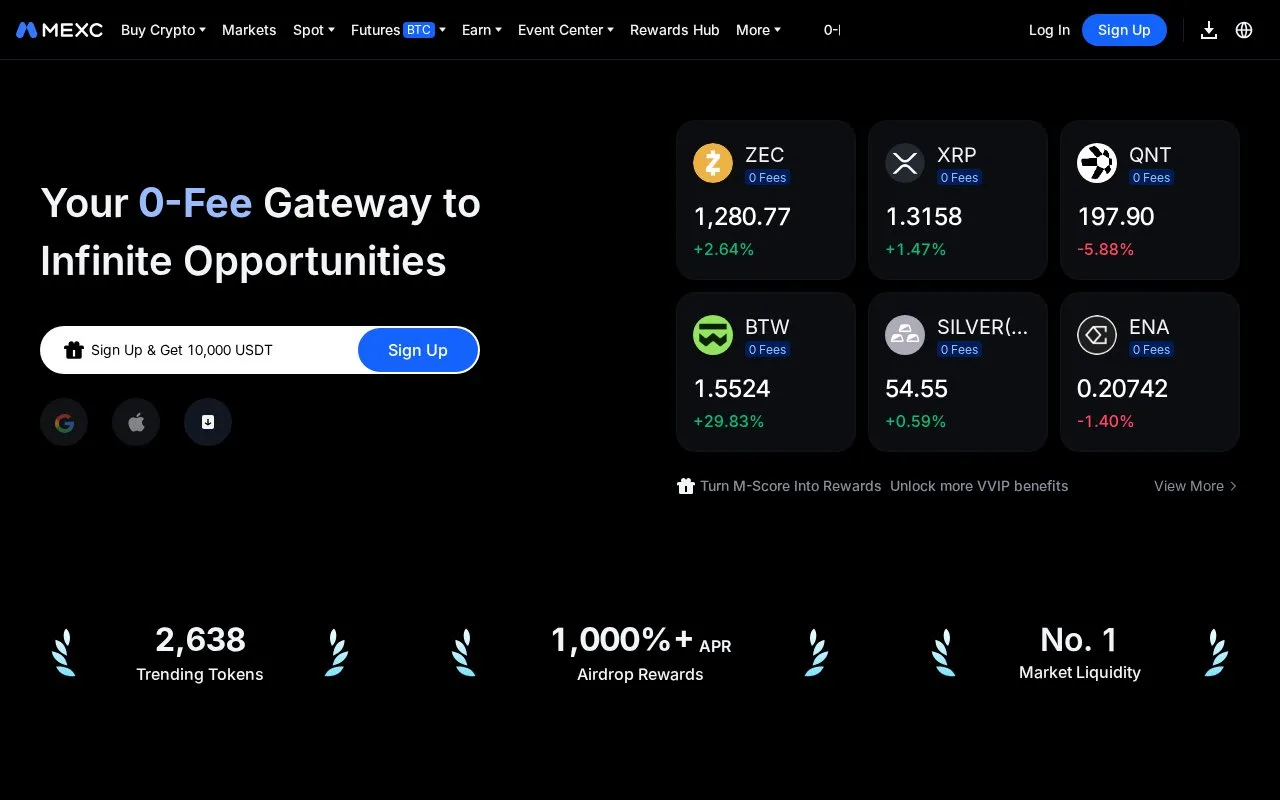
MEXC provides spot markets, order management and account reporting through its website and an API that connects other software to the exchange. Developers can combine market snapshots with live streams, while website traders can place limit orders directly from the price chart.
A limit order from the chart
MEXC's website supports chart-based limit entry in both its Original and TradingView charts. In Spot → Spot Trading, hover at the desired price and use the plus icon on the chart's right side.
A level below the current price opens a buy limit; one above opens a sell limit. Enter the quantity and confirm with Limit Buy or Limit Sell. This shortcut is web-only and covers limit orders, so use the main order panel for other order types.
The order appears in Open Orders, where you can check its state or cancel an unfilled amount.
When an order waits or fails
Spot orders use the Spot balance. Funds still held in Futures or Earn do not automatically cover a spot purchase. Other open orders and the required fee amount can also reduce the available balance.
A displayed market price reaching your limit does not guarantee a fill: available liquidity and other orders at the same price affect execution. Canceling an open order releases its reserved balance. Completed purchases appear in the Spot account.
Building a live market view
The spot API separates market data, account trading and wallet operations. Individual and batch order functions sit alongside current orders, trade history and balance streams.
For a local order book, combine a REST snapshot with incremental WebSocket updates. The documented version checks detect missed updates and require a fresh snapshot when continuity breaks. Quantities in an update replace the quantity at that price; they are not amounts to add. That distinction prevents a display from double-counting liquidity.
Keys have selected permissions and optional IP restrictions. The official developer toolkit covers five programming languages.
Fees and account eligibility
MEXC's zero-fee spot offer explicitly excludes API users, institutional users, market makers and project teams. Do not assume a website promotion applies to an automated integration. Check the current pair and account rate in Trading Fees, or the app's Profile → Fee Settings. Deposits, withdrawals and other products have separate terms.
An account is required, and individuals must be legally able to enter a binding contract. Country restrictions cover residence, current location and acting for someone in a prohibited country. The list includes the US, UK, Canada, mainland China, Hong Kong, Singapore, Russia and other named jurisdictions. Check it before funding or configuring an authenticated trading connection.
Strengths
- The API explains how to rebuild an order book after missing streamed updates
- Website traders can set a limit price directly from either supported chart view
Watch out for
- A live order-book integration must detect version gaps and resynchronize
- The zero-fee spot offer excludes API and several professional account types
Best for
- Eligible spot traders and developers maintaining market displays or order reporting
Sources
- MEXC Spot API and Order-Book Streams (Oct 27, 2026)
- MEXC User Agreement (Oct 27, 2026)
- MEXC Chart-Based Spot Limit Orders (Oct 27, 2026)
- MEXC Spot Order FAQ (Oct 27, 2026)
- MEXC Trading and Transfer Fee Schedule (Oct 27, 2026)
- MEXC Zero-Fee Spot Offer and Exclusions (Oct 27, 2026)