
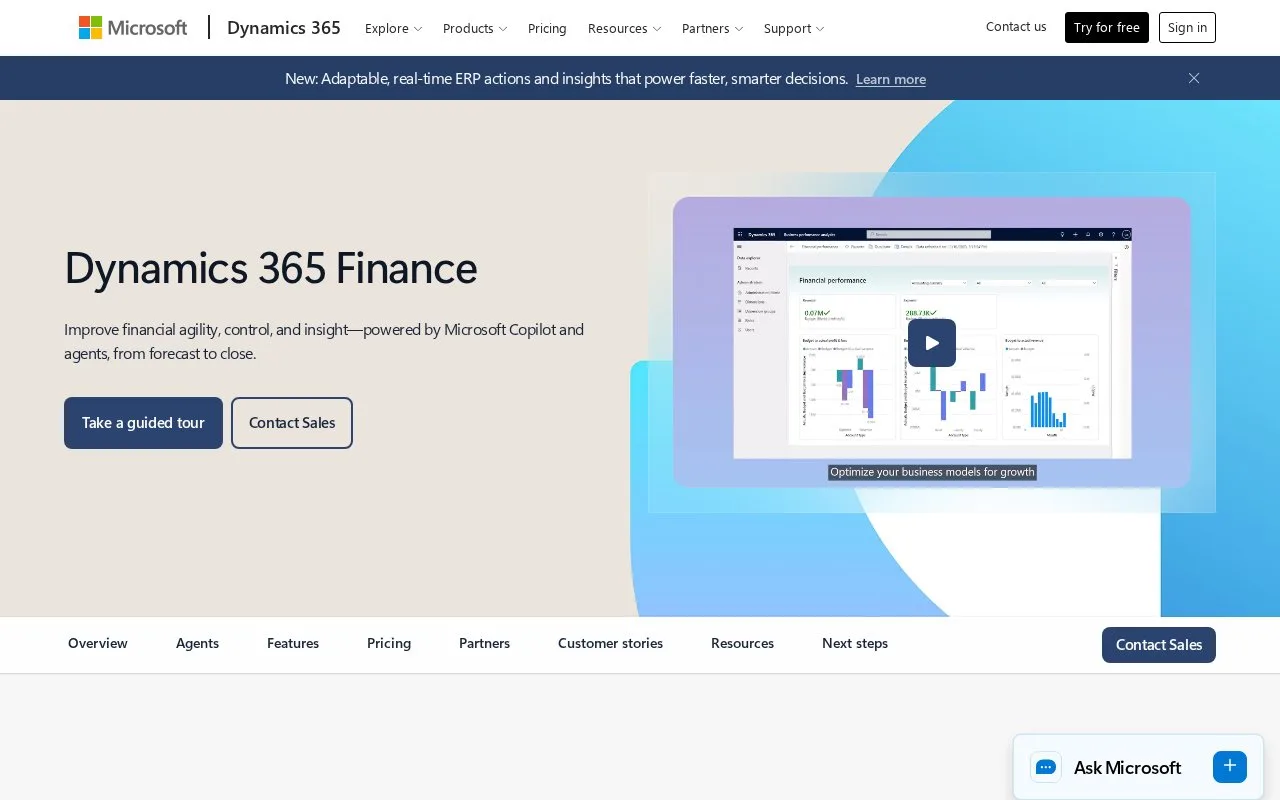
What it does
Dynamics 365 Finance connects accounting and close with cash forecasts, invoice processing, tax data and financial-performance analysis. Its close workspace assigns tasks across companies and tracks dependencies, deadlines and completion. Finance and Finance Premium are paid user subscriptions; Premium adds broader planning rights and included Copilot credits.
Dynamics 365 Finance supports the ledger, supplier and customer accounts, subscription billing and cash forecasting. It also helps finance teams coordinate the work that must finish before a period can close.
Follow a close schedule
Configure the process under General ledger > Period close > Financial period close configuration. Set the people responsible, task areas and working calendar. A person's workspace can show all tasks and statuses or only their assigned work.
In the Financial period close workspace, choose the closing schedule. The summary shows overdue work, today's remaining tasks and tasks blocked by dependencies. Filter by company, area, due date or responsible person to find the work that needs attention. A task can link to the page where the work happens, and attachments can hold a supporting report or journal reference.
Use Set dependency when one task must wait for another. A blocked task cannot be marked complete. Selecting Task complete records the completion time. The All financial period close tasks page retains current and earlier tasks and exports their details to Excel, making it possible to compare planned and actual completion dates.
Finance and Premium
The US pricing page lists Finance at US$210 per user per month and Finance Premium at US$300 per user per month, both paid yearly. Both include core financials and reporting. Premium adds administrator, creator and input rights for business performance planning; the base plan has read access and limited contributor rights.
Premium includes 1,000 Copilot credits per user per month. Additional credits use prepaid or consumption billing, and setting up consumption billing requires an active Azure subscription.
The Account Reconciliation Agent is labelled Preview. Microsoft's Finance Agent in Microsoft 365 Copilot is also presented as a preview, so evaluate those features with that release status in mind. Use the sales contact to confirm licensing, regional pricing and the environment setup needed for your team.
Strengths
- Close tasks connect deadlines and dependencies with the pages where work happens.
- Historical close-task details can be exported to Excel.
- The pricing comparison distinguishes planning contributors from creators and administrators.
Watch out for
- Users restricted to assigned tasks cannot add, edit or remove close tasks.
- Premium planning access costs more than the base Finance subscription.
- Agent use consumes Copilot credits, and the reconciliation agent remains in preview.
Best for
- Finance teams coordinating close work across legal entities
- Organizations using Microsoft business applications for accounting and planning
Sources
- Microsoft Dynamics 365 Finance (Oct 27, 2026)
- Dynamics 365 Finance US pricing (Oct 27, 2026)
- Financial period close workspace (Oct 27, 2026)