
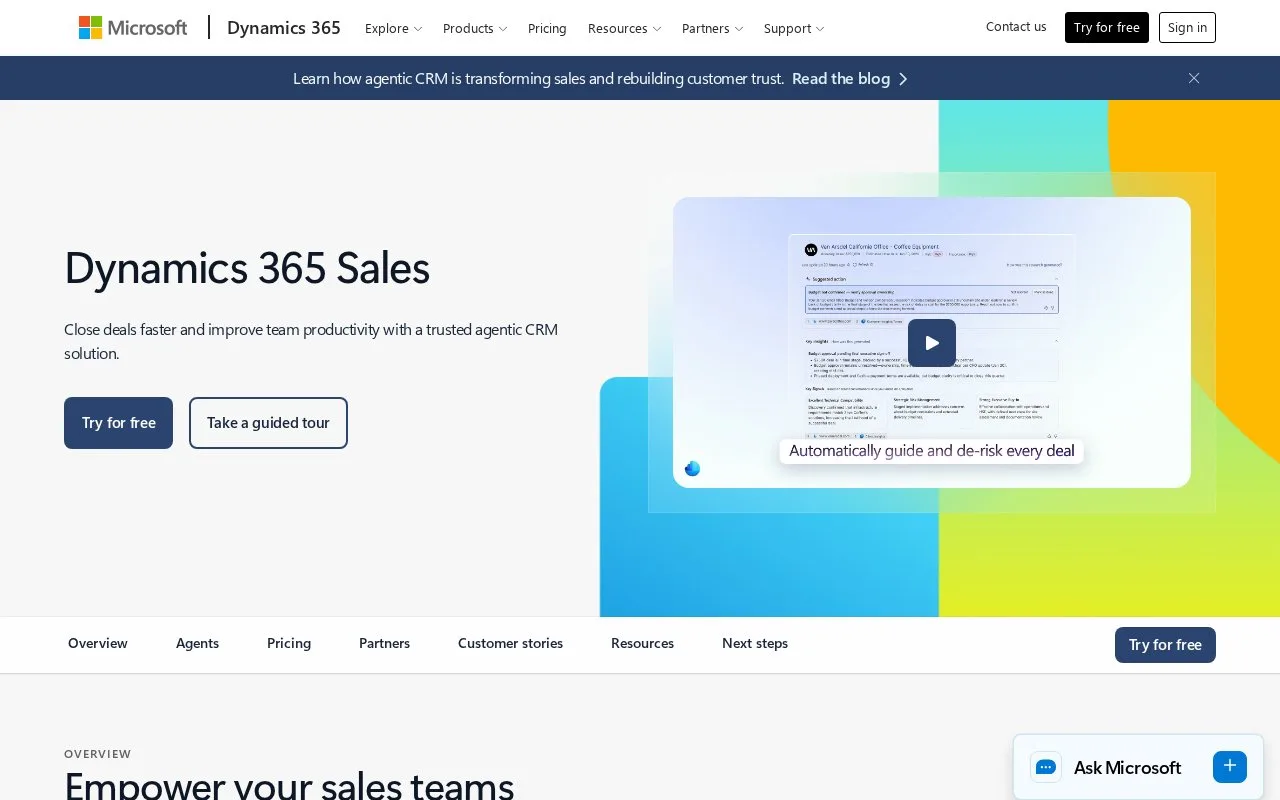
What it does
Microsoft Dynamics 365 Sales manages leads, customer relationships and opportunities. Configurable qualification rules control which accounts, contacts and deals are created or reused. Paid plans use per-user subscriptions with yearly payment, and a 30-day trial is available by registration.
Open a Dynamics 365 lead and select Qualify after checking its customer and buying details. In the configurable new experience, account and contact records may be created automatically, selected manually or skipped. Reuse an existing customer record where appropriate. A new account requires the lead's Company name.
When enabled, one lead can produce up to five opportunities. Additional records are not created until Qualify is confirmed; closing the side pane discards that creation step. The business-process flow appears only on the default opportunity. Check which opportunity carries the process before splitting one prospect into several deals.
Evaluate the qualification setup
Register for the 30-day trial and try a lead belonging to an existing customer as well as a new one. The administrator's automatic/manual record-creation settings change the resulting flow. Professional, Enterprise and Premium subscriptions are paid yearly; agent features can require an Azure subscription and additional Copilot credits.
Strengths
- Qualification can reuse existing customer records
- An enabled lead can create several opportunities
Watch out for
- The process flow appears only on the default opportunity
Best for
- Sales teams controlling customer-record creation during lead conversion
Sources
- Microsoft Dynamics 365 Sales official product and access information (Oct 27, 2026)
- Dynamics 365 Sales lead qualification and conversion (Oct 27, 2026)
- Dynamics 365 Sales | Microsoft Dynamics 365 (Oct 25, 2026)