
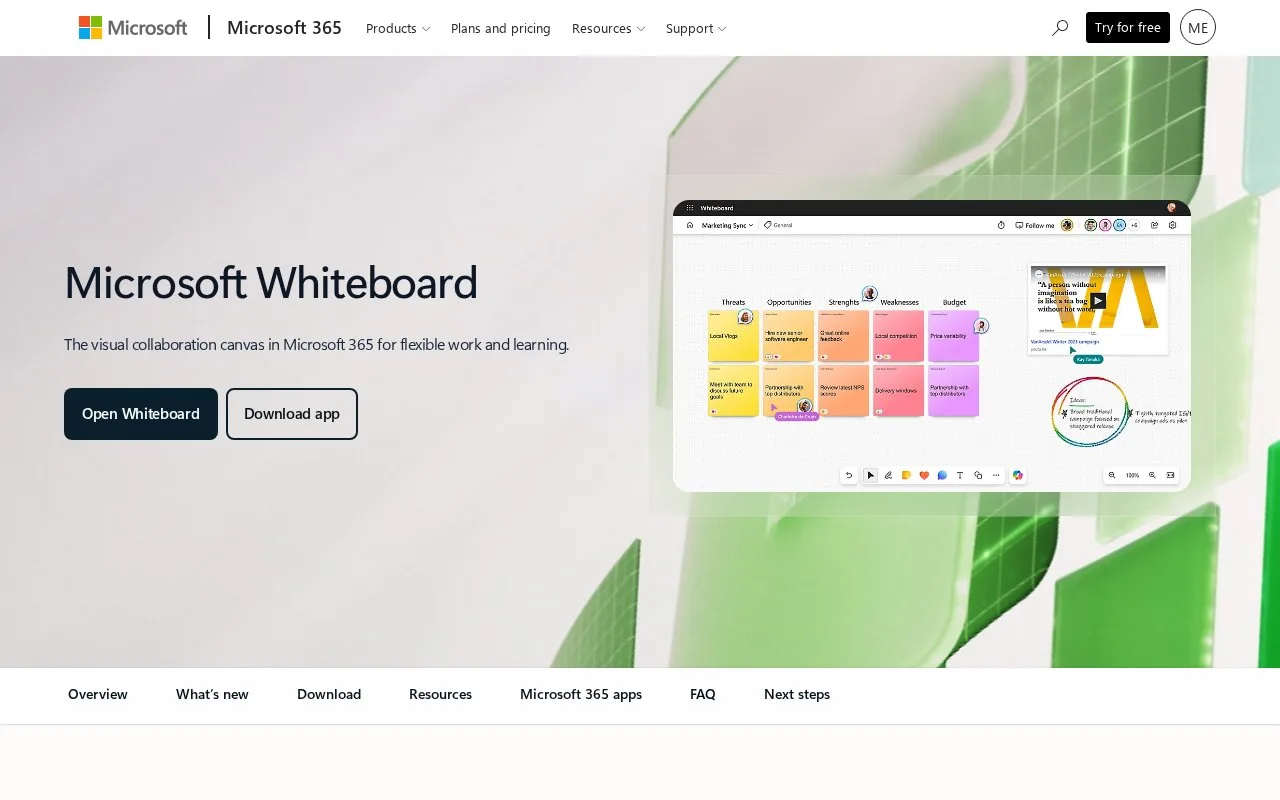
What it does
Microsoft Whiteboard is a collaborative visual canvas with templates for brainstorming, project planning, strategy, and workshops. Participants can be invited with editing or view-only permissions, and boards can be exported as images. The support documentation reviewed says collaboration is limited to people in the same organization, so it may not fit a session that depends on external guests.
For a project-planning session, select the Create button, open Templates, and choose a project-planning layout to add to a board. Microsoft’s support article describes template categories including brainstorming, design and research, strategy, project planning, retrospectives, and workshops. To invite a colleague, use Share and choose whether that person can edit or view; the exported board can be saved as an image in standard or high resolution.
The collaboration guide states that users can collaborate only with people in their organization; guest collaboration is described as planned for a future release. That is a significant boundary for workshops with clients or outside partners. Microsoft’s product marketing page was blocked during access, so current pricing and account requirements are not described here.
Strengths
- Templates cover brainstorming, project planning, strategy, retrospectives, and workshops.
- Invitations can grant editing or read-only access within the organization.
- Boards can be exported as standard- or high-resolution images.
Watch out for
- The support page says collaboration is limited to people within the same organization; guest collaboration was described as a future capability.
Best for
- Internal Microsoft teams running a structured brainstorm or planning workshop
- Groups that need a simple board image export after a session
Sources
- Get started with Whiteboard collaboration | Microsoft Support (Oct 25, 2026)
- Insert templates in Whiteboard | Microsoft Support (Oct 25, 2026)
- Export a whiteboard | Microsoft Support (Oct 25, 2026)