
What it does
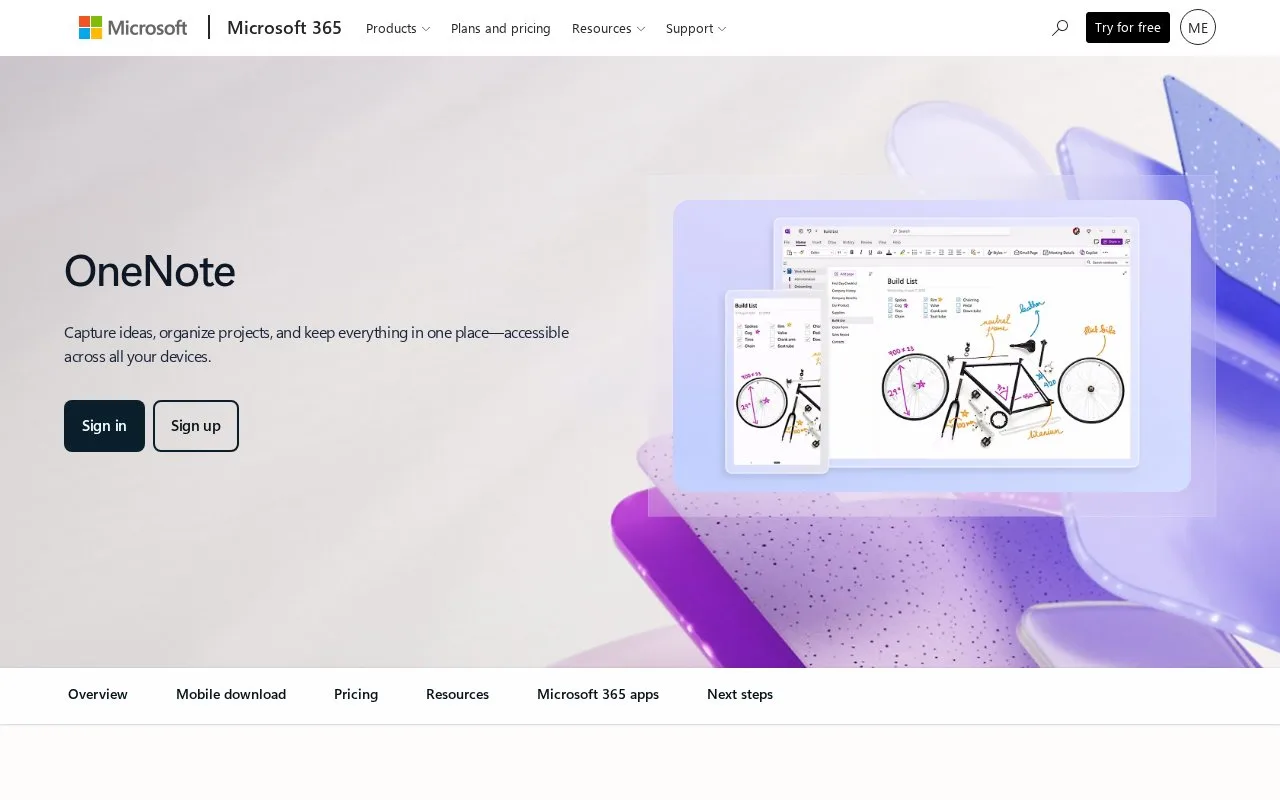
OneNote is Microsoft's digital notebook app. Its support guides describe notebooks, sections, and pages for separating subjects, plus typed notes, pictures, captured web content, digital handwriting, audio and video clips, lists, links, search, and tags. This range of formats makes it suitable for notebooks that combine class notes with source material and follow-up markers.
Start with a notebook for a course or project, divide it into sections for major themes, and add pages for individual sessions. Microsoft's organize guide documents this hierarchy. On each page, the support guide describes typing or handwriting notes, adding images and links, tagging important information, and searching the collection. An illustrative lecture page could hold a short summary, a sketch, and a link to the reading in one place.
The notebook structure is flexible enough to create and rearrange pages as the material grows, but the source pages checked do not establish standalone pricing, account requirements, or export restrictions. I did not test sync or a classroom-sharing workflow.
Strengths
- Notebook, section, and page levels provide a clear hierarchy for topic-based collections.
- The support guide documents typed notes, handwriting, images, links, tags, and search.
Best for
- Keeping course or project notes separated by subject and session
- Combining typed notes with sketches in a notebook
Sources
- Organize your notes | Microsoft Support (Oct 25, 2026)
- Take and format notes | Microsoft Support (Oct 25, 2026)
- Create a new notebook | Microsoft Support (Oct 25, 2026)