
What it does
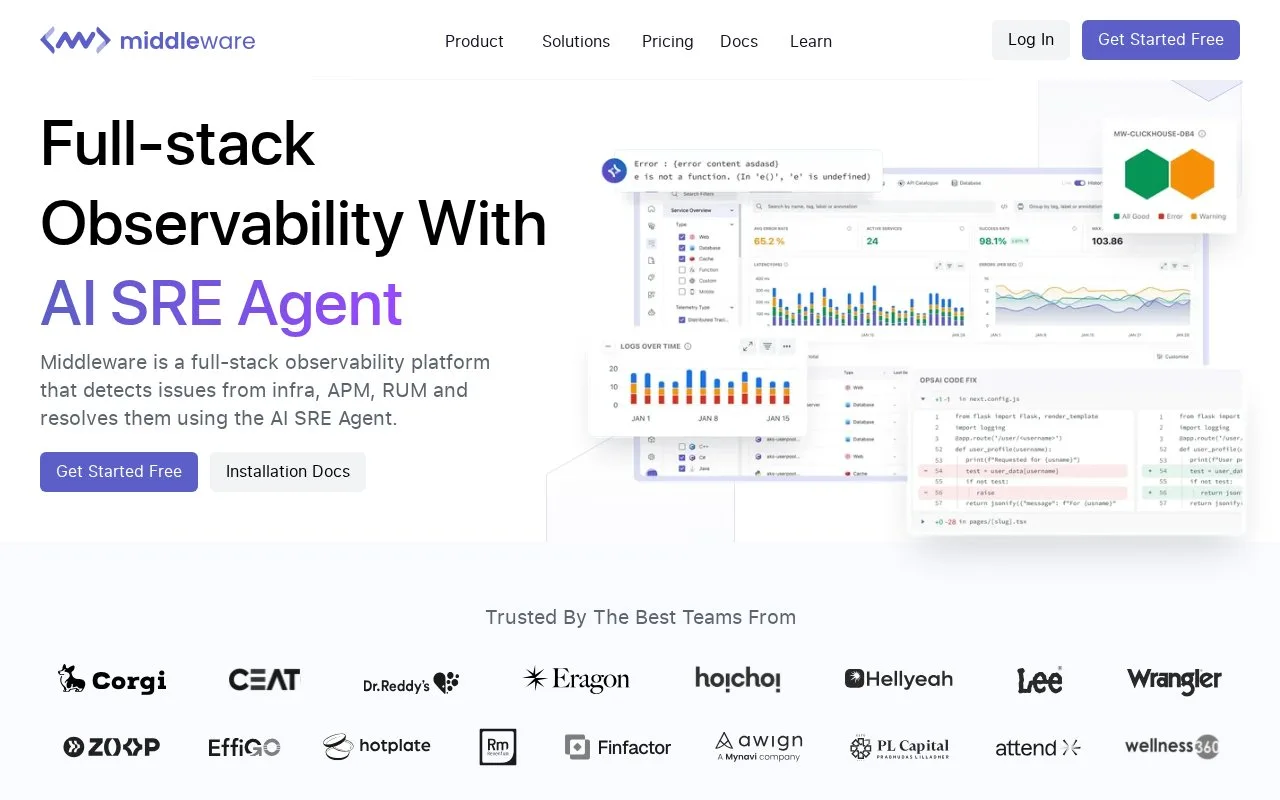
Middleware is a hosted observability workspace that brings infrastructure monitoring, application performance, logs, real-user monitoring, synthetic checks, and browser testing into a common interface. Its host agent collects system-level metrics and logs and can pass application telemetry through; teams can also send data with language SDKs, OpenTelemetry, third-party agents, or documented ingestion APIs. Request context links related telemetry to help an engineer move from a symptom to the surrounding application activity.
Choose how data enters the workspace
The onboarding guide starts with creating an account and project, then copying the project's MW_API_KEY and MW_TARGET from the installation area. For a server, the host agent collects operating-system metrics and logs and can carry application-level telemetry. Teams already using OpenTelemetry can add Middleware as an exporter; custom scripts can use the documented ingestion endpoints for logs or metrics. After the first data arrives, the dashboard and explorers provide a place to inspect services, traces, and logs.
A practical first task is to add one non-production host and instrument one request path, then use the linked signals to understand its latency and related errors before expanding collection. The official pages describe several paths, but no agent was installed and no telemetry was sent during this research. Keep the project key out of source control and use the deployment guide for the platform-specific installation steps.
The current pricing page lists a Free Forever tier with monthly limits and a pay-as-you-go option. Its stated free-tier allowance differs from the limits in the documentation FAQ, which separately describes post-trial host and log ceilings. Confirm the current entitlements in the account before relying on a specific allowance. More data and optional services can change the bill, so estimate from actual volume rather than the plan name alone.
Strengths
- Accepts telemetry through a host agent, OpenTelemetry Collector, third-party agents, serverless services, and custom ingestion endpoints.
- Combines infrastructure signals with application traces, logs, real-user monitoring, synthetic checks, and browser tests.
- The product page lists a $0 tier and usage-based paid access, so teams can compare a limited starting allowance with metered use.
Watch out for
- A cloud account and telemetry setup are required before the workspace can show data from a team's own systems.
- The public free tier has monthly limits, and the official pricing page and FAQ describe different allowance figures that should be reconciled before planning around a quota.
Best for
- Small teams trying an integrated monitoring workspace before scaling data ingestion
- Platform engineers collecting host, application, and browser telemetry through OpenTelemetry or agents
- Teams investigating request behavior across infrastructure metrics, logs, and traces
Sources
- Observability Pricing | Middleware (Oct 26, 2026)
- Getting Started Middleware Installation Guide (Oct 26, 2026)
- Deploy Agent Middleware Installation Guide (Oct 26, 2026)
- Free Forever - Middleware Documentation (Oct 26, 2026)