
- SI Score
- 74/100
- Pricing
- Freemium
- Free plan
- Not confirmed
- Sign-up required
- Not confirmed
Ask SI about MimicPhoto
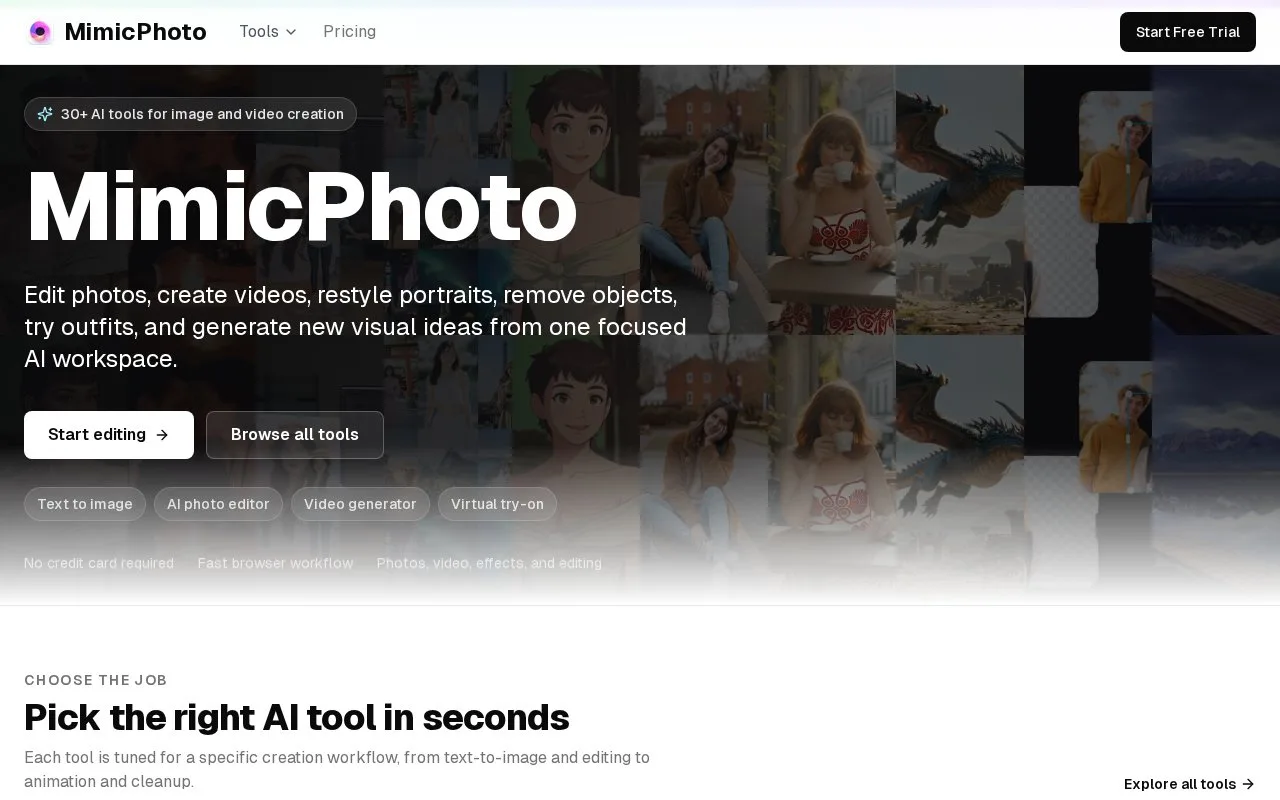
Answers use saved listing facts and recorded sources.Homepage screenshot
What it does
MimicPhoto is a browser-based AI workspace for image and video creation. It includes tools for editing facial expressions, relighting photos, removing or replacing backgrounds, removing objects, trying on outfits, and turning stills into short videos. The pricing page lists credit costs for each action.
MimicPhoto puts more than 30 image and video tools in one browser workspace. You pick a job such as Face Expression Editor, Background Remove, or Photo to Video, and the AI returns a result. The pricing page shows a monthly plan at $16 and a yearly plan at $99, each with 1,000 AI credits per month. Credit costs vary a lot by tool. Background Remove and Face Expression Edit are listed as free, while Photo to Video (5s) costs 75 credits and WAN 2.5 1080p costs 19 credits per second. The site says no credit card is required to start, and the pricing FAQ asks whether unused credits roll over, but the text does not answer that question. The homepage also states that images are processed without permanent storage and that the service is compliant with global data protection standards. Before committing to heavy video use, check the credit table and confirm how unused credits are handled.
- More than 30 image and video tools in one browser workspace
- No credit card required to start
- Some tools are listed as free, including Background Remove and Face Expression Edit
- Video tools cost many credits per use
- The pricing page asks whether unused credits roll over but does not answer it
- No mobile apps are mentioned in the official text