
What it does
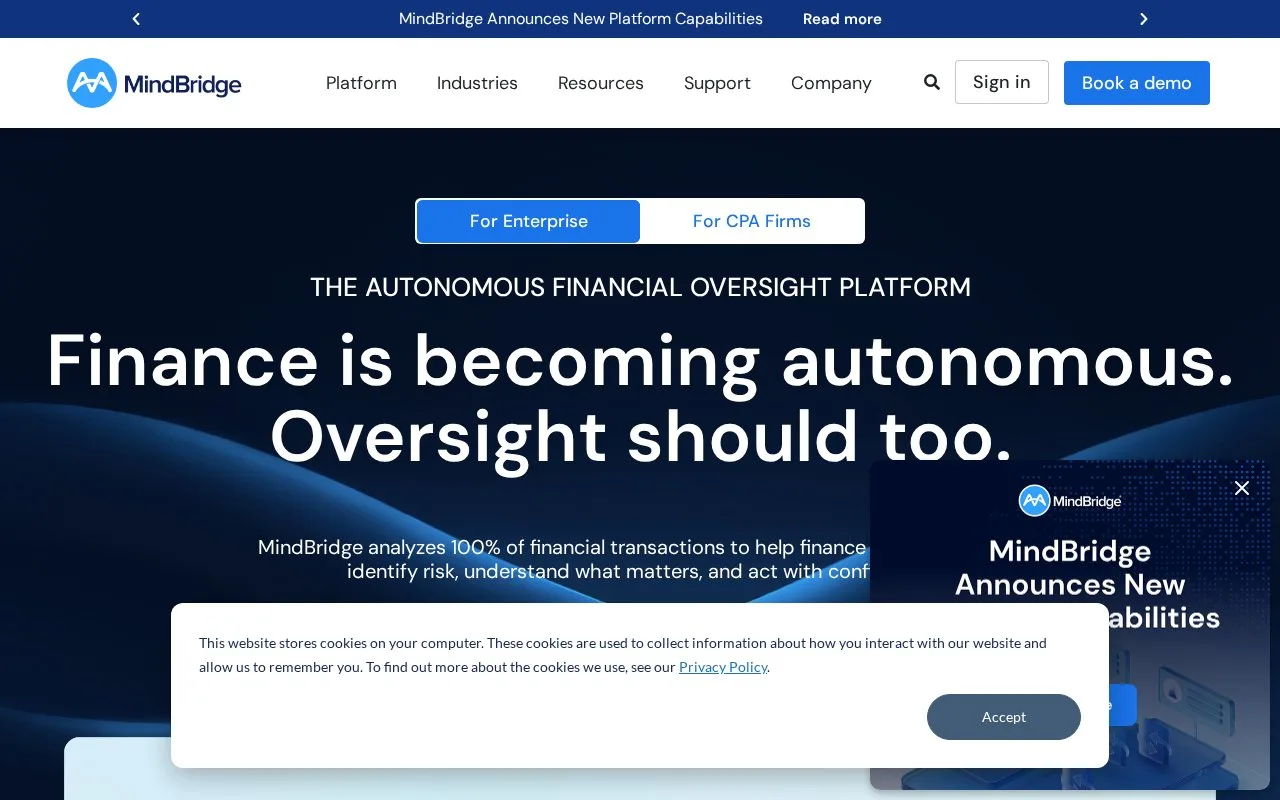
MindBridge analyzes financial transactions to surface unusual activity and explain risk factors for accounting, control and audit teams. Reviewers can turn items needing attention into assigned tasks and export their audit plan.
MindBridge helps a reviewer decide where to investigate financial activity. It analyzes the supplied transaction population and explains the factors behind its risk findings. Those findings inform the team's judgment about follow-up work rather than settle what an unusual transaction means on their own.
For a full or interim general-ledger analysis, open the organisation and engagement, then use the Data page to upload the ledger into the appropriate period. Review the validation checks, map columns, confirm the analysis dates and check transaction grouping before finishing the import. Account ID, effective date and an amount are required. Verify the accounts before running the analysis. The file must contain ungrouped rows, and only its first worksheet is analyzed; combine or split sheets in File Manager beforehand when necessary.
The Audit plan holds investigation tasks created by your team. Filter the task list, assign selected items to a colleague, add comments and mark completed work as resolved. Export can include task details and selected risk scores in CSV or XLSX. An entry-level task includes that entry's details, while a transaction-level task can include its constituent entries.
Pricing options are discussed during a tailored demo. Customer onboarding includes an action plan, training and help with the first data import. Users sign in with their MindBridge account, so prepare both the ledger data and the people responsible for reviewing findings before rollout.
Strengths
- Explains risk factors across the imported transaction population
- Checks ledger structure and dates before analysis
- Supports assigned investigation tasks and configurable CSV or XLSX exports
Watch out for
- Ledger data needs preparation, including a single analyzed worksheet
- Risk findings require investigation and professional judgment
Best for
- Auditors selecting transactions for follow-up testing
- Finance control teams investigating unusual ledger activity
Sources
- MindBridge Financial Oversight (Oct 27, 2026)
- Import a General Ledger: Full or Interim (Oct 27, 2026)
- General Ledger Import FAQ (Oct 27, 2026)
- Audit Plan Management (Oct 27, 2026)
- MindBridge Tailored Tour and Pricing (Oct 27, 2026)
- MindBridge Adoption Process (Oct 27, 2026)
- Sign in to MindBridge (Oct 27, 2026)