
What it does
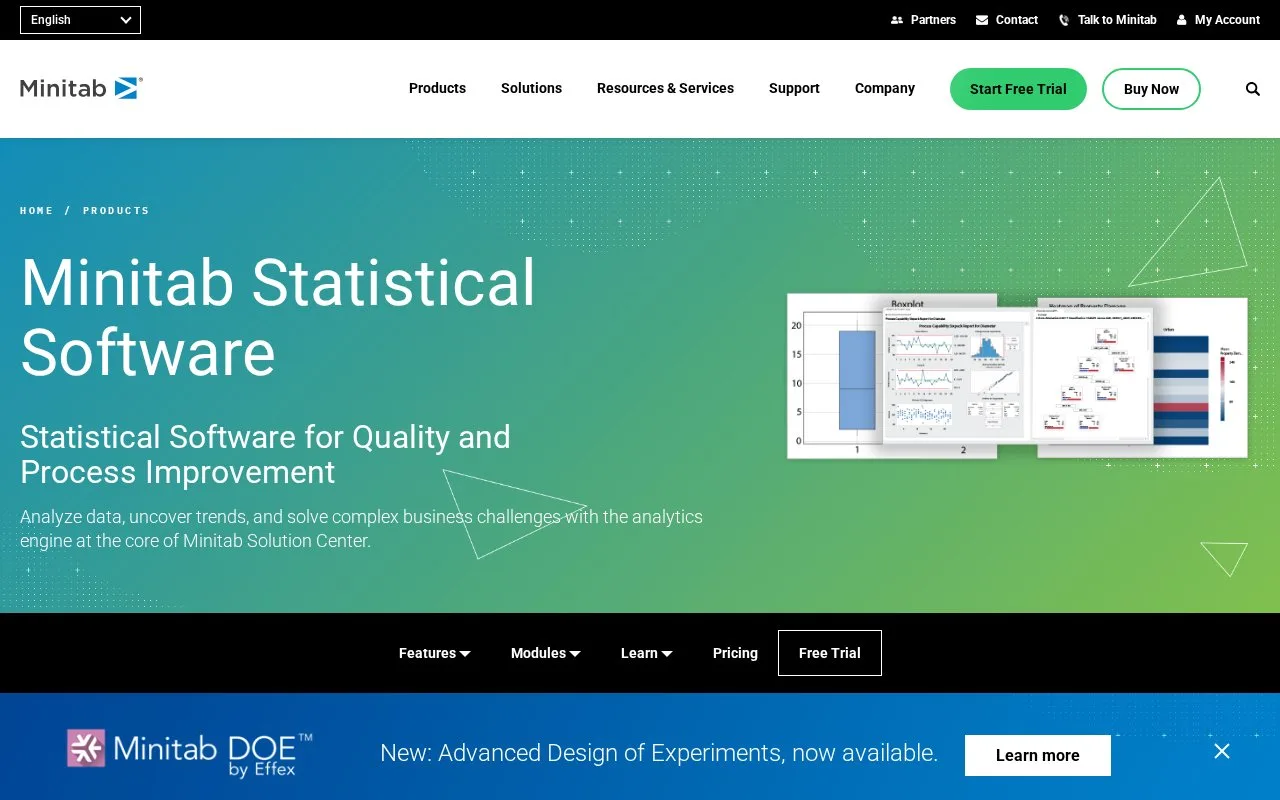
Minitab Statistical Software provides statistical tests, modeling, quality and reliability analysis with interactive graphing. Current Solution Center subscriptions include desktop and online statistical access alongside broader data and dashboard capabilities.
Minitab combines statistical tests, predictive modeling and quality tools with a graphing workspace. Its Graph Builder is useful when you have the measurements but have not yet chosen the clearest chart. A process analyst can compare a bar chart, heat map or correlogram without preparing a separate analysis for every view.
Create a graph from a worksheet
- With the worksheet open, choose Graph > Graph Builder and select Gallery.
- Drag the relevant columns into the data input area, or enter their column names.
- Browse the proposed charts and choose a thumbnail. Adjust the graph's settings while watching the preview.
- Select Create to add the chosen graph to the analysis.
For example, a claims worksheet with time-to-close and submission channel can show distributions by channel. Minitab's tutorial then uses Stat > ANOVA > One-Way to test differences between group means, with duration as the response and channel as the factor. The software also covers proportion tests, normality tests, control charts and reliability analysis.
Current subscription packages
These annual Solution Center subscriptions are for one named user. All include desktop and online Minitab Statistical Software, Data Center, dashboards, AI interpretation and brainstorming tools.
| Package | Annual price, USD | Additional tools |
|---|---|---|
| Solution Center Analytics | 2,593.50 | DOE by Effex; Predictive Analytics |
| Solution Center Core | 2,394 | DOE by Effex; Workspace |
| Solution Center Copilot | 2,793 | DOE by Effex; Workspace; Predictive Analytics |
Taxes and local currency are calculated in the cart. Specialized industry modules cost extra and require Core. Access to the current subscription is through the Minitab License Portal. A free trial can be requested from the product site.
Strengths
- Allows several graph views to be explored from the same selected data.
- Provides detailed analytical guidance, interpretation and method references.
Watch out for
- Current self-service subscriptions are assigned to a single named user.
- Specialized industry modules add cost and require Solution Center Core.
Best for
- Quality and business analysts examining process, product or operational measurements
Sources
- Minitab Statistical Software (Oct 27, 2026)
- Pricing & Subscription Options (Oct 27, 2026)
- Overview for Graph Builder (Oct 27, 2026)
- Analyze your data (Oct 27, 2026)
- How to sign into your subscription in the Minitab License Portal (Oct 27, 2026)
- Minitab Solution Center Free Trial (Oct 27, 2026)
- Minitab Support - Minitab (Oct 26, 2026)