
What it does
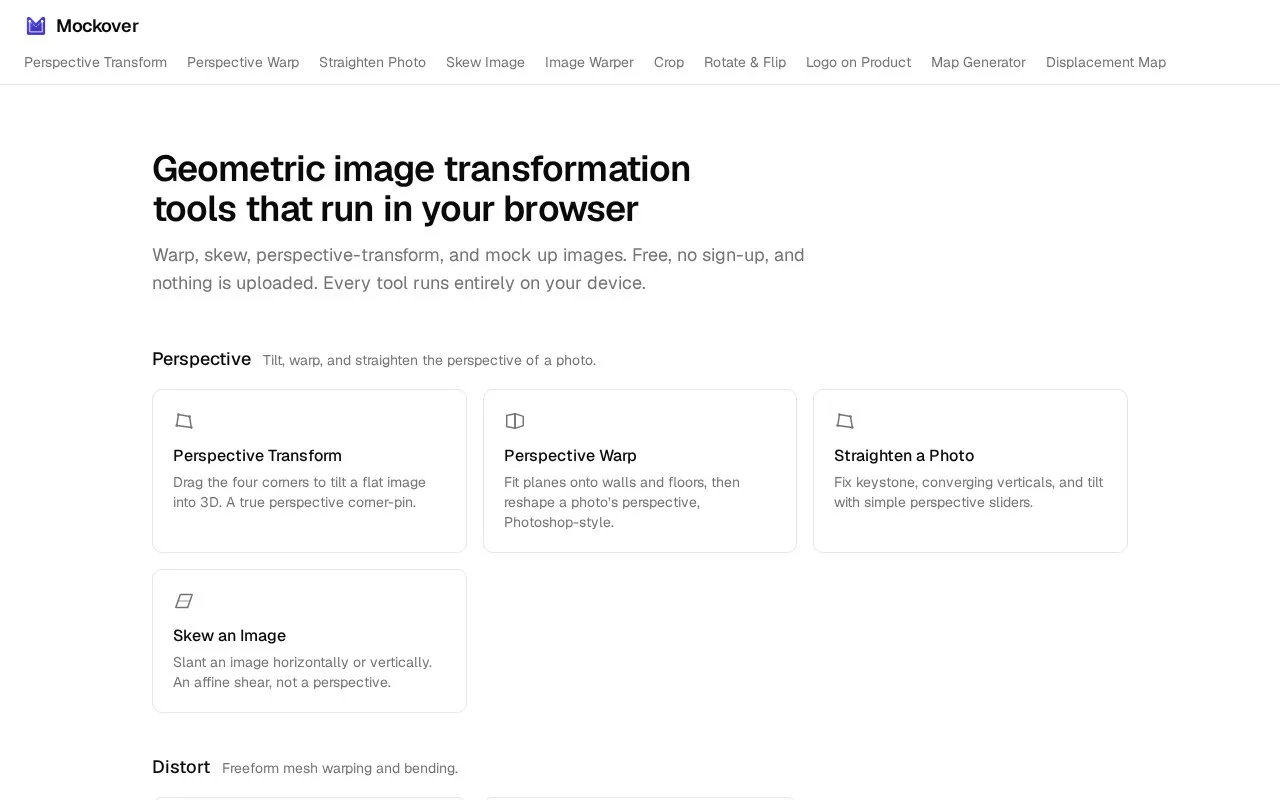
Mockover is a free browser collection of geometric image tools. It includes corner-pin perspective transforms, mesh warping, skew, crop and rotation, plus logo-on-product and displacement-based mockup tools. The site offers the tools without signup.
Mockover works with a product photograph you supply. The logo tool accepts a PNG or JPG photo, adds a foreground logo and lets you drag its four corners into perspective. A transparent PNG logo keeps the surrounding photograph visible. Export produces a PNG of the composite.
The displacement tool adds a different treatment for fabric, paper and other textured surfaces. It derives a height map from the background photo, then uses that map to bend the foreground design. Height changes the amount of distortion, Blur smooths the surface and Shadow Intensity carries the photographed shading into the artwork. Position the corners first, then tune those controls while checking small lettering and edges.
Separate tools cover mesh warping, straightening, skew, crop, rotation and displacement-map generation. The current collection is free and requires no signup. The site states that image processing runs on the device without uploading the artwork or product photo. Perspective placement remains manual, so the finished result depends on how carefully the design is aligned with the photographed surface.
Strengths
- Perspective and mesh tools support working with an existing photograph.
- The collection includes displacement-based product compositing.
Watch out for
- Perspective placement requires manually aligning the artwork with the photographed surface.
- Strong displacement can distort small text and fine details.
Best for
- Designers placing artwork into their own product photographs
Sources
- Mockover - Free online image warp, perspective & distort tools (Oct 27, 2026)
- Put a Logo on a Product Online - Free Logo Mockup | Mockover (Oct 27, 2026)
- Displacement Map Mockup - Warp a Design onto Fabric | Mockover (Oct 27, 2026)