
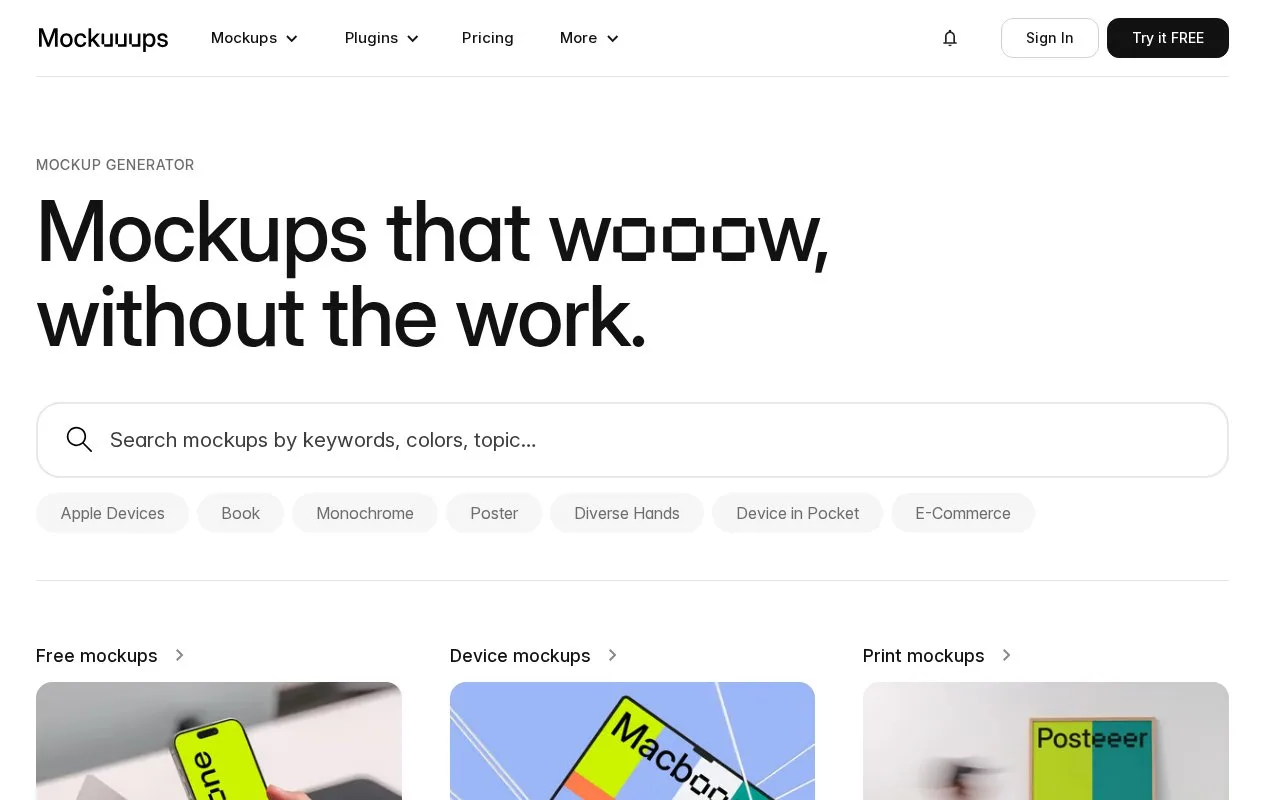
What it does
Mockuuups Studio places your designs into device and print scenes. It offers a Figma plugin, an Adobe Express add-on and desktop apps for Mac, Windows and Linux, with free personal-use mockups and paid commercial exports.
Drop a PNG or JPG into the gallery to apply it across the mockup library. In the desktop workflow, Browser → Import Screens also imports one or several files. Use Crop and Apply Crop to change the visible part of a screen. Open a scene, select Export, choose a preset size or enter a width, then confirm Export Mockup.
New accounts receive five trial exports without providing a payment card. Those exports are personal-use only. A separate free collection also uses the personal licence, with visible credit required.
| Paid option | Included access |
|---|---|
| Export pack | One, three, five or ten exports |
| Professional | Unlimited exports with monthly or annual billing |
| Team | Unlimited exports and individual seats under shared billing |
Website screenshots and shareable preview links require a subscription. Paid packs and subscriptions include commercial use without attribution; already exported paid mockups remain usable after cancellation.
Strengths
- One imported screen can be compared across multiple scenes in the gallery.
- Figma and Adobe Express integrations place mockup work alongside the original design.
Watch out for
- Free personal-use exports require attribution; the personal licence also lists a watermark.
- Templates cannot be resold, redistributed in asset packs or used to train AI systems.
Best for
- Preparing device presentations inside an existing design workflow
Sources
- Mockuuups Studio mockup generator (Oct 27, 2026)
- Import PNG and JPG files into Mockuuups Studio (Oct 27, 2026)
- Crop an imported screenshot in Mockuuups Studio (Oct 27, 2026)
- Change Mockuuups Studio export size (Oct 27, 2026)
- Mockuuups Studio pricing (Oct 27, 2026)
- Mockuuups Studio License (Oct 27, 2026)