
What it does
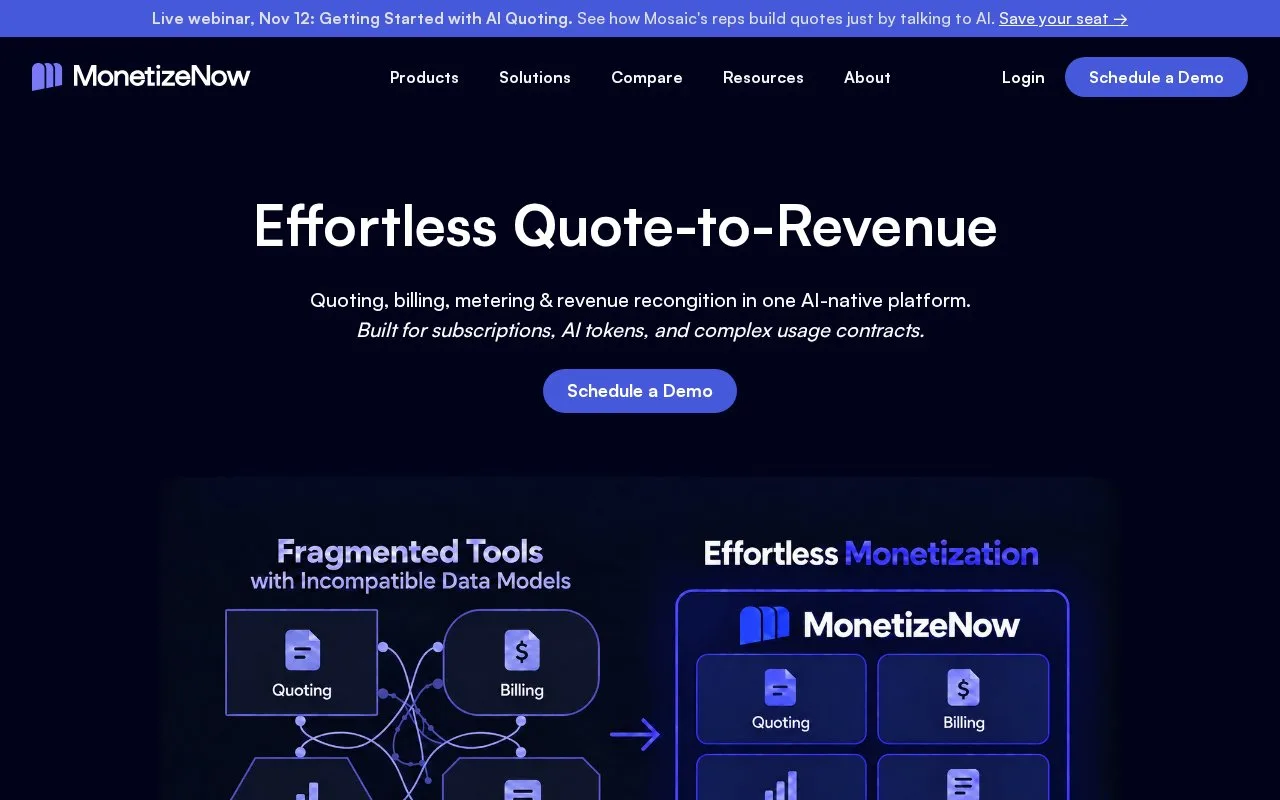
MonetizeNow combines quoting, subscriptions, usage metering, billing and payment management for software and reseller sales. A shared catalog carries negotiated prices and amendments from the quote into billing. Customers can view contracts, download invoices and update payment details through a portal; access is arranged through a sales demonstration.
A signed quote can become an invoice with charges separated by product type or usage. MonetizeNow supports renewals, prorated charges, minimum commitments and reseller workflows alongside that path. Keeping the commercial terms connected is useful when a negotiated deal differs from a public self-service plan.
Before creating a quote, set up at least one product, offering, customer account and contact. Open quote creation from MonetizeNow or the connected customer relationship management system. Add the offerings, adjust prices or quantities over the contract, check the billing contact and payment terms, then submit for any required approval before sending for signature.
The company setup also matters. Under Settings > Company Setting > New Entity, add the business identity that appears on quotes and invoices. Different entities can serve different brands or geographies. Team invitations and roles sit under Settings > Users & Roles.
Billing is organized by bill group: a customer's invoice recipient, currency, schedule and terms. One account can have several groups. On the account's Overview tab, open Preview Invoice beside the relevant group to inspect the next bill without creating it. The Next Invoice Estimate covers recurring charges only, so actual usage can increase the final amount.
For a missing bill, check the group's Billing Schedule and Next Invoice Date together. The group must be active and have a billable period due. A manually configured group can require Generate; that action runs in the background, so clicking repeatedly can create duplicates.
Payment follow-up also operates at bill-group level. You can schedule reminders and payment retries according to days overdue without sending a separate chain for every unpaid invoice in the group.
MonetizeNow offers a sales demonstration rather than a published fixed-price checkout. Discuss implementation, connected finance systems and commercial terms for the intended setup. Developers can generate integration credentials under Settings > API Keys for its programming interface (API).
The service is best suited to organizations coordinating sales, finance and product usage. Its value comes from preserving negotiated terms through billing, with previews and grouped follow-up for the people managing collection.
Strengths
- A shared catalog connects quoted terms with usage and subscription billing.
- Invoice previews expose upcoming charges before a bill is created.
- Bill-group reminders avoid separate follow-up chains for each unpaid invoice.
Watch out for
- Products, offerings, accounts and contacts must be configured before quoting.
- The recurring-charge estimate excludes usage added at invoice creation.
- Manual invoice generation runs asynchronously and repeated clicks can create duplicates.
Best for
- Software businesses coordinating negotiated quotes and billing
- Teams selling through both direct and reseller channels
- Finance teams managing several billing arrangements for one customer
Sources
- MonetizeNow quote, billing and portal capabilities (Oct 27, 2026)
- MonetizeNow first quote prerequisites and approval (Oct 27, 2026)
- MonetizeNow bill groups, previews and invoice creation (Oct 27, 2026)
- MonetizeNow grouped reminders and collection retries (Oct 27, 2026)
- MonetizeNow company and user setup (Oct 27, 2026)
- MonetizeNow REST API authentication (Oct 27, 2026)