
What it does
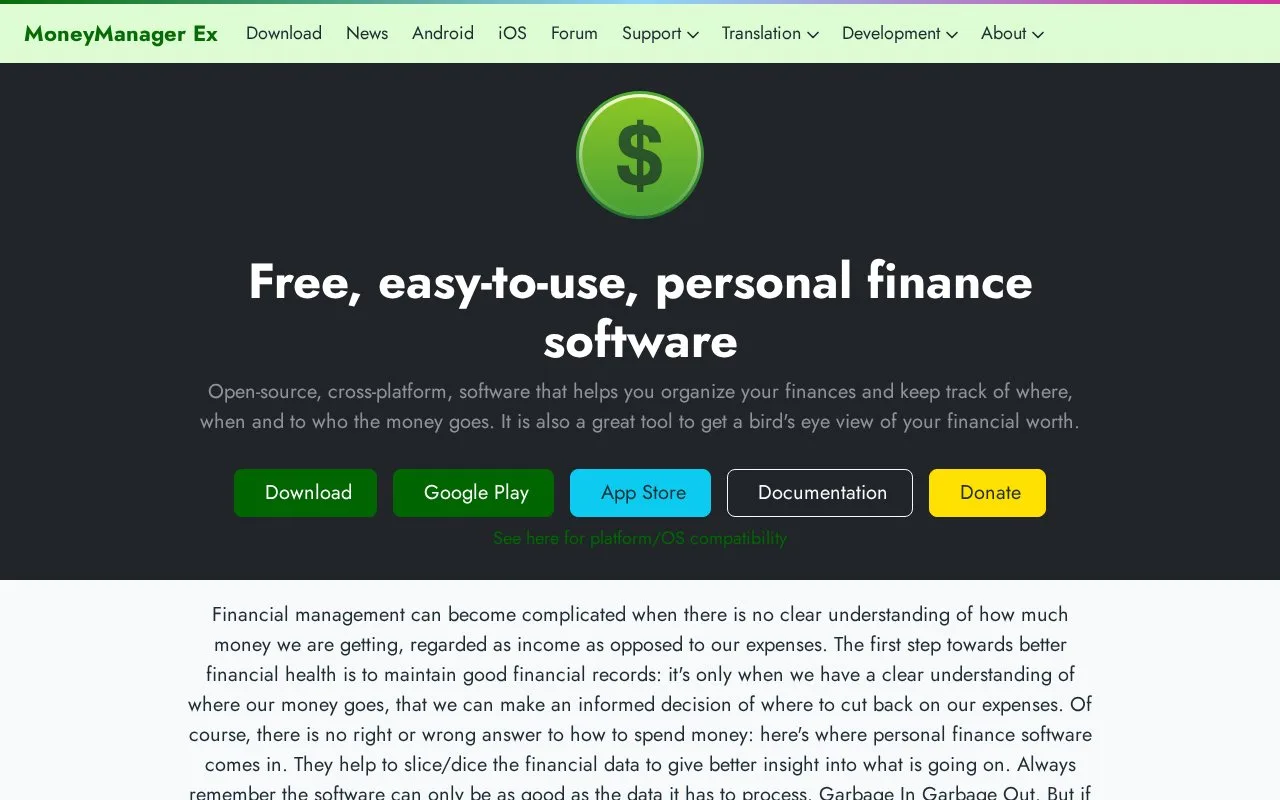
Money Manager Ex is free, open-source personal finance software for desktop and mobile devices. It organizes accounts, payees and categories, with monthly or annual budgets, scheduled entries and receipt attachments. Your records live in a database file that you can keep locally or synchronize through your own storage provider.
Set up accounts and categories first, then compare actual spending against a monthly or annual budget. You can display budgets by calendar year or financial year. Scheduled transactions represent predictable entries for future dates, while attachments keep a receipt or contract beside its related record.
For an existing transaction history, use QIF or CSV imports. Exports include those formats and HTML. Standard reports cover everyday analysis; custom reports using SQL and Lua suit people who want to define their own calculations.
Using the same database on several devices
Install your chosen cloud provider's client and put the database in its shared folder. On Android, open that file with the system file picker, then enable synchronization under Main Menu > Settings > Synchronization. The project's suggested settings include a five-minute interval and synchronization when the app starts. This depends on your storage provider's automatic synchronization, so it adds setup beyond keeping the file on one computer.
The software has no download charge or paid upgrade requirement. Desktop builds cover Windows, Mac and Linux; Android and iOS versions are also available. Local record keeping does not require a Money Manager Ex service account.
Strengths
- Budgets support calendar or financial years and monthly comparisons.
- QIF and CSV files provide routes into and out of the database.
- You can use your own cloud provider for the database.
Watch out for
- Using a shared database across devices requires configuring a separate storage service.
Best for
- People who want detailed personal accounts in a local, open-source database
- Households comparing actual spending with monthly and annual plans
Sources
- Money Manager Ex features and free software (Oct 27, 2026)
- GitHub - moneymanagerex/moneymanagerex: Money Manager Ex is an easy to use, money management application built with wxWidgets · GitHub (Oct 25, 2026)
- Money Manager Ex GPL licence (Oct 27, 2026)
- Money Manager Ex budgeting (Oct 27, 2026)
- Bring Your Own Cloud (Oct 27, 2026)
- Money Manager Ex platform compatibility (Oct 27, 2026)