
What it does
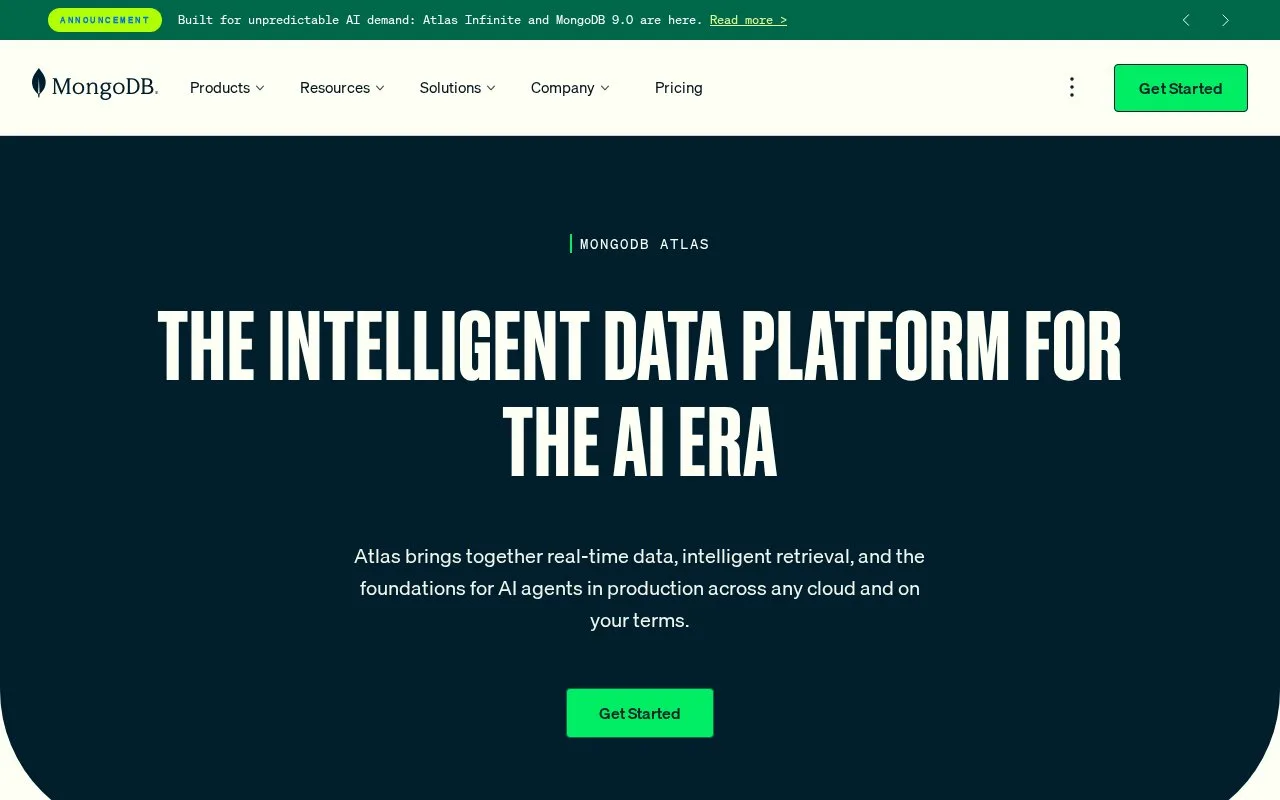
MongoDB Atlas is MongoDB’s managed cloud database service. The getting-started guide covers creating a deployment, connecting with mongosh, loading sample data, and using a client library from an application. Its deployment options include a small free shared tier, Flex, and dedicated clusters.
A useful first exercise is to create a development deployment, copy its connection URI, and connect with mongosh or an official driver. The quickstart can load sample data so an application query has something to read; keep connection credentials outside source control and follow the documented access setup for the account.
Atlas offers multiple capacity levels rather than one fixed server size. The pricing page lists a 512 MB shared free deployment, Flex up to 5 GB, and dedicated compute tiers. Treat the free cluster as a learning or prototype environment, then compare region, storage, and compute choices before sizing a production workload. The command-line path also requires the Atlas CLI and MongoDB Shell, while the guide offers a cloud deployment route.
Strengths
- The quickstart connects a deployment to mongosh and official client libraries.
- Sample data can be loaded as part of an initial application workflow.
- A permanent free shared tier is available for evaluation.
Watch out for
- The free Atlas tier is limited to 512 MB and shared compute.
- Compute and capacity vary by tier, region, and deployment choice.
Best for
- Prototyping a document database before choosing a production cluster size
- Connecting a Node.js application to a managed MongoDB deployment
Sources
- Get Started | MongoDB Documentation (Oct 25, 2026)
- Pricing | MongoDB (Oct 25, 2026)