
What it does
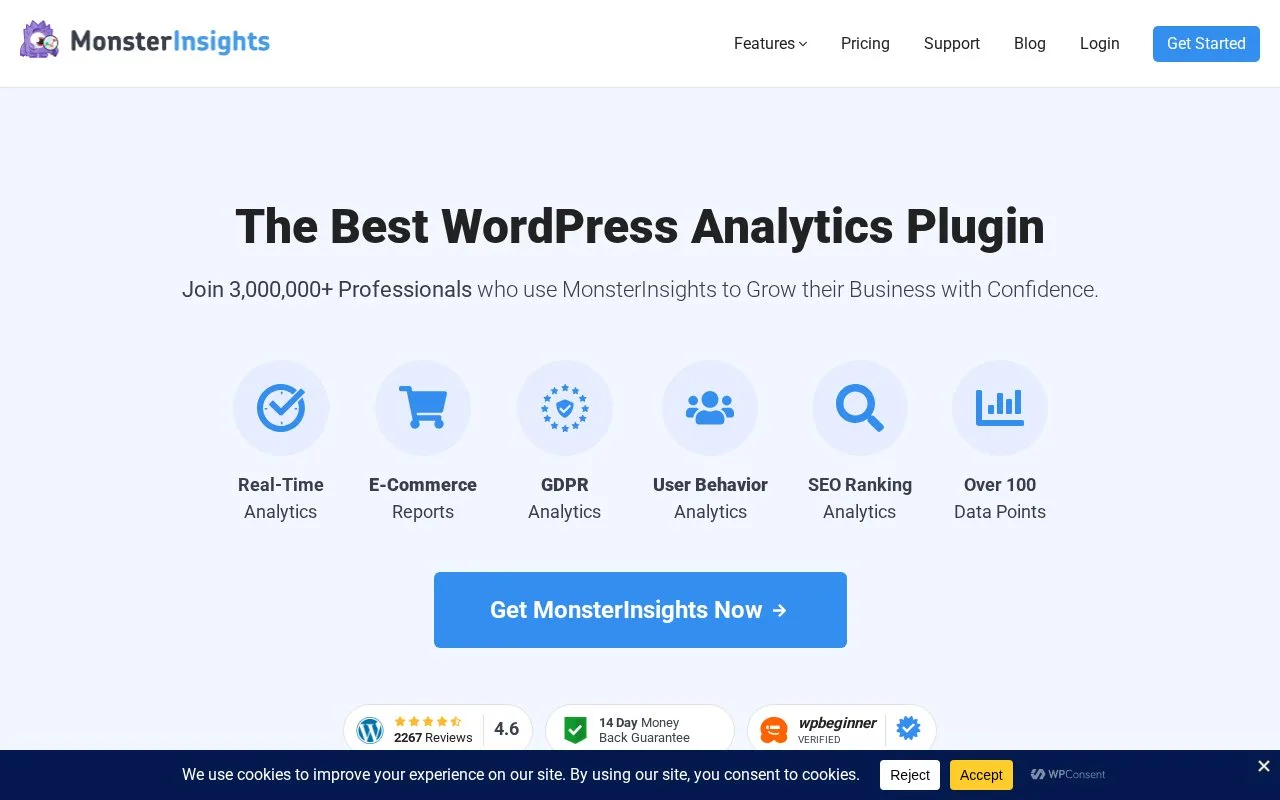
MonsterInsights sets up Google Analytics tracking and presents reports within WordPress. Its wider paid capabilities include ecommerce and form tracking, custom dimensions, media reports, site notes and other measurement tools.
MonsterInsights reads the connected Google Analytics property inside WordPress. That property retains the history when you move from the free Lite plugin to a paid edition.
Open Insights > Settings and select Connect MonsterInsights, then Continue & Connect to Google. Sign in with the Google account that owns the intended Analytics property, approve access, choose the website profile and click Complete Connection. Reports appear under Insights > Reports; the initial dashboard may take up to twenty-four hours to populate.
Check Insights > Settings > Advanced > Exclude These User Roles From Tracking. Administrator and Editor are excluded by default. Forms, ecommerce and media reports need their corresponding add-ons; custom-dimension results depend on the dimensions configured for the site.
| Paid plan | Introductory annual price | Normal annual price | Sites | Included AI credits |
|---|---|---|---|---|
| Plus | USD 99.50/year | USD 199/year | 1 | 5,000 |
| Pro | USD 199.50/year | USD 399/year | 5 | 10,000 |
| Elite | USD 299.50/year | USD 599/year | 5 | 15,000 |
| Agency | USD 399.50/year | USD 799/year | 25 | 20,000 |
Renewals use full prices. Lite remains available free; the paid pageview and user allowances do not remove the separate AI-credit limit.
Strengths
- Places connected Google Analytics reports within WordPress.
- Offers site notes and WordPress-specific tracking integrations.
Watch out for
- Specialist reports require the relevant add-ons and collection configuration.
- AI-question credits remain limited even where pageviews and users are unlimited.
Best for
- WordPress teams implementing and reading Google Analytics with plugin-specific reports
Sources
- MonsterInsights pricing (Oct 27, 2026)
- Upgrade from Lite to Pro (Oct 27, 2026)
- Connect to Google Analytics (Oct 27, 2026)
- First five minutes with MonsterInsights (Oct 27, 2026)
- Overview of core features (Oct 27, 2026)
- MonsterInsights - The Best Google Analytics Plugin for WordPress (Oct 25, 2026)