
What it does
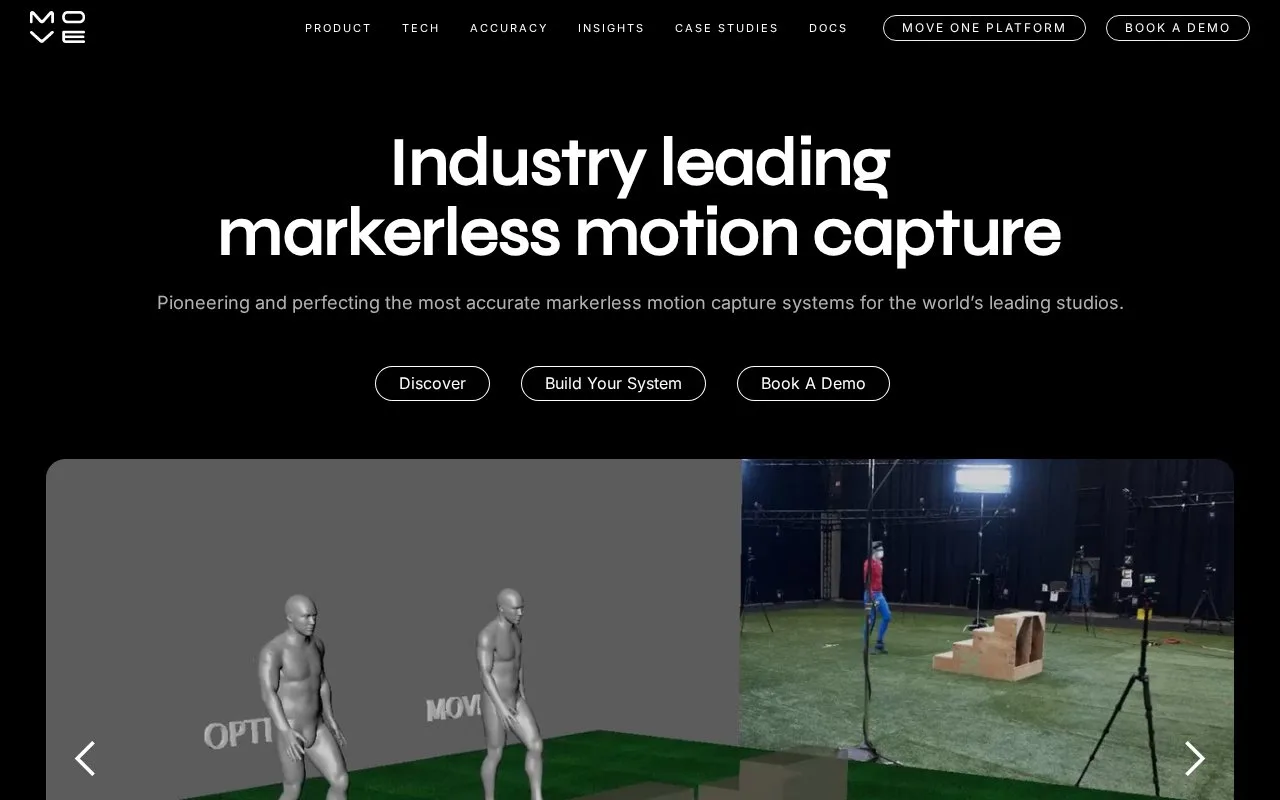
Move AI's Genesis is a studio motion-capture workflow that processes multiple camera views locally. It provides take controls, animation review and raw or retargeted outputs for character pipelines. Access is licensed, with pricing quoted by its sales team.
Genesis works from a calibrated camera setup and recorded action takes. Performers begin in a T-pose and stay within the calibrated space. For each take, choose timecode synchronization or supply clap-sync timing, set its start and end, identify the actor count and select the rig. Finger and ball processing are separate options. Process one take or queue all takes together.
Review the result with mesh, skeleton and calibration overlays in the 3D viewer. The preview uses the Move Mo rig even when the output targets another rig. Each processed action has an output button that opens its files. Raw and retargeted outputs include per-actor and combined files, with formats such as FBX, BVH, GLB, USDZ and Blender available for different handoffs.
The current equipment requirements specify Ubuntu 24.04, an NVIDIA RTX 40, 50 or A-series GPU and 64 GB of RAM. Application and engine files need 80 GB of storage; at least 1 TB is recommended for projects. Recording also needs a calibrated multi-camera capture area.
Activation uses a licence-request JSON file and a returned licence file. The licence is tied to the machine's hardware and operating system, so changing either can invalidate it. Pricing is supplied through Move AI's sales team.
Strengths
- Take ranges, actor count and target rig are set before processing.
- Mesh and skeleton overlays support reviewing the processed capture.
- Raw and retargeted files offer several downstream animation handoffs.
Watch out for
- Genesis requires a calibrated multi-camera setup and substantial local hardware.
- The review rig can differ from the selected output rig.
- Hardware or operating-system changes can invalidate the licence.
Best for
- Studios processing calibrated multi-camera performances locally
- Teams moving captured motion into rigged-character pipelines
Sources
- Move AI | Markerless Motion Capture & 3D Animation (Oct 28, 2026)
- Move.ai Products (Oct 28, 2026)
- Post Processing an Action Take (Oct 28, 2026)
- Viewing and Exporting the Animation Output (Oct 28, 2026)
- Output Formats | Genesis (Oct 28, 2026)
- Equipment List & Requirements | Genesis (Oct 28, 2026)
- Activating the License | Genesis (Oct 28, 2026)
- Harvesting Your Calibrations | Genesis (Oct 28, 2026)
- Move Pro For Desktop (Local Processing) EULA (Oct 28, 2026)