
What it does
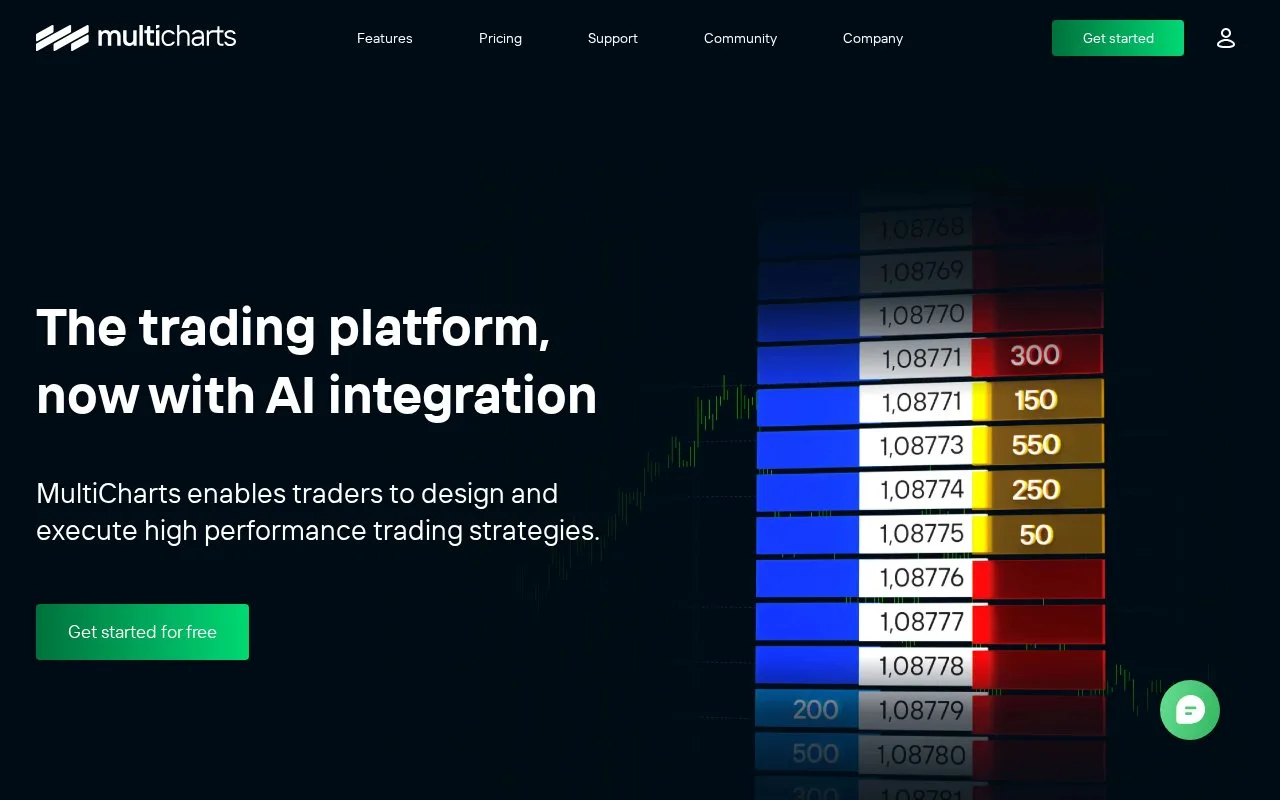
MultiCharts provides chart analysis, synchronized market replay and strategy development for technical traders. Its free plan includes simulation, sample historical data and backtesting; paid plans add live connections and further analysis tools. An account is required, and a 30-day trial lets users explore the fuller platform.
MultiCharts synchronizes a historical session across charts, scanners and depth-of-market windows. Workspace Mode keeps their starting point, speed and timeline aligned, which helps when comparing several views of the same move.
Replay can proceed by chart bar, tick, second, minute or day. If you request finer detail than the chart's existing series, the platform downloads additional data and displays Waiting for Detailed Data. Speed controls and jumps let you slow down an active period or pass over quiet sections. Historical depth data must come from a suitable provider or recording.
The scanner can apply indicator criteria across a group of symbols. Right-click a match to open its chart for a closer look. That makes replay useful for practising the whole process of finding and examining a setup.
Free and paid access
| Plan | Practical scope |
|---|---|
| Free | Simulation, sample history, chart analysis, strategy development and backtesting |
| Standard | Adds supported live broker/data connections, trading tools and a live scanner |
| Advanced | Adds Portfolio Trader, walk-forward and matrix optimization, plus scheduled history downloads |
The Free plan does not include real-time data access. Paid subscriptions and lifetime licences are offered, and a 30-day trial covers the fuller feature set. Use Get started to register.
Choose the programming edition deliberately: MultiCharts uses PowerLanguage/EasyLanguage, while MultiCharts x .NET serves C# and VB.NET users. Purchasing another licence does not automatically end an existing subscription. MultiCharts states that orders are non-refundable, so use the trial to check whether the edition and data workflow meet your needs.
Strengths
- Keeps replay synchronized across multiple chart and analysis views
- Includes backtesting and sample-history simulation on the Free plan
- Offers separate programming editions for different strategy languages
Watch out for
- Free access excludes live market-data connections
- Purchases are non-refundable and a new licence does not cancel older subscriptions
Best for
- Technical traders practising a multi-chart research workflow
- Strategy developers backtesting and refining rule-based systems
Sources
- MultiCharts charting and strategy platform (Oct 27, 2026)
- MultiCharts plans, editions and purchase terms (Oct 27, 2026)
- Market data playback and trading simulator (Oct 27, 2026)