
What it does
GNU nano is a small terminal text editor for quick edits to source code, configuration, and other plain-text files. Its screen keeps the file buffer and common shortcuts visible, while features such as syntax coloring, undo and redo, line numbers, and search and replace cover everyday editing needs. It is a practical choice when a shell is already open and launching a graphical IDE would be unnecessary.
A short edit without leaving the shell
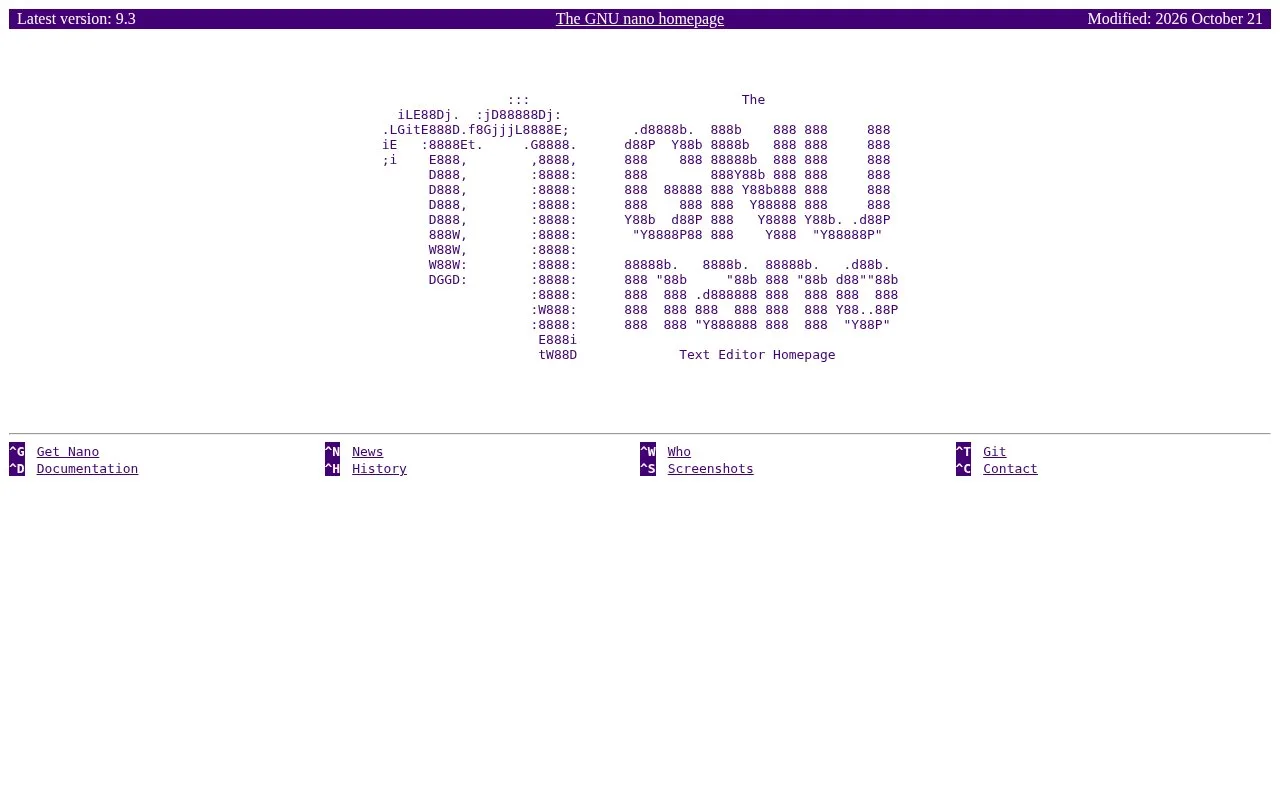
The manual's basic invocation is nano [FILE]. For example, to change a service setting on a remote machine, open the file with nano service.conf, make the edit, use Ctrl+O to write it out, and Ctrl+X to exit. Nano's screen shows the file name and modified state above the buffer and keeps common key combinations in its bottom rows, so the control scheme is visible while you work. For source or config work beyond a one-line fix, the manual documents syntax coloring, auto-indentation, line numbers, undo and redo, and interactive search and replace. You can also set preferences in a .nanorc file. One useful detail is that current defaults do not hard-wrap long lines, which helps avoid accidentally reformatting a long configuration value simply by moving through it. Nano is a terminal editor rather than a graphical IDE: it does not present a project tree or a multi-pane graphical workspace. That tradeoff is useful for server maintenance and focused edits, but people who want project navigation, graphical debugging, or a visual extension manager will want a different tool. The official distribution README states that nano's code is GPL-3-or-later except for two BSD-licensed functions; the documentation has its own license terms.
Strengths
- The editor runs inside an existing terminal, making focused edits possible without switching to a separate graphical application.
- Common operations appear as shortcuts on screen, and the manual documents syntax coloring, line numbers, undo and redo, and search and replace.
- The official distribution includes a nanorc configuration file for adjusting editor preferences.
Watch out for
- Nano is a terminal text editor, not a project-oriented graphical IDE with panes, project navigation, or an integrated debugger.
Best for
- Editing configuration or source files on a remote server over an existing shell session
- Making a small code or text change without leaving the terminal
- Users who prefer visible keyboard shortcuts over a graphical editor interface
Sources
- nano - Text editor (Oct 25, 2026)
- The GNU nano text editor (Oct 25, 2026)
- nano - Source code (Oct 25, 2026)
- GNU nano -- a simple editor, inspired by Pico (Oct 25, 2026)
- GNU General Public License, version 3 (Oct 25, 2026)