
What it does
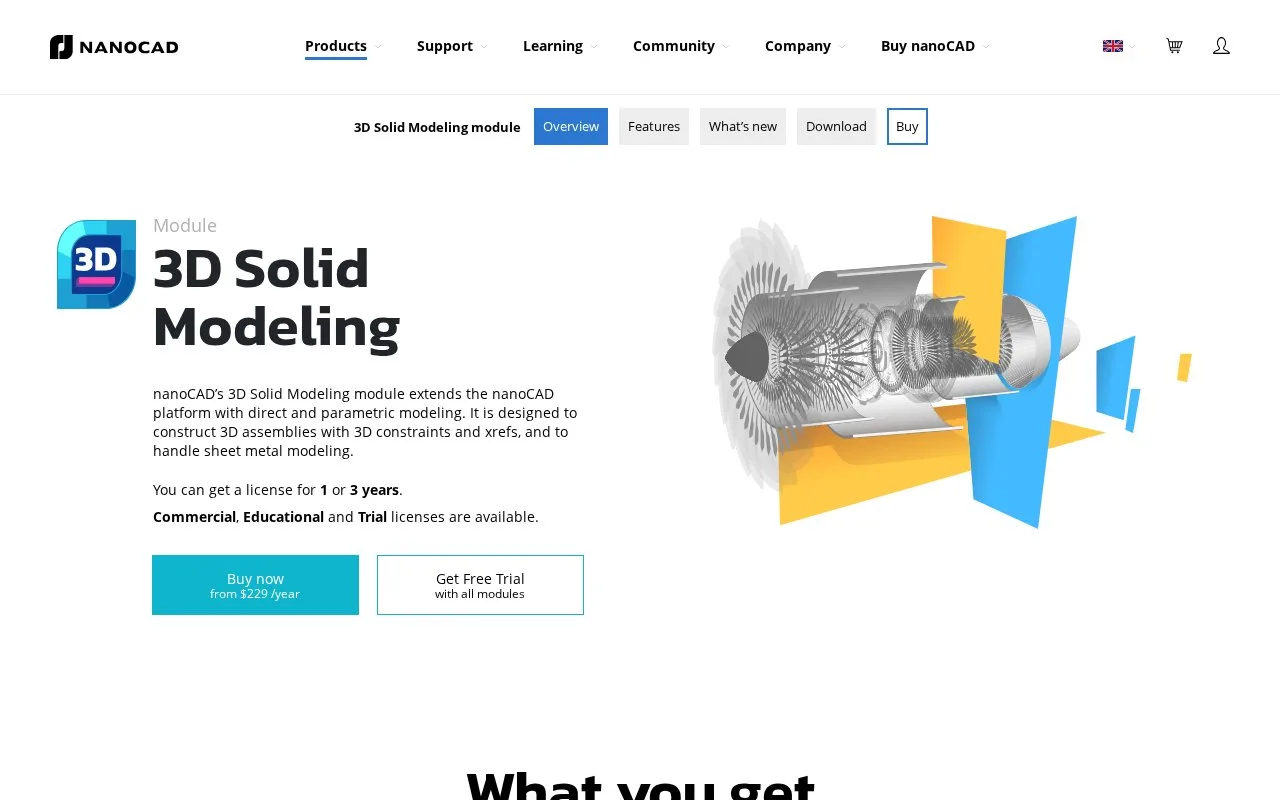
nanoCAD's 3D Solid Modeling module adds parametric and direct modelling, assemblies and sheet-metal tools to nanoCAD Platform. It is licensed with the underlying platform and offers a 30-day trial. Workstation and network plans serve different deployment needs.
Begin a parametric part by choosing a plane in the 3D History panel and creating a 2D sketch. A circle can snap to the origin and receive a diameter constraint. Select the sketch with 3D Extrude, then set its distance and direction to form a solid. Further face sketches use the same operation's Cut option; Through cuts a hole across the part.
For later changes, the history tree preserves construction operations, while direct modelling pushes or pulls faces and edges. Assembly constraints include Mate, Insert, Angle, Tangent and Symmetry. External references link parts stored in separate drawings. The module also supports exchange formats including STEP, IGES, Parasolid and STL.
The add-on is advertised from US$229 per year, in addition to Platform. The current promotional nanoCAD Pro bundle includes Platform and 3D Solid Modeling for US$459 per year on a workstation or US$559 per year for a network licence. Taxes are extra. One-year licences stop at expiry; the three-year option includes a perpetual licence, with support and upgrades ending after the initial term and later transfer restrictions.
Workstation licences are tied to one computer; replacement hardware requires support assistance. Network licences use a local server, with concurrent use limited to the purchased count. Borrowing a licence for disconnected work needs a specific licence file from support. The registration wizard requests the registered account's email when obtaining a licence file.
The module runs on Windows 10 or 11, 64-bit. Including all modules in the installer does not include a commercial licence for every module.
Strengths
- Sketch constraints, extrusion controls and history support dimensioned parts.
- Direct face editing and assembly constraints complement parametric construction.
- The three-year option includes continued use after its support term.
Watch out for
- The module needs the underlying nanoCAD Platform licence.
- Moving a workstation licence to replacement hardware requires support.
- Network borrowing is not enabled by default.
Best for
- nanoCAD users adding solid parts and constrained assemblies
- Windows CAD teams choosing workstation or shared network licensing
Sources
- 3D Solid Modeling | nanoCAD (Oct 28, 2026)
- 3D Solid Modeling Features | nanoCAD (Oct 28, 2026)
- Buy nanoCAD | Platform and Modules (Oct 28, 2026)
- nanoCAD Platform FAQ (Oct 28, 2026)
- 2D Sketch Mode | nanoCAD (Oct 28, 2026)
- 3D Extrude Operation | nanoCAD (Oct 28, 2026)
- System Requirements for nanoCAD Platform (Oct 28, 2026)
- 3D Solid Modeling Download | nanoCAD (Oct 28, 2026)
- nanoCAD Installation and Registration Guide (Oct 28, 2026)
- License Agreement nanoCAD Platform (Oct 28, 2026)