
What it does
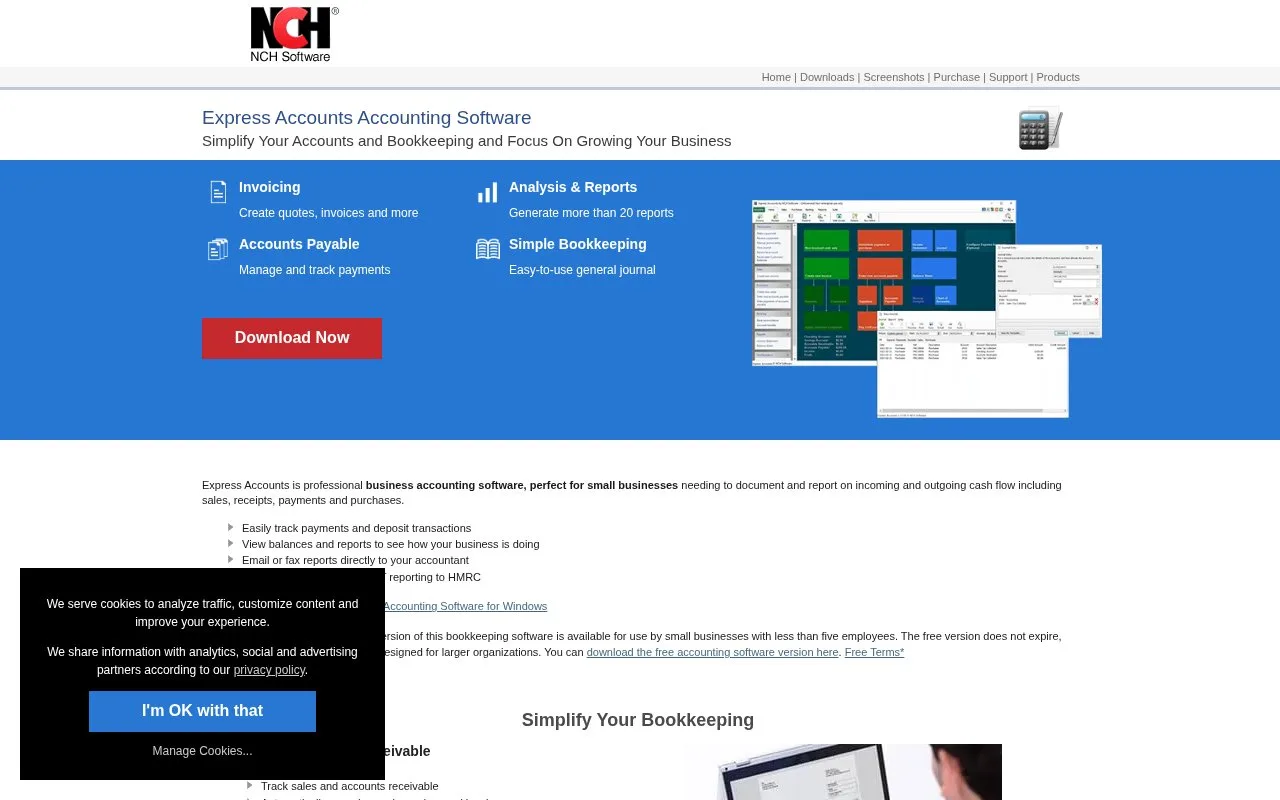
Express Accounts is NCH Software’s installed accounting application. It records sales, receipts, purchases and payments, with quotes, invoices, payables and financial reports.
Express Accounts keeps invoices, purchase bills and payments in a Windows or Mac application. Recording a customer payment updates receivables, and reports include an income statement, balance sheet and sales breakdowns. A business with fewer than five employees can use the non-expiring free version, though some advanced functions are excluded.
To bring in bank transactions, choose Accounts > Import Transactions, select the CSV file and map its columns to the accounting fields. If the file has a header row, begin at row 2. Review the import preview before importing. Customer, supplier and invoice lists also have CSV import routes.
Inventory connects through the separate Inventoria application. NCH’s setup guide requires both programs on the same machine, with synchronization enabled under Options > Inventory and matching connection settings. Express Accounts suits a very small business that wants installed bookkeeping and can manage its own data files.
Strengths
- Sales and payables records with financial statements
- A non-expiring free version for eligible very small businesses
Watch out for
- The free version is restricted to businesses with fewer than five employees
- Inventory integration uses a separate NCH application
Best for
- Very small businesses wanting an installed bookkeeping application
Sources
- Accounting and Bookkeeping Software for PC/Mac - NCH (Oct 27, 2026)
- Can I import data from .csv? - Express Accounts (Oct 27, 2026)
- Integrating Express Accounts, Express Invoice and Inventoria (Oct 27, 2026)