
What it does
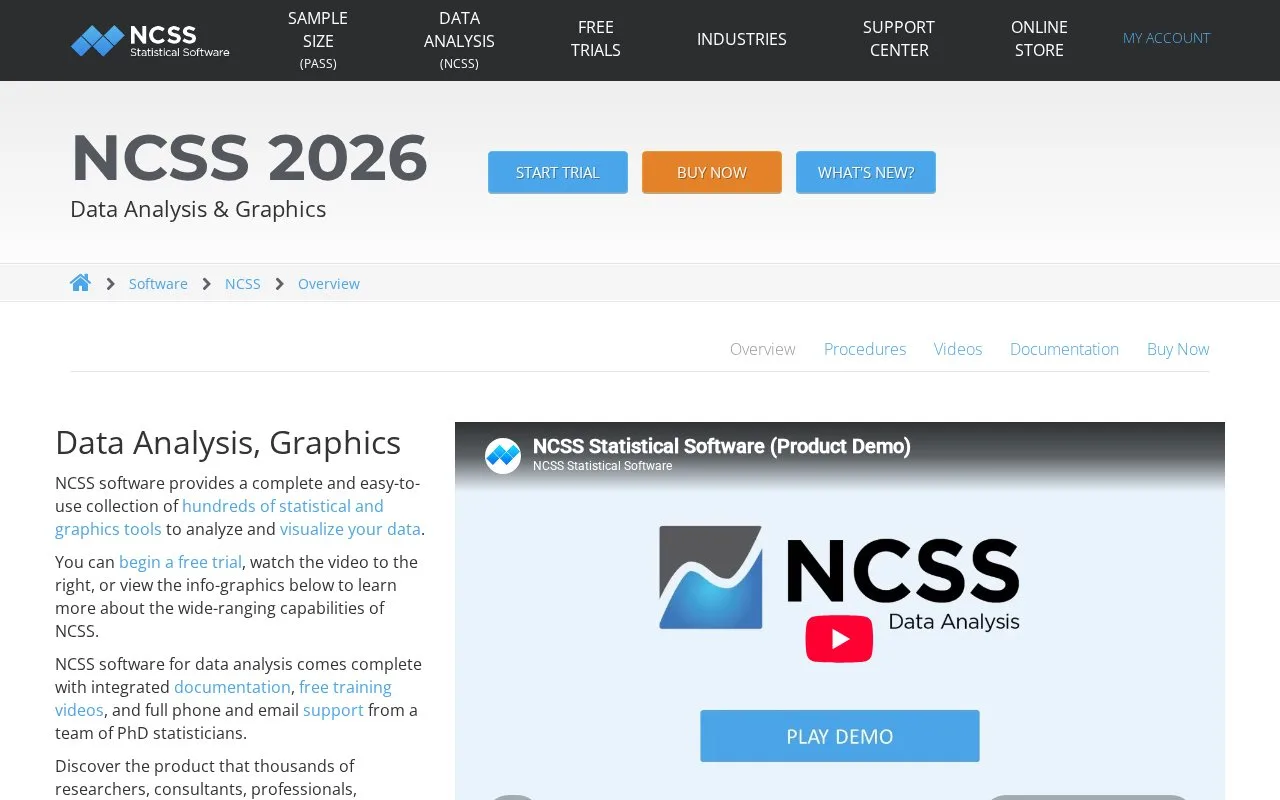
NCSS Data Analysis supplies statistical and graphics procedures for research, forecasting and business-data analysis. It imports spreadsheet and statistical formats, supports filtering or transformation, and presents selected reports and plots through a procedure-based desktop workflow.
NCSS separates the dataset, procedure settings and results into three windows. Enter or import data in the Data window, then use the procedure search or menu to choose an analysis. The output gallery keeps multiple runs together, and plot settings can be saved for later reports.
For a two-group comparison, open Analysis > T-Tests > Two-Sample T-Test. Reset the procedure, choose the measured column under Response Variable(s), and select the grouping column under Group Variable 1. Run displays the comparison in the Output window, where results can be viewed, edited, saved or printed. The built-in example uses the Mammals dataset, available through File > Open Example Data.
Commercial access
| NCSS licence | Price for one named user |
|---|---|
| One-year subscription | USD 349 per year |
| Two-year subscription | USD 649 for two years |
| Three-year subscription | USD 949 for three years |
| NCSS 2026 perpetual | USD 1,195 once |
Subscriptions include new releases during the term. The perpetual licence covers its purchased major version and includes three years of technical support. A single user can install on up to three computers for their own use. PASS is sold separately or in a bundle.
NCSS runs on Windows. The 30-day trial requires contact details and an emailed licence key, and is restricted to evaluation rather than actual research. Without a valid key, the application produces sample output only.
Strengths
- Connects procedure selection, column setup and documented statistical output.
- Keeps multiple output runs and reusable plot settings for comparison.
Watch out for
- The trial is for evaluation only and cannot be used for actual research.
- Perpetual licensing excludes future major-version upgrades.
Best for
- Business researchers and analysts using supplied data for documented statistical procedures and reports
Sources
- NCSS Data Analysis and Graphics (Oct 27, 2026)
- NCSS Commercial Online Store (Oct 27, 2026)
- NCSS Free Trial (Oct 27, 2026)
- NCSS 2026 Quick Start (Oct 27, 2026)
- NCSS 2026 License Agreement (Oct 27, 2026)
- Business Data Analysis Software | Software for Data Analysis | NCSS (Oct 26, 2026)