
What it does
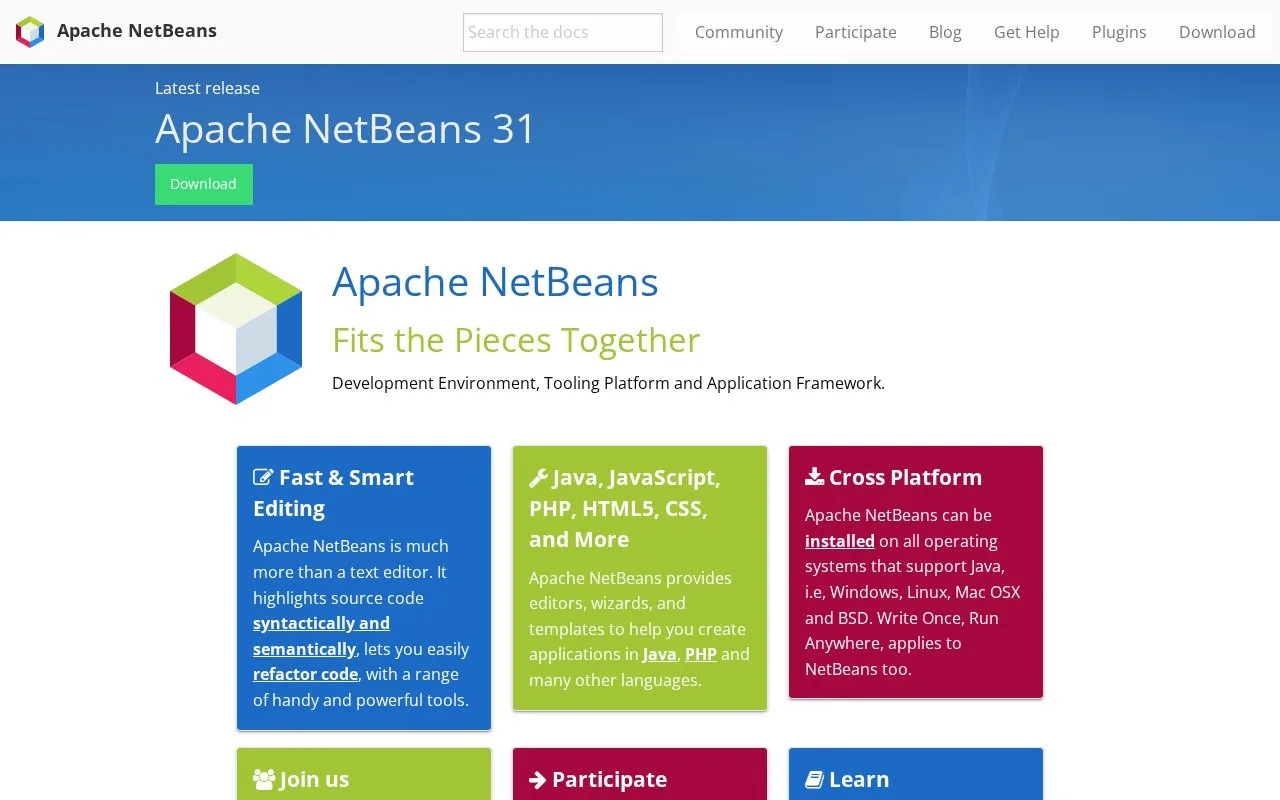
Apache NetBeans is an integrated development environment and tooling platform for Java and other languages. Its editors provide syntax and semantic highlighting and refactoring, while project wizards and templates help create applications in Java, JavaScript, PHP, HTML, and CSS. The project runs on operating systems that support Java, including Windows, Linux, and macOS. The Apache project publishes regular IDE releases and source code under the Apache License, Version 2.0.
A Java project from wizard to run
NetBeans' official Java quick start walks through a Maven-based application: create a Java Application project from the New Project wizard, add a Java class, and work in the Source Editor with the Projects window and Navigator nearby. The tutorial shows code completion and related documentation at the cursor, then runs the project and points to its build output. If Java support is not enabled on first use, the tutorial says the IDE prompts the user to install it. That gives a new user a concrete first task without requiring them to assemble an editor, build tool, and launcher separately.
The homepage emphasizes that NetBeans is more than a text editor: language-aware highlighting and refactoring sit alongside editors, templates, and tooling for multiple application languages. It is therefore a fit for people who want an IDE organized around projects rather than a standalone editing surface.
The official releases page identifies Apache NetBeans 31 as the latest release at the time checked, says releases occur four times a year, and warns that older releases are no longer supported. The Java quick-start itself was last reviewed in 2019, so treat its basic workflow as an introduction and check current documentation if a wizard label or supported Java setup differs. No NetBeans commands were run for this record.
Strengths
- Combines syntax and semantic highlighting with refactoring tools and project wizards.
- The official quick start demonstrates creating, editing, and running a Maven-backed Java application in one IDE.
- The project supports Windows, Linux, and macOS on systems that support Java.
Best for
- Java developers who want project creation, Maven workflow, code completion, and running projects in one environment
- Developers working across Java, JavaScript, PHP, HTML, or CSS who prefer an IDE with multiple language editors
Sources
- Welcome to Apache NetBeans (Oct 25, 2026)
- Java Quick Start Tutorial (Oct 25, 2026)
- Apache NetBeans Releases (Oct 25, 2026)
- Apache License, Version 2.0 (Oct 25, 2026)