
What it does
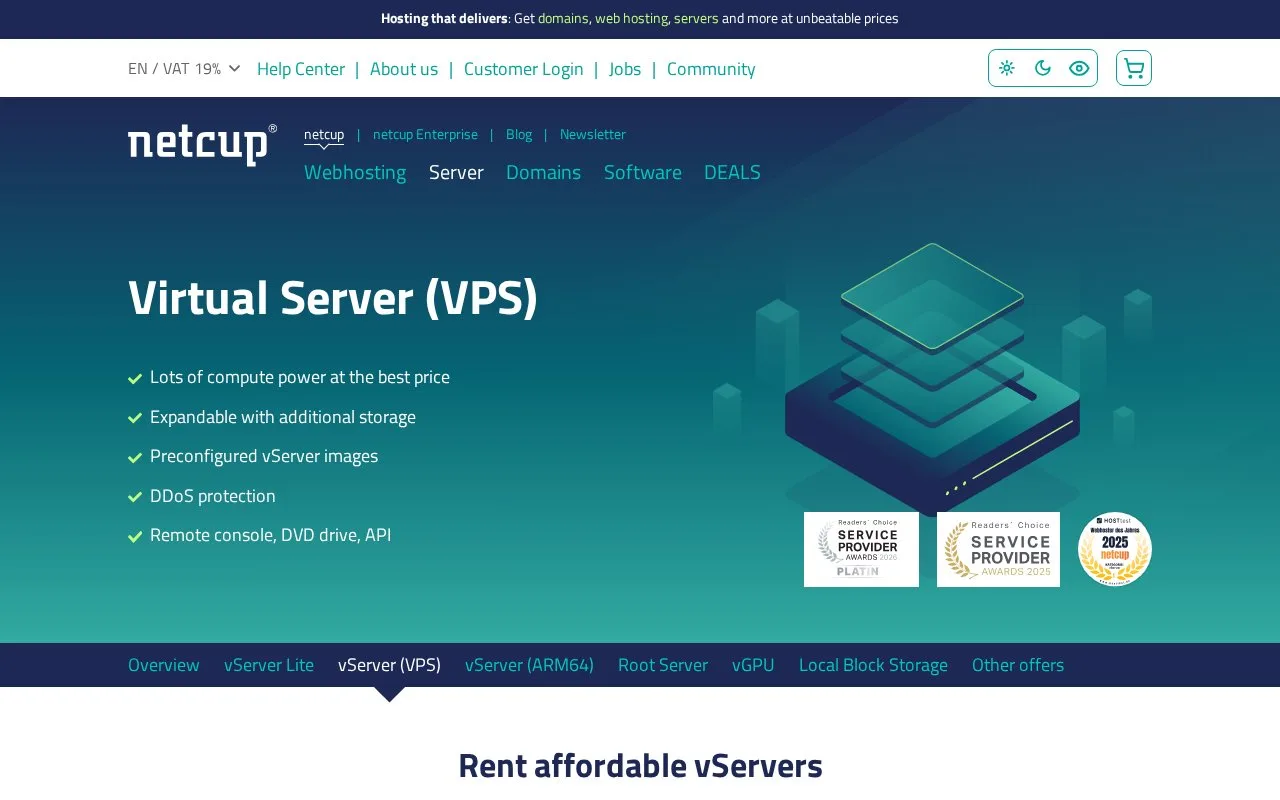
netcup VPS provides x86 virtual servers with selectable vCore, RAM, and SSD configurations. The product page lists preconfigured images, DDoS protection, snapshots, a remote console, and a server-control-panel API. VPS resources are shared with other virtual servers, so CPU performance is not guaranteed in the same way as netcup's separate root-server product. You choose the server software and administer its operating system; a separately offered managed VPS service is available for customers who want provider assistance with maintenance.
A useful first step is to compare the VPS plan sizes and the server location before ordering. netcup lists term options of one, twelve, or twenty-four months; the displayed price depends on the selected plan and country/VAT setting. Its ordering guide says to choose a server configuration, review the contract and location details, add it to the cart, and then create or sign in to a netcup account to complete the order. No order was placed for this listing.
After provisioning, the official first-use guide says the Server Control Panel provides access to the new server and that a standard Linux image is preconfigured with Debian Minimal. The guide walks through opening the VNC console, signing in as root with the credentials delivered after setup, and changing the initial password. Treat that root access as real server administration: install and secure the software you need, configure storage and network access, and plan updates and backups. netcup recommends server-administration knowledge for its VPS plans.
The Server Control Panel also documents a REST API for programmatic changes. Its guide describes configuring API access and optional IP or CIDR filters in the control panel. This can help automate account-side server operations, but it does not turn the VPS into a managed application deployment platform. The standard VPS shares host resources and does not include the dedicated-CPU guarantee or 99.9% minimum availability promise that netcup describes for its root-server line.
Strengths
- Plan sizes expose different vCore, RAM, and SSD combinations, with snapshots and a remote console listed among the VPS features.
- The first-use guide documents a Debian Minimal starting image and a VNC console for initial access.
- The Server Control Panel REST API supports programmatic changes, with documented authentication and IP-filter settings.
Watch out for
- The VPS shares host resources and does not include the dedicated CPU performance guarantee or 99.9% minimum availability listed for root servers.
- Customers need server-administration knowledge for operating-system setup and ongoing maintenance; managed VPS is a separate offer.
- Plan pricing depends on configuration, contract duration, and the selected country/VAT setting.
Best for
- Self-managed development or test servers that need an x86 Linux or Windows environment
- Hosting web services or backend applications on a configurable virtual machine
- Automating server-control-panel operations while keeping responsibility for the guest system
Sources
- VPS hosting with top performance & best conditions | netcup (Oct 25, 2026)
- Ordering a Server (Oct 25, 2026)
- First Use of Your Server (Oct 25, 2026)
- REST API (Server Control Panel) (Oct 25, 2026)