
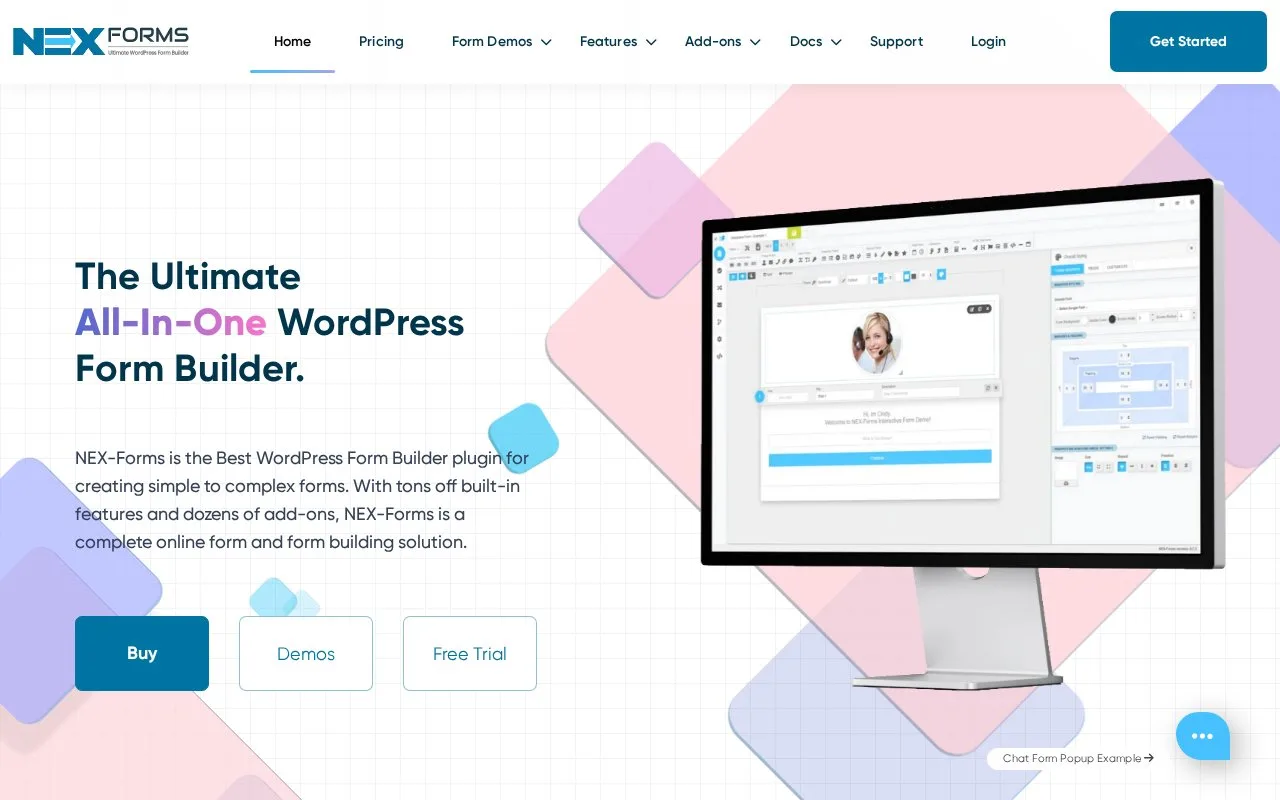
What it does
NEX-Forms builds WordPress forms for questionnaires, requests and other site interactions. Its editor can change selected fields together, including every field of a chosen type. Commercial plans vary by site count, support and add-on access.
Hold Ctrl and click the fields to change together. They need not be adjacent. Ctrl-click again to remove a field, or press Escape to clear the selection. Right-click the group for editing and styling options.
For all radio buttons or text areas, hold Ctrl+Shift and click that field type. Orange borders identify the matching fields. Inspect the group before changing margins, colours or position; Delete removes the entire selection.
Advertised subscription offers
| Plan | Sites | USD per month | USD per year | Support |
|---|---|---|---|---|
| Basic | 1 | 7.99 | 49.99 | Standard |
| Plus | 3 | 14.99 | 99.99 | Standard |
| Pro | 5 | 19.99 | 149.99 | Priority |
| Elite | Unlimited | 29.99 | 299.99 | Priority |
Monthly and yearly figures are separate billing options. These are the displayed reduced offers; confirm renewal pricing and included add-ons before ordering. Continued support, updates and new add-ons require renewal after expiry.
Download the purchased plugin through the vendor account, then upload and activate it in WordPress admin.
Strengths
- Nonadjacent fields can be edited as one group
- Selecting by field type helps keep repeated inputs consistent
Watch out for
- Deleting a batch selection removes every selected element
Best for
- WordPress editors maintaining forms with repeated fields and styles
Sources
- NEX-Forms Pricing (Oct 27, 2026)
- Batch Field Selection - NEX-Forms (Oct 27, 2026)
- NEX-Forms Installation (Oct 27, 2026)
- NEX-Forms – Ultimate Forms Plugin for WordPress – WordPress plugin | WordPress.org (Oct 27, 2026)
- NEX-Forms The Best WordPress Form Builder Plugin (Oct 26, 2026)
- NEX-Forms Batch Field Selection (Oct 26, 2026)