
What it does
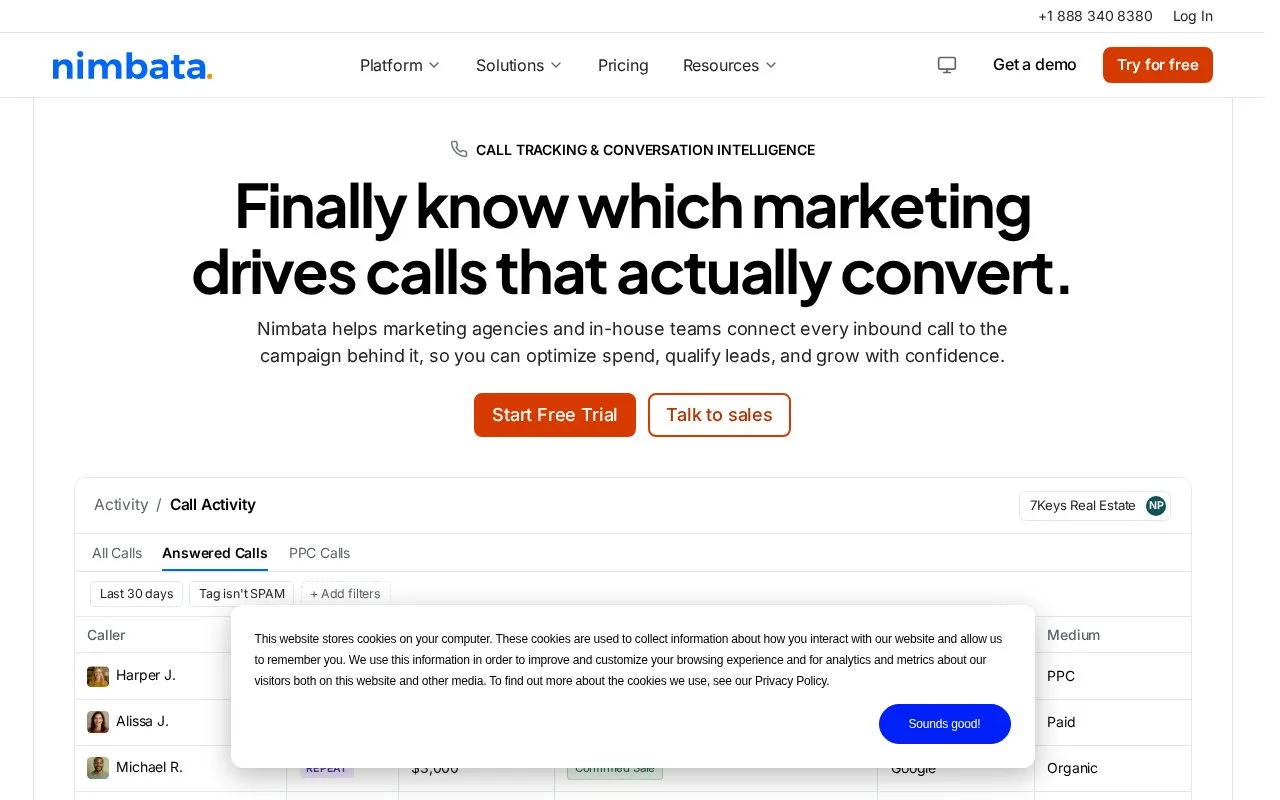
Nimbata combines call attribution, conversation analysis and reporting with optional forms, workflows and integrations. It connects calls to campaigns and supports rules for which outcomes are sent to advertising systems.
Nimbata attributes calls to campaigns and can send selected outcomes into Google Ads. Its manual-approval workflow is useful when a person needs to listen to a call before treating it as a lead.
- Connect Google Ads under Integrations and map a Conversion Action. Turn off existing automatic Google Ads conversion workflows to avoid sending duplicates.
- In Workflows, choose + Create > From Scratch and use the User updates property trigger.
- Add a Tag filter with the value
Conversion, then a Perform action step for Google Ads. Choose the matching Conversion Name, Save and Enable. - Open Activity > Calls, review the recording or transcript and apply Call Status > Conversion to an approved call. That tag triggers the upload.
Google requires the call's Google Click ID. Processing can take up to 24 hours, and the tag's capitalization must match.
| Plan | Access distinction |
|---|---|
| Entry | Usage-priced entry option, one call flow |
| Pro | Dynamic number insertion and Google Ads connection |
| Marketing | Form tracking and additional automation |
| Agency | Unlimited seats and workflows, API and webhooks |
A Nimbata account starts with a 14-day trial, two tracking numbers and 50 answered calls, without a card. Continuing afterward requires a plan and payment details. The Entry plan has no base fee, but usage is charged. Higher plans add a recurring base fee. Although calls are priced by answered call, the fair-use terms allow an extra charge when average duration per destination exceeds 3.5 minutes.
Strengths
- Supports outcome-based rules for different advertising conversion actions.
- Combines source attribution with conversation and campaign reporting.
Watch out for
- Usage adds to any recurring plan fee; a zero base fee does not make calls free.
- Average calls above 3.5 minutes per destination can incur fair-use overages.
Best for
- Marketers who want to distinguish call quality and outcomes in campaign reporting
Sources
- Nimbata plans, trial and billing FAQ (Oct 27, 2026)
- Google Ads call conversions: manually tag and send calls (Oct 27, 2026)
- Call Tracking & Conversation Intelligence Software | Nimbata (Oct 26, 2026)
- Google Ads Integration: Track Call Conversions & ROI (Oct 26, 2026)