
What it does
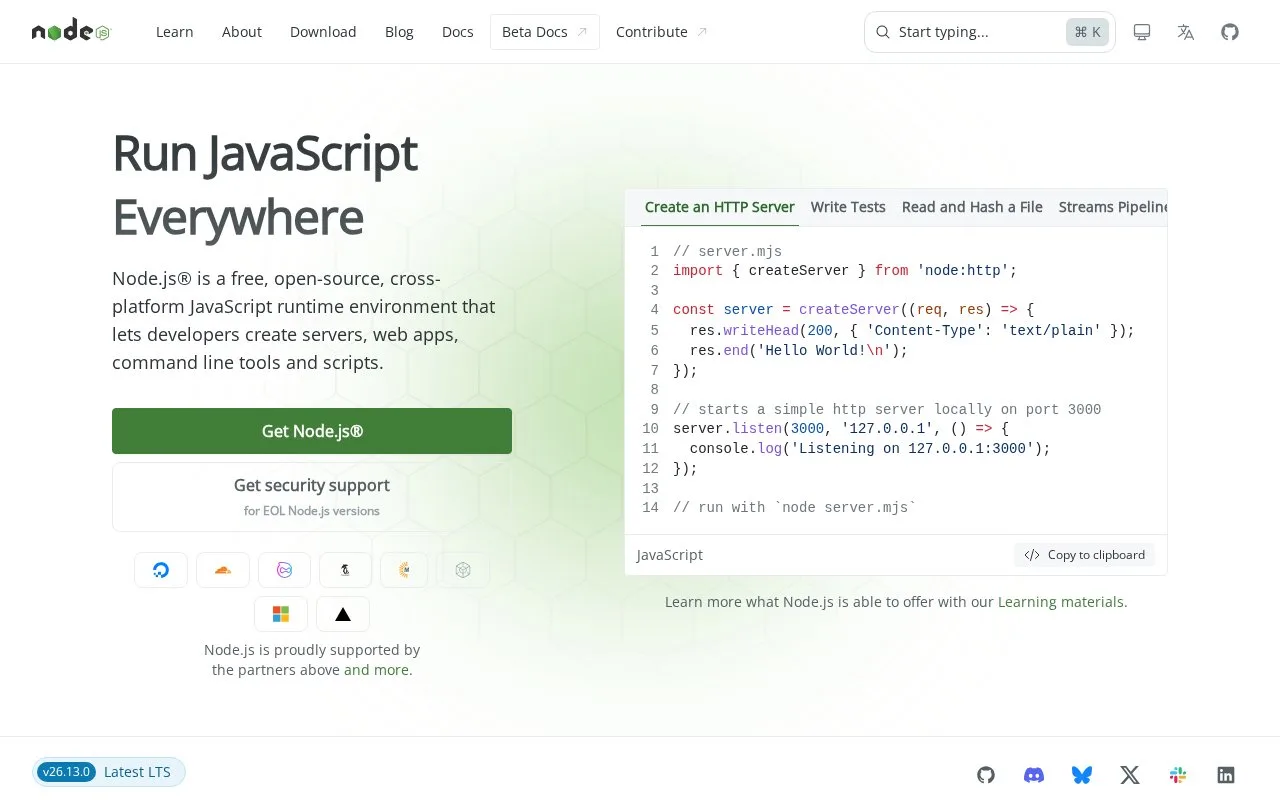
Node.js is a cross-platform JavaScript runtime built on the V8 engine. It runs application code in a process outside a browser and provides asynchronous I/O primitives in its standard library, which makes it useful for network servers, command-line programs, and other tools. The project includes a command-line runtime and is supported by an open governance model. It is a runtime and libraries, not a code editor or a hosted web service.
Node.js lets a JavaScript file run directly as a program. A small first task is to save a script such as hello.js and invoke node hello.js; the command is an illustrative example based on the official CLI synopsis. Running node with no program entry point starts the REPL, which is useful for trying a short expression before adding it to a file. ### Where the runtime fits
The introduction guide explains that a Node.js app runs in one process and uses asynchronous I/O primitives to avoid blocking JavaScript while waiting on many common input/output operations. That workflow suits services, command-line utilities, and scripts that need the Node standard library or packages from npm. It does not make CPU-heavy JavaScript automatically parallel, so choose worker threads or another design when computation itself needs parallel execution. Node.js is distributed under an MIT-style license in its upstream license file; the same file also lists third-party components with their own notices. The project is free and open source, but people redistributing bundles should review those dependency terms as well as the Node.js license. The runtime is only one part of a JavaScript application: developers still choose how to organize modules, packages, and deployment.
Strengths
- Runs JavaScript outside a browser for servers, scripts, and command-line tools.
- The standard library includes asynchronous I/O primitives for network-oriented applications.
- A REPL and direct script invocation provide a small path from experimentation to a program.
Watch out for
- The runtime does not choose an application framework, dependency policy, or deployment process for the developer.
- Third-party packages and bundled dependencies can carry license terms beyond the Node.js project license.
Best for
- Building JavaScript services or command-line utilities outside a browser
- Running scripts that use Node's standard library and the npm package ecosystem
Sources
- Node.js project home (Oct 25, 2026)
- Introduction to Node.js (Oct 25, 2026)
- Node.js command-line API (Oct 25, 2026)
- Node.js upstream repository (Oct 25, 2026)
- Node.js license and third-party notices (Oct 25, 2026)