
What it does
Notes is a desktop Markdown note-taking app from Nutty Artist. Its official site describes nested folders, tags, fast search, a feed view, and a task board. The free version makes the board read-only, while the site offers a paid Pro upgrade for editing it. This combination suits people who want a text-centered archive with some lightweight task organization.
For a research collection, create a folder per subject and use tags for themes that cross folder boundaries. Notes' site documents nested folders, tags, and search, plus a feed view that lets selected notes appear one after another. A practical first test is to capture a few notes and search for a phrase you expect to need later, rather than importing an entire library before confirming the organization works for you.
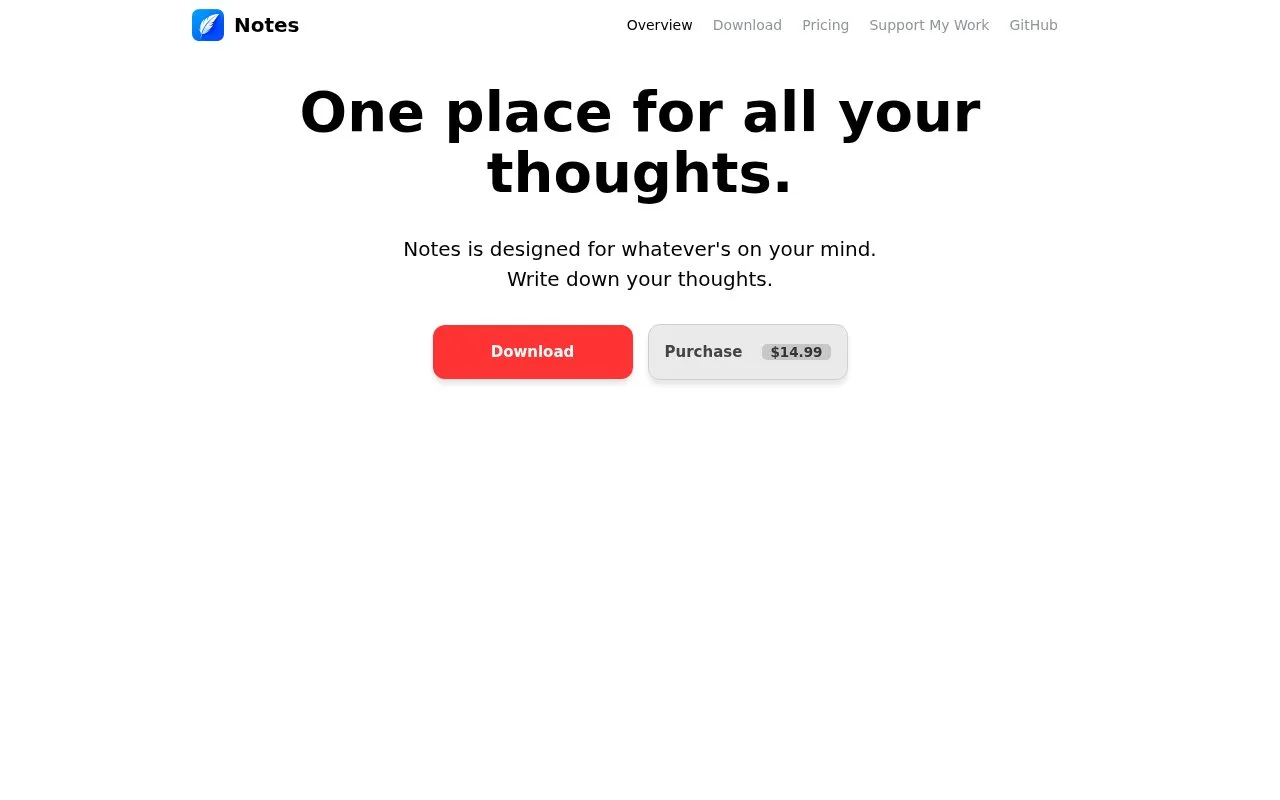
The product page shows a task board but states that it is read-only in the free version; editing requires Pro. That matters if project tracking is part of the reason for choosing the app. The site displays a purchase option, but the complete currency, license terms, and supported operating systems were not established in the pages checked.
Strengths
- Nested folders and tags offer both hierarchical and cross-topic organization.
- The site documents fast search and a feed view for browsing selected notes.
- A task-board view is available, with its editing access tied to Pro.
Watch out for
- The task board is read-only in the free version; editing it requires the paid Pro upgrade.
Best for
- Organizing Markdown notes with both folders and tags
- Readers who want a lightweight task board alongside their note collection
Sources
- Notes - One place for all your thoughts (Oct 25, 2026)