
What it does
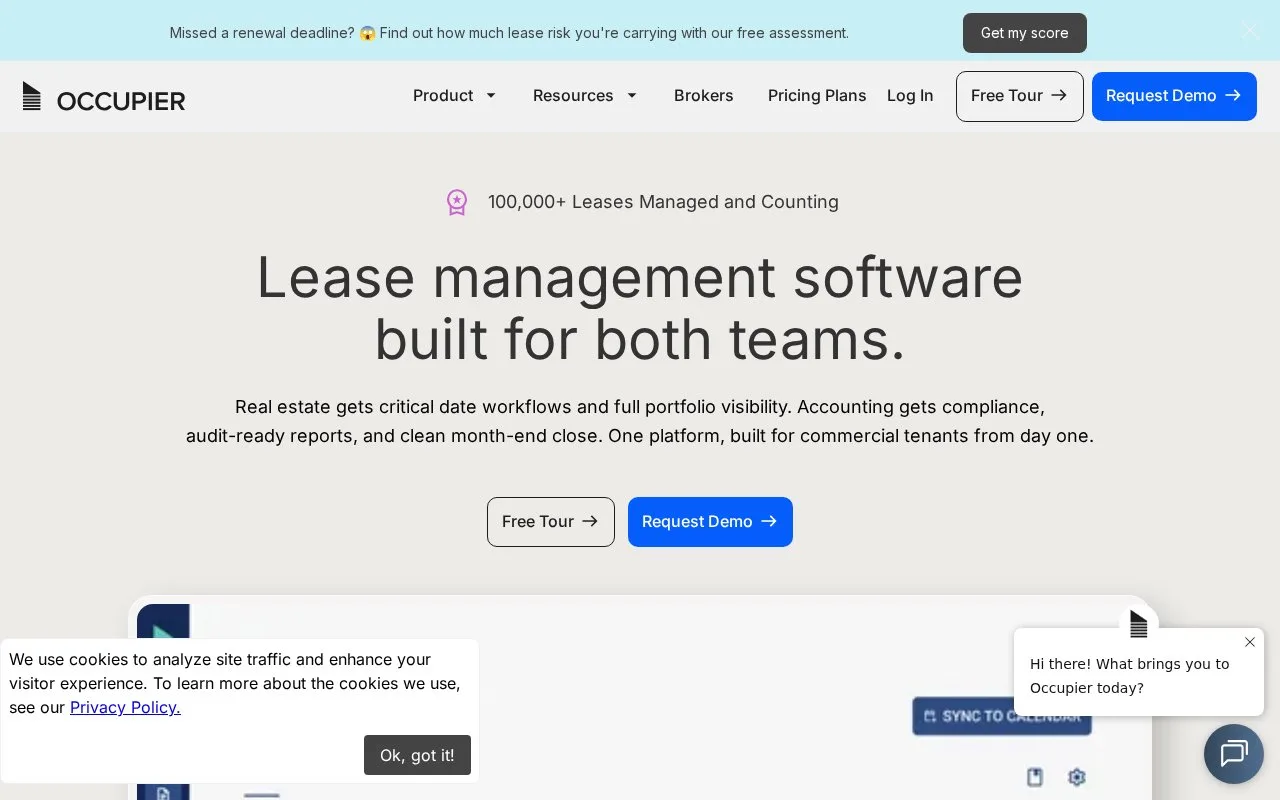
Occupier provides lease administration and accounting for commercial tenants, including critical dates, lease changes, journal entries and disclosure reporting. Real-estate and finance teams work from the same lease data. Plans are quoted by lease and module, with unlimited users.
Occupier is built around the commercial tenant's lease portfolio. Real-estate teams manage dates and obligations, while finance uses the same lease data for liabilities, journal entries and disclosures.
Choose the modules
| Lease Administration plan | Main distinction |
|---|---|
| Basic | Lease records, dates, clauses and document storage |
| Professional | Custom fields, reporting views and scheduled email exports |
| Enterprise | Automated file transfers and custom integration options |
All plans start at 20 active leases. Lease Accounting, Deal Management, Business Licenses and Equipment Leases cost extra; accounting requires Lease Administration. Implementation services are quoted separately. Ask for the combined price for the portfolio and modules.
Add the lease, then review its payments
Use Add Lease on the administration homepage. Enter the lease information, choose real estate or equipment, and fill in the location, term, rent schedule and any additional expenses. Submit the record, then add critical dates and documents.
In accounting, select an incomplete lease from Lease Status and choose Get Started. The Lease Payments tab brings in payments from administration. Its payment-type switches control what enters the liability calculation; prepaid rent has its own amount and period fields.
To download completed amortization schedules together, open Close Books and choose Review Template. Occupier emails an Excel download.
Give each person the right access
An administrator invites users by email and assigns editing or read-only rights. Accounting access must be enabled for the user. Read-only colleagues can inspect lease data but cannot edit records or complete tasks.
Strengths
- Expired leases do not count toward the active-lease plan allowance
- All plans include unlimited document storage
- Administrators can restrict a user to selected leases or deals
Watch out for
- The minimum plan allowance is 20 active leases
- Lease Accounting needs a paid Lease Administration plan underneath it
- Implementation and optional modules add to the quoted platform cost
Best for
- Commercial tenants coordinating lease changes and accounting
- Property teams sharing a growing location portfolio with finance colleagues
Sources
- Occupier lease management for tenants (Oct 27, 2026)
- Occupier pricing plans (Oct 27, 2026)
- Add a new lease in Occupier (Oct 27, 2026)
- Input lease payments in Occupier (Oct 27, 2026)
- Download all completed lease amortization schedules (Oct 27, 2026)
- Add users to Occupier (Oct 27, 2026)