
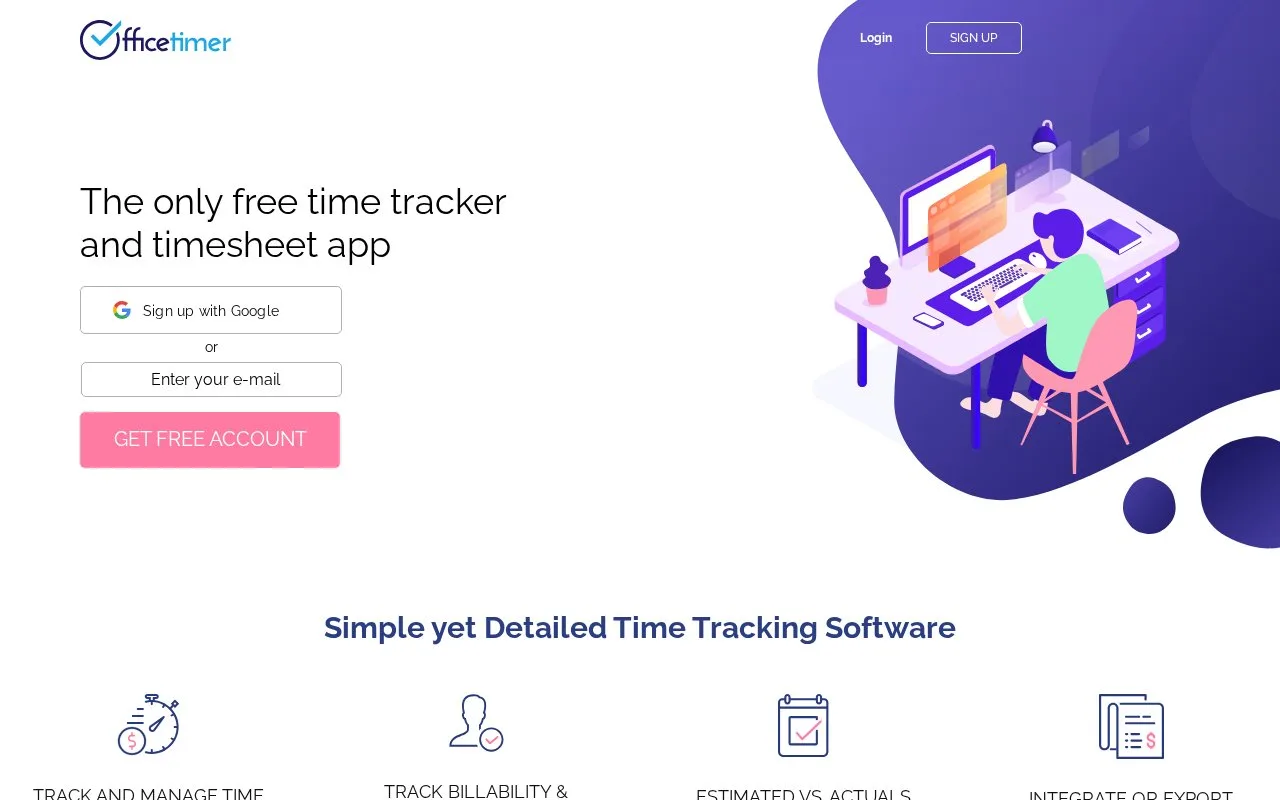
What it does
OfficeTimer lets people record work with or without a project or task tag and customize timesheets. Managers can approve entries, track billable and non-billable time, set employee, role, or task rates, and compare planned with actual hours and costs for project profitability. The free plan lists unlimited users, projects, tasks, and time tracking. Premium adds controls such as timesheet locking, permissions, validations, and approvals at $1.99 per user/month on annual billing; the Enterprise tier is $2.99 per user/month, with monthly billing 20% higher.
OfficeTimer suits project-based teams that need time entries tied to work and client billing. Staff can record time with or without a project or task and submit customizable timesheets for client-manager approval; managers can review billable and non-billable hours, rates, planned-versus-actual time, and costs. The product is available as a web app and mobile apps for iOS and Android. Its free plan allows unlimited users, projects, tasks, and tracking; paid tiers add controls such as permissions, locking, audit, and approval workflows. The official pricing page lists Premium at $1.99/user/month and Enterprise at $2.99/user/month on annual billing; monthly billing is 20% more.
Strengths
- Free plan lists unlimited users, projects, tasks, and time tracking.
- Supports billable/non-billable reporting, client approvals, rates, and planned-versus-actual project cost tracking.
Watch out for
- Advanced controls such as permissions, locking, audit, and approval hierarchies require paid tiers.
- Pricing page lists annual per-user rates and says monthly billing is 20% more.
Best for
- Project-based service teams that need billable timesheets and client approvals
- Managers reviewing actual time and cost against project or task estimates
Sources
- Free time tracker and timesheet software (Oct 25, 2026)
- OfficeTimer Pricing - OfficeTimer (Oct 25, 2026)