What it does
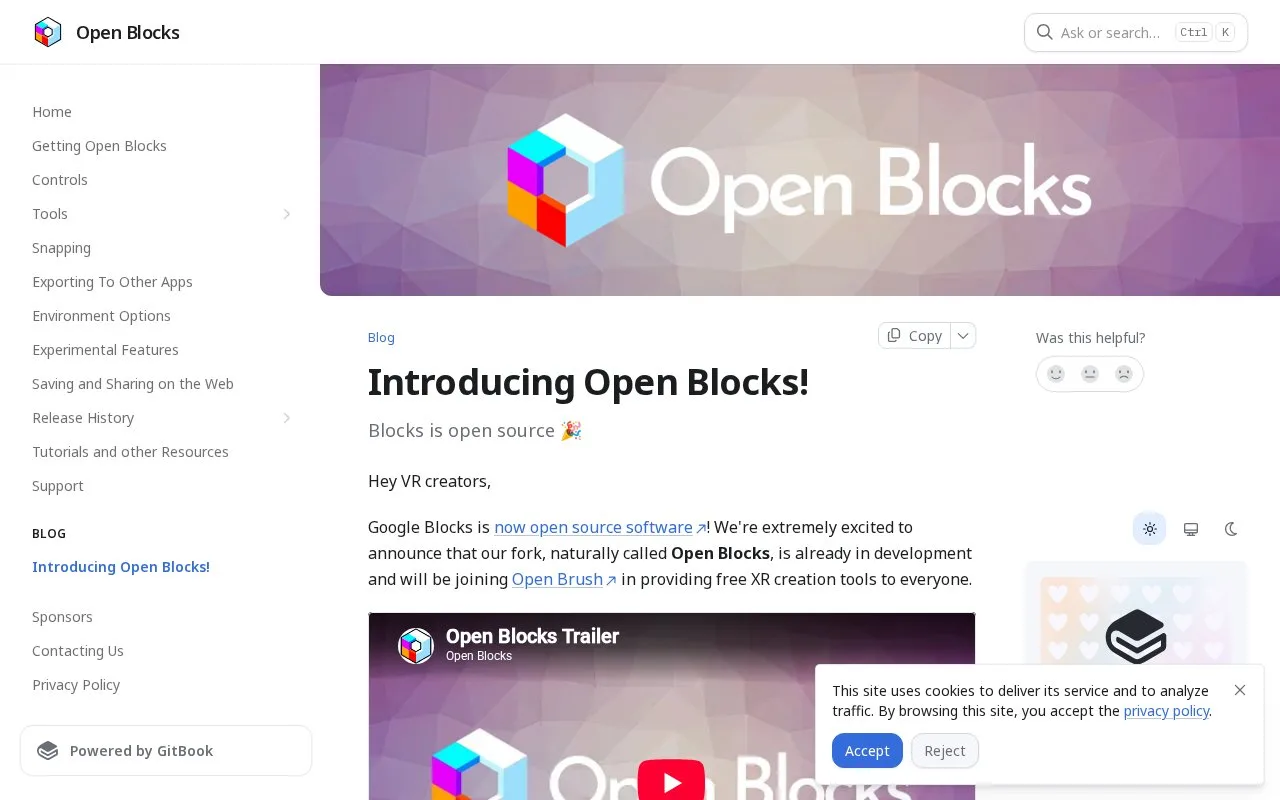
Open Blocks is Icosa Foundation's free, open-source continuation of Google Blocks. It provides spatial modelling with primitive shapes, controller-based geometry editing and paint tools on Windows VR and standalone Quest.
Choose a primitive, size it with the main controller and pull the trigger to place it. Insert Shape includes cones, spheres, boxes, cylinders and toruses. The secondary trigger enables snapping and alignment, while holding both grips lets you move or rotate the world around the object.
Modify changes the geometry after placement. Its controller directions switch between moving elements, subdividing, extruding and cutting with a plane. You can add a single subdivision or hold the control for a loop cut, then pull a selected face outward. Undo and redo sit on the secondary controller.
Open Blocks is free on Windows and Quest; the Steam edition requires SteamVR and tracked motion controllers. Other Android-based XR headsets may have compatibility issues. The code uses Apache 2.0, while the Open Blocks name and branding have separate trademark restrictions.
The small set of shape and editing tools suits rough props and spatial sketches where you want to judge proportions while standing inside the scene.
Strengths
- Primitives and face edits can be placed directly with VR controllers.
- Snapping and world manipulation support deliberate spatial placement.
- The project publishes its source code under Apache 2.0.
Watch out for
- Some Android-based XR headsets have compatibility issues.
Best for
- Low-poly prop blockouts in VR
- Exploring object proportions with tracked controllers
Sources
- Open Blocks | Current Windows and Quest Distribution (Oct 28, 2026)
- Open Blocks | Primitive Placement Controls (Oct 28, 2026)
- Open Blocks | Modify Modes and Subdivision (Oct 28, 2026)
- Open Blocks | Main and Secondary Controller Controls (Oct 28, 2026)
- Open Blocks | Official Repository and Licence (Oct 28, 2026)
- Open Blocks | Steam Distribution and VR Requirements (Oct 28, 2026)