
What it does
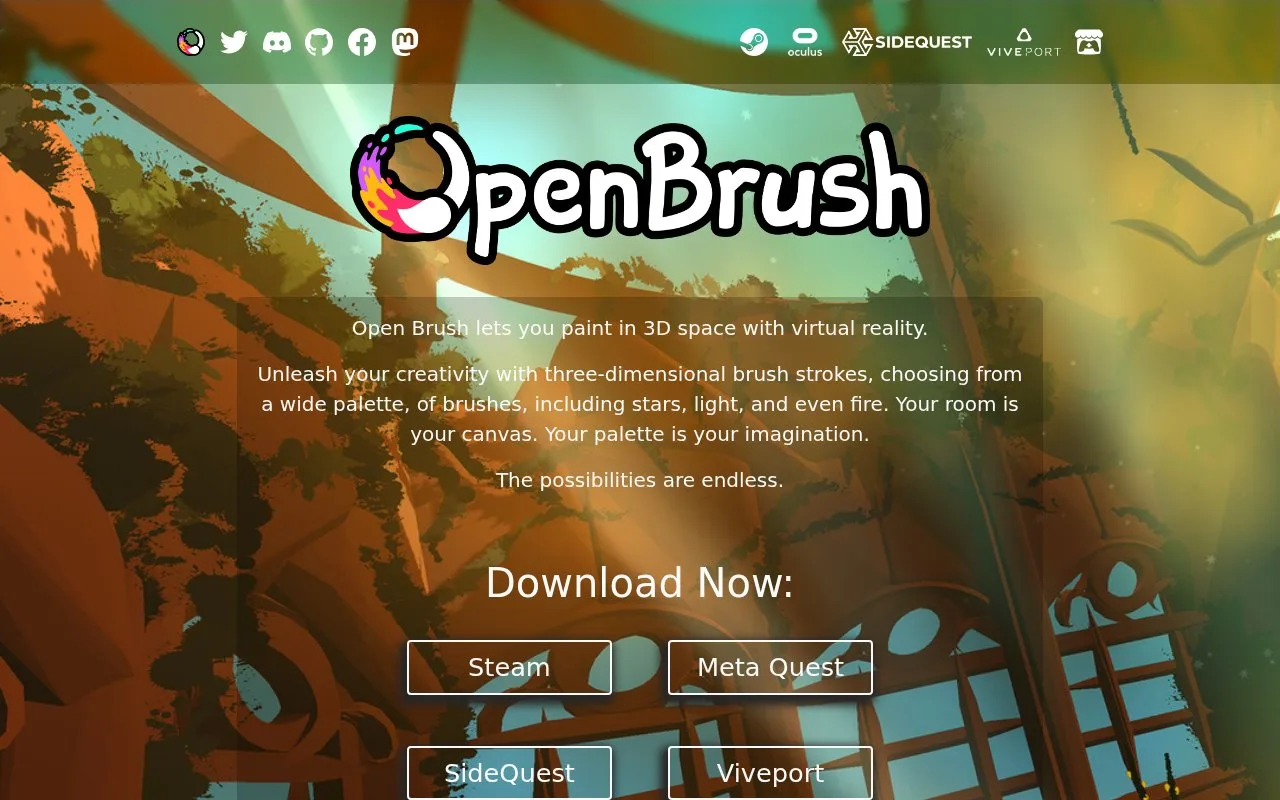
Open Brush is a free, open-source VR painting application. It combines spatial strokes with layers, snapping, scene imports, camera paths and tools for changing existing marks.
Repaint Selected changes a group of strokes in one operation. Select the strokes, open Repaint options and enable Recolor, Resize, Rebrush or Jitter. Choose the colour, brush and size, configure any variation, then apply Repaint Selected. Duplicating strokes first lets the copies receive different treatments.
Jitter adds randomness to colour, size or the points along a stroke. High position jitter can split some brushes into many small strokes. Lower amounts, smaller brush sizes or a different brush type can reduce that effect. It is a controllable variation tool, with consequences for the shape of the mark.
Save in the Tools panel takes a thumbnail and adds the editable sketch to the local Sketchbook. Publishing to Icosa, Sketchfab or Viverse is a separate upload with its own sign-in and confirmation steps.
For geometry, open Tools > More > Labs and choose Export. GLTF/GLB and LATK are available beyond PC builds; FBX, USD and JSON are PC-only. OBJ, WRL and STL additionally require experimental mode. Desktop exports go into separate sketch folders under Documents/Open Brush/Exports.
The application supports PC VR and standalone headset builds, including Quest and Pico, with device-specific features. Apache License 2.0 covers the software; it does not grant rights to imported community artwork. Experimental-brush sketches may look different when opened in a regular release.
Strengths
- Repaint Selected applies colour, brush, size and variation choices to a group of existing strokes.
- Editable sketches and geometry exports provide separate ways to continue or share the work.
Watch out for
- High position jitter can break some brushes into many small strokes.
- Several export formats require a PC, and OBJ, WRL and STL also require experimental mode.
Best for
- Revising the visual treatment of spatial illustrations
- Artists keeping editable VR strokes while preparing geometry for another application
Sources
- Open Brush | Free Community VR Painting (Oct 28, 2026)
- Open Brush | Current Main-Release Editing and Scripting Features (Oct 28, 2026)
- Open Brush | Complete Repaint Selected Task and Jitter Limits (Oct 28, 2026)
- Open Brush | Local Save Versus Gallery Publishing (Oct 28, 2026)
- Open Brush | Export Route and Exact Platform Format Table (Oct 28, 2026)
- Open Brush | PC and Standalone Headset Scope (Oct 28, 2026)
- Open Brush | Actual Apache License 2.0 (Oct 28, 2026)
- Open Brush | Canonical Project and Experimental Sketch Limit (Oct 28, 2026)